Any sports fan can tell you about the concept of a “rebuilding year,” when your team doesn’t have a realistic shot at the title, so they give the foundations of their franchise some much-needed TLC. I’m feeling that a lot at the moment, albeit in a twisted way. Because in terms of PC gaming performance, rebuilding is the only thing I’m not doing this year.
If you have a budget for PC hardware, it’s probably busted in 2026, and 2027 isn’t looking any better. Thanks, “AI,” for completely obliterating the hardware market by making RAM and storage prices explode. But maybe you’re still feeling that itch to improve your setup — yeah, I see you, /r/battlestations regulars. Here are 10 alternatives to a pricey internal upgrade. They also work great as gifts, with varying degrees of generosity.
Don’t worry, the recipient will understand why they’re not getting that 4TB SSD this year.
Monitor — Alienware 27-inch OLED, $350
Michael Crider / Foundry
While RAM and storage prices are indeed getting ridiculous, at least we’re on a steady ride down in terms of OLED monitor prices. Alienware, long a value leader in this segment, has smashed through the price floor in 2026. This 27-inch, 1440p OLED has a regular price — not a sale price — of $350. That’s the lowest for any name-brand OLED, and it doesn’t skimp on the speed with a 240Hz refresh rate. You won’t get extras like USB-C video, but for a budget gaming upgrade, it can’t be beaten.
Alienware 27-inch OLED monitor — $350
Keyboard — Logitech G512, $180/$200
Logitech
I’m not the biggest fan of adjustable actuation keyboards. But Logitech has made a very good case for them with the new G512 X. Not only does it let you change the pressure needed to activate keys or trigger multiple actions with a single button press, it’s hot-swappable with both TMR magnetic switches and regular Cherry MX-style switches, offering an ideal mix of customization and flexibility. The keyboard is a looker too, with tons of RGB lighting and smart extras like keycap and switch pullers that double as keyboard feet. This design is offered in 75% and almost-full-sized options.
Logitech G512 X TMR gaming keyboard
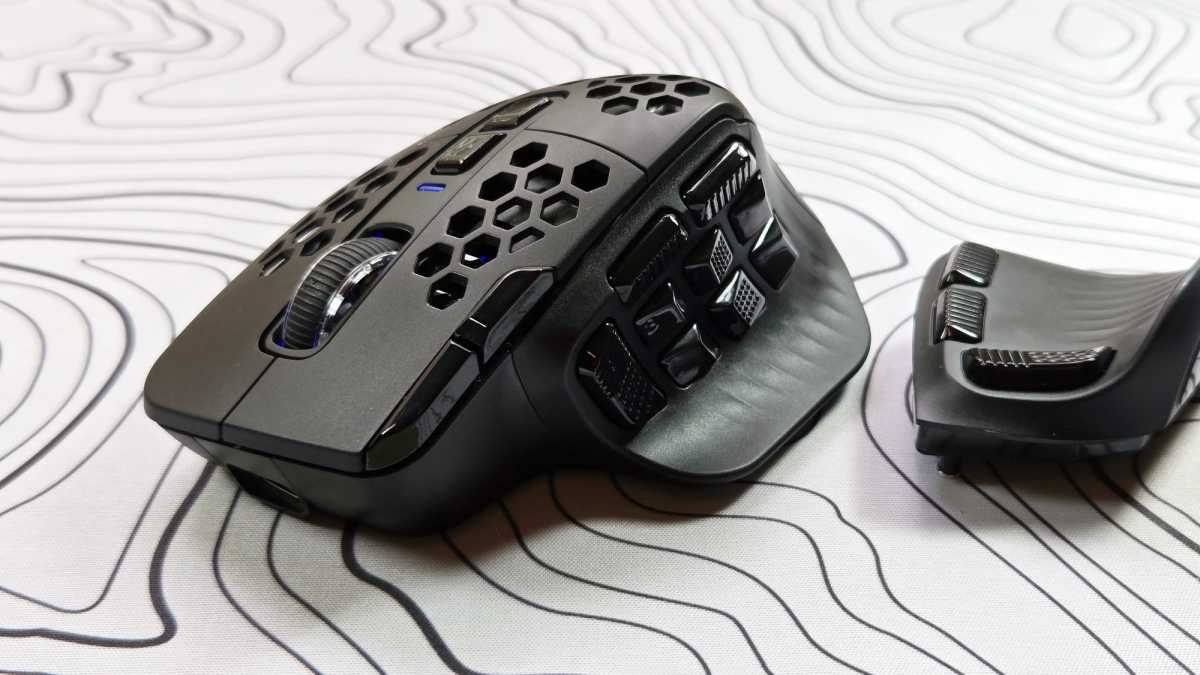
Mouse — Solakaka SM809, $46
Michael Crider/Foundry
If you want something a little less pricey to enhance your PC gaming, I’d suggest this odd-looking budget mouse. The triple-swap side panels are obviously inspired by Razer’s Naga Pro, but I’ve come to prefer this design to the genuine article, thanks to easy programming and long battery life. It comes with a standard USB-A wireless dongle or Bluetooth. Just make sure to clean it on the regular, because those holes aren’t optional.
Solakaka SM809 adjustable gaming mouse — $46
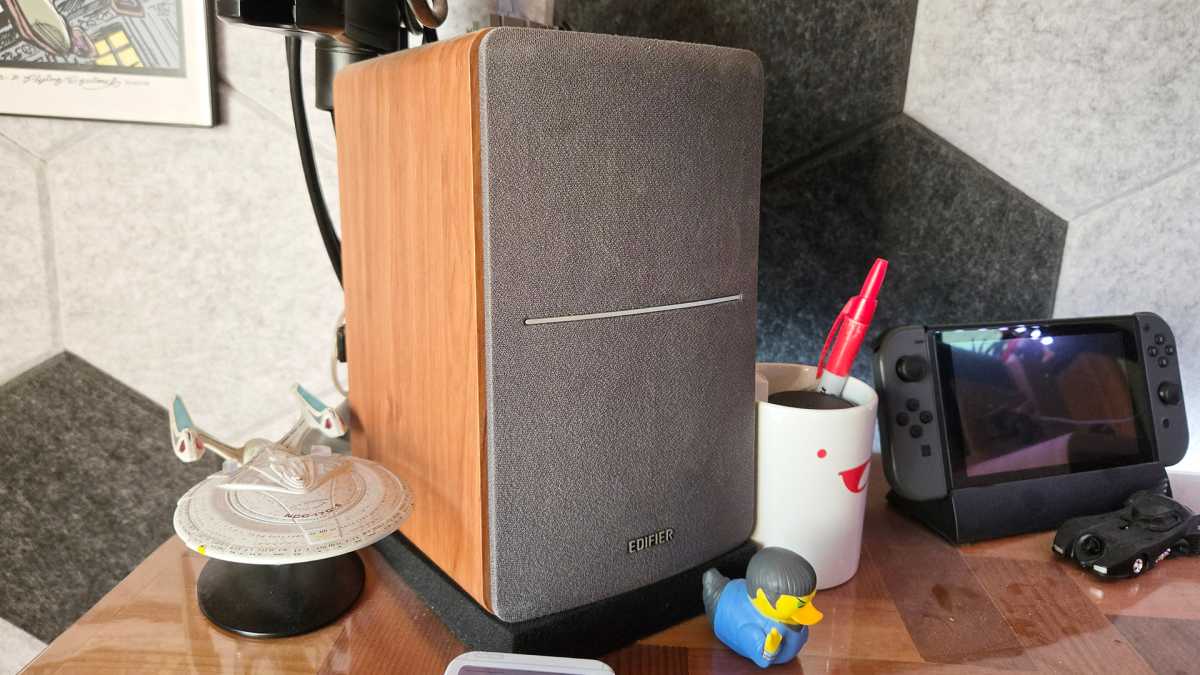
Speakers — Edifier $1280T, $130
Michael Crider/Foundry
A good pair of speakers really sends any desktop setup over the top, since you can feel the benefit for every kind of media. I’ve been using the R1280T for almost a decade, and loved every audible second of it. They’re more than powerful enough to fill up my office, but simple enough that I don’t have to think about them. This set can handle up to two inputs, but if you want Bluetooth as well, you can upgrade to the R128DBs.
Edifier R1280T bookshelp speakers — $130
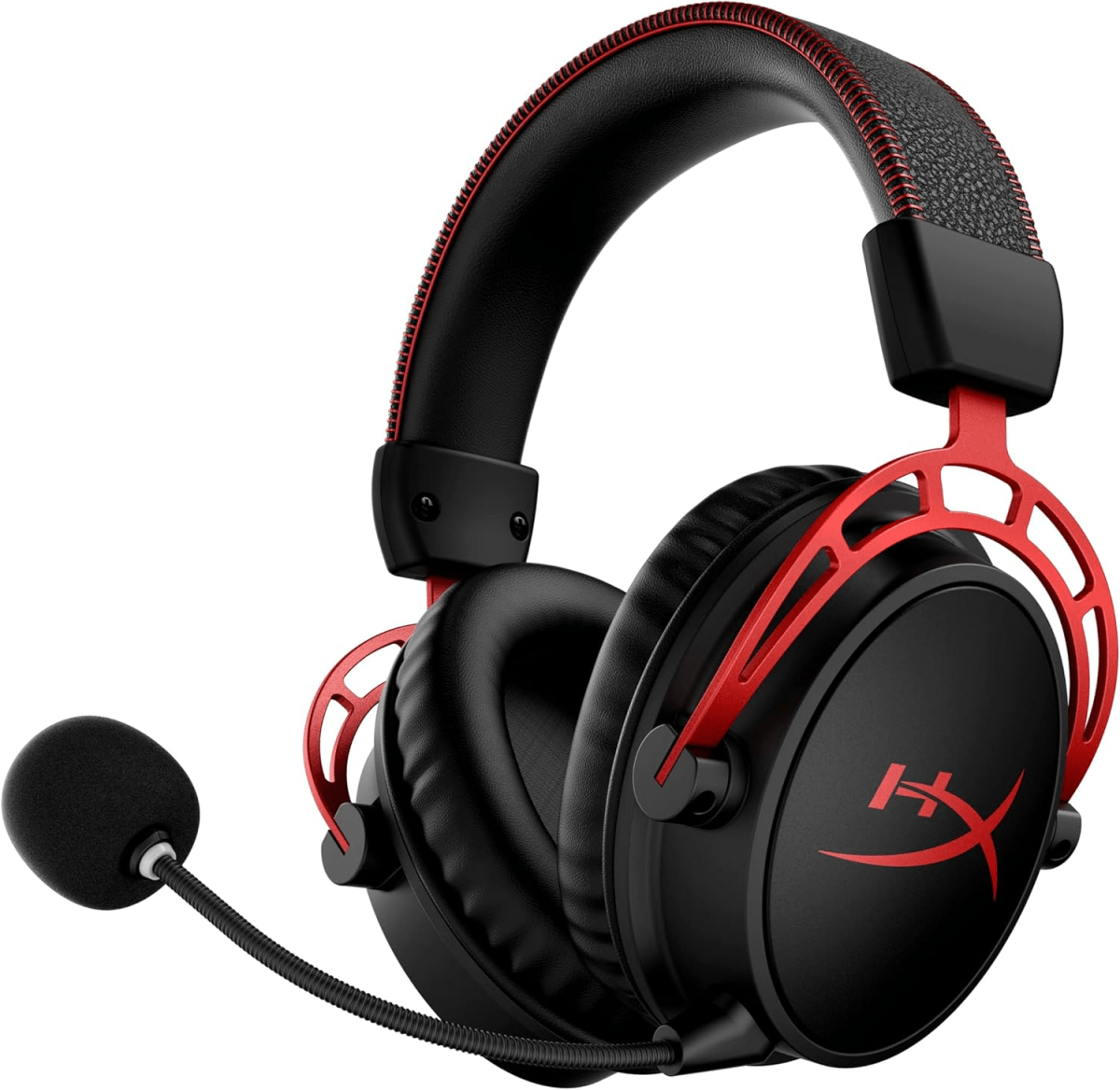
Headset — HyperX Cloud Alpha Wireless, $120
HyperX
I confess, I’m no audiophile. When I use a headset it’s either in consideration of those around me, or to move around my home while I’m listening to something on my PC. And for both purposes, I want maximum flexibility and battery life. The HyperX Cloud Alpha nails both, with wireless USB and nigh-mythical 300 hours of battery life — most of a calendar year in my case — plus big, booming 50mm drivers.
HyperX Cloud Alpha Wireless headset — $120
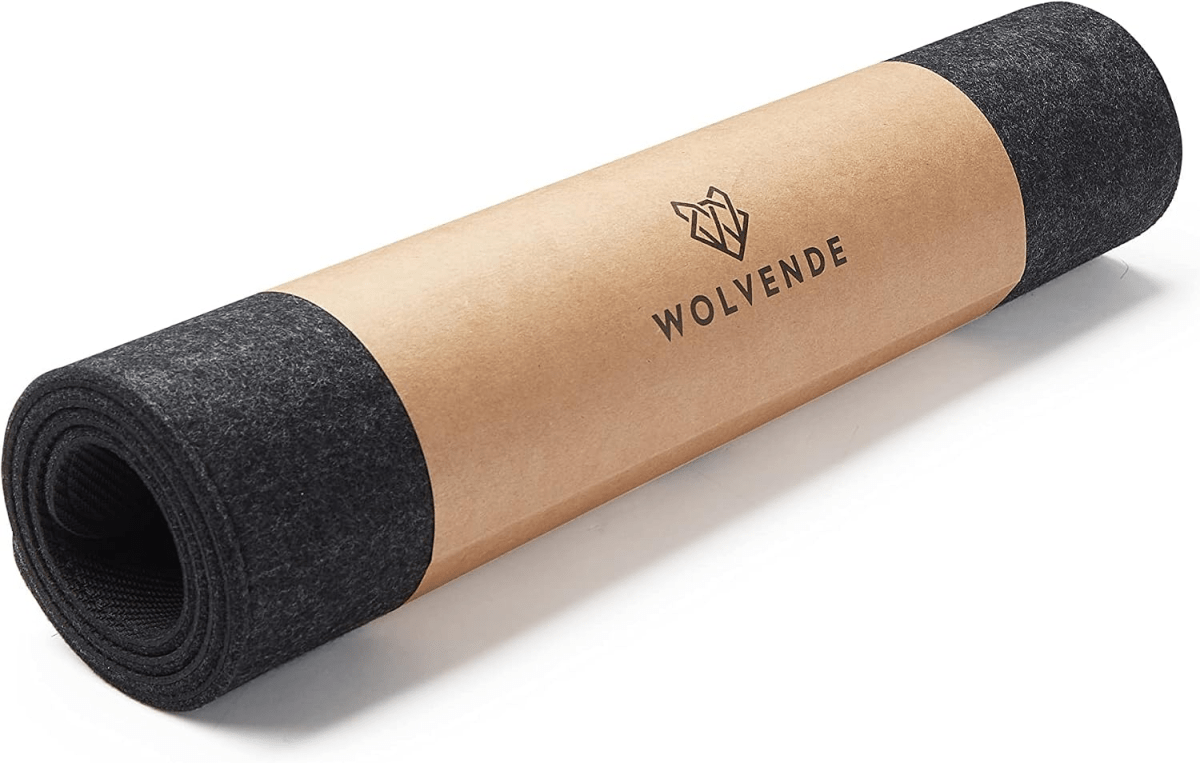
Mousepad — Felt Desk Mat, $42
Wolvende
You might expect to see a more dedicated gaming pad here, and you can certainly find those. I’ve got a bunch of the cheap kind, they’re great for photo backdrops. But at my primary desk, I like something a little more luxurious. This felt mat feels great, goes all the way across my workspace, and doubles as a coaster. And yes, I play games on it, too.
Felt desk mat (12 x 36 inches) — $42
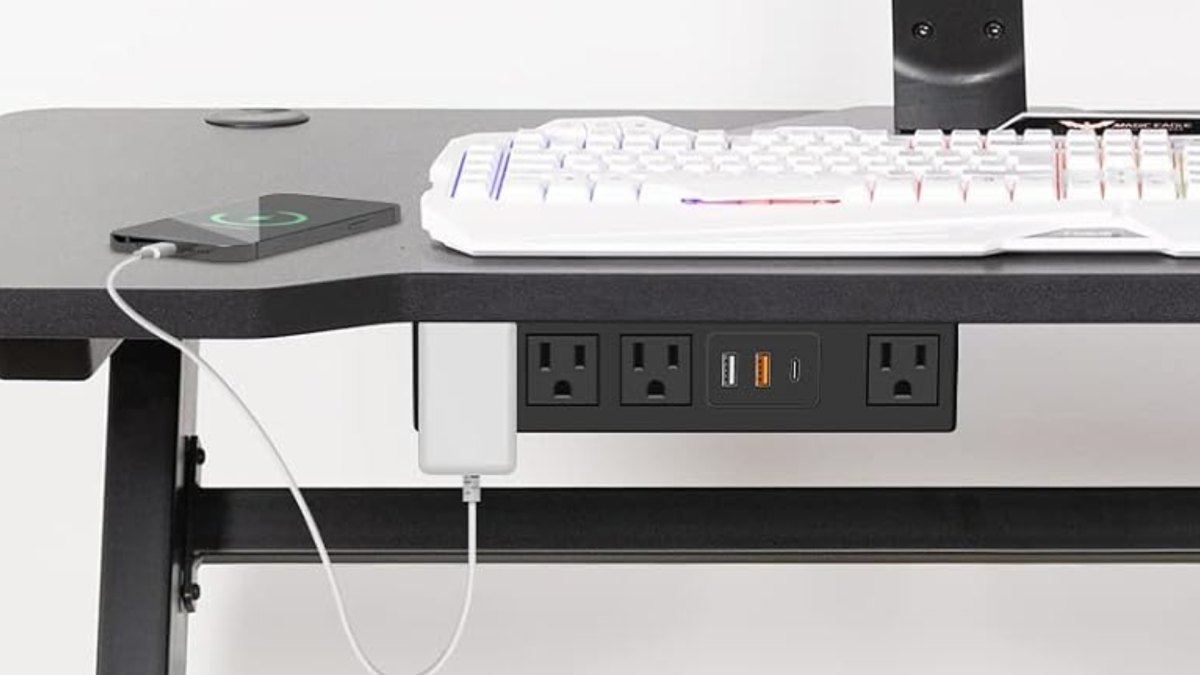
Outlet and charger — Under Desk Power Strip, $26
HHSOET
You undoubtedly have other stuff that needs to be charged at your desk, and reaching behind it to a surge protector is a bit of a pain. This set of four standard outlets, two USB-A ports, and a USB-C charging port can mount beneath any standard horizontal desk or table, either stuck in with 3M tape or screwed down. It’s a great way to make your desk more convenient without taking up any extra space.
Under desk power strip and charger — $27
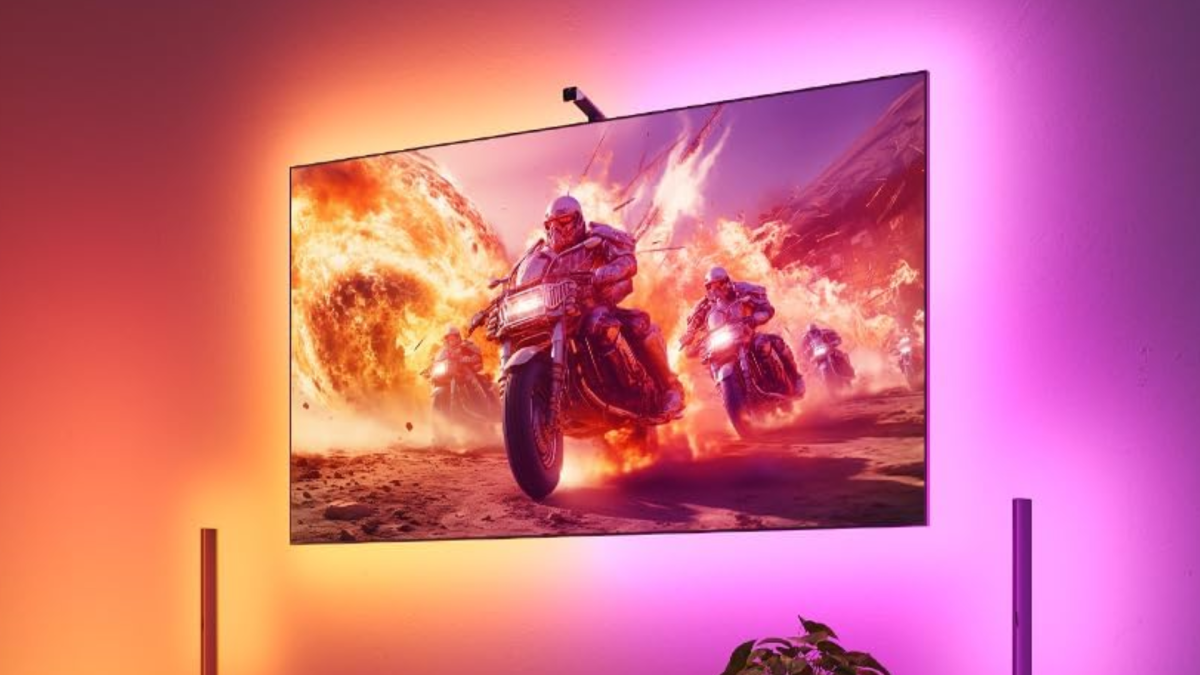
RGB monitor light — Govee TV backlight 3 Lite, $70
govee
I admit, this is pure bling. But if you want to go beyond the usual RGB flair, then matching the lights behind your monitor and splashing onto the wall with the actual picture on your screen is a great way to do it. It really pumps up the immersion, at least for me. This set works for a smaller TV or a larger monitor, with a little camera on top watching the picture to perfectly sync the lights behind. It’s just neat.
Govee reactive TV backlight — $70
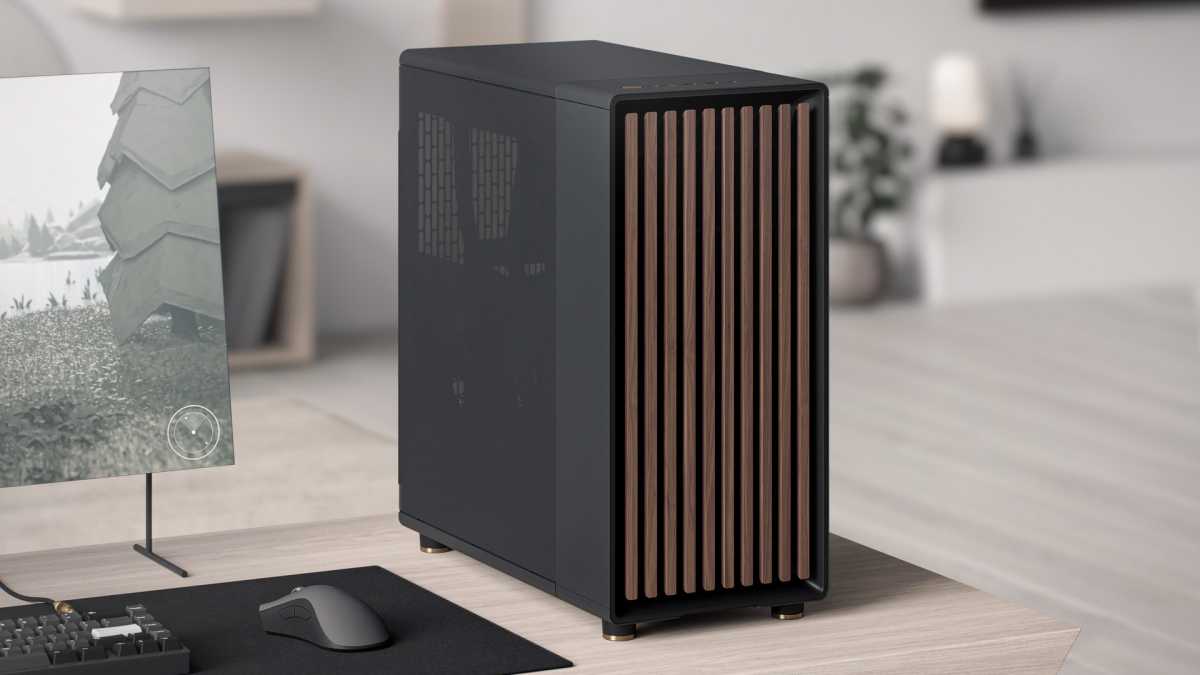
Case — Fractal Design North, $155
Fractal design
Alrighty, you can’t upgrade your core component, but you can still bling out your desktop itself. And there’s no more visible way to do that than with a new case. My desktop lives in a Fractal Design North case, a popular choice thanks to its understated looks with a bit of wood accent. If you’re more into showing off your parts, I’d go with the Hyte X50, a charmingly curvy take available in multiple colors. For small form factor builds, I like Lian Li’s A3 mATX, which offers a bit more flexibility (and quadruple DIMM support) thanks to the mATX layout.
Fractal Design North PC case — $155
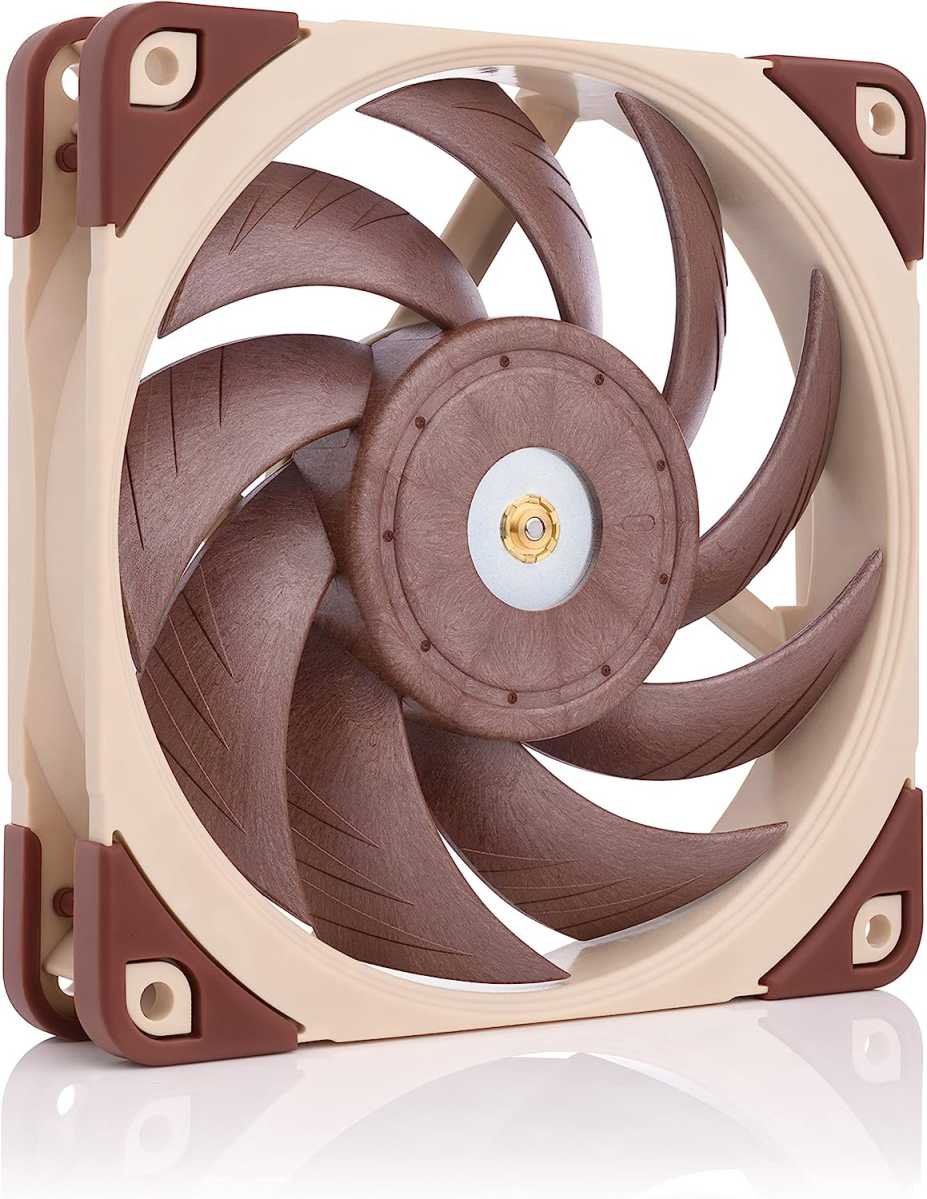
Fans — Noctua NF-A12x25 PWM, $35
Noctua
And if you’re moving into a new case, you might as well upgrade the cooling, too. Noctua is the go-to choice for builders like me, who value performance and quiet over flashy lights. The company’s distinctive brown-and-tan fans come in a variety of sizes. But if you insist, you can get them in stealthed-out black or gray. (If you’re buying these as gifts, you can look up the recipient’s PC case to see what sizes they need, usually 120mm or 140mm.) Just make sure you install it the right way.
Noctua 120mm case fan — $35


