Do you know who your tech is talking to?
Most people have at least one smart device in their home. Think washer and dryer, refrigerator, TV, garage door, robot vacuum, baby monitor, speaker. You probably assume these lie low on your home network, waiting to tell you when you left your fridge door open. Or for you to actually queue up something on Netflix or another streaming service to watch.
Welcome to Safe Mode, your weekly report for pressing security and privacy news—and what steps to take next. Want this newsletter to come directly to your inbox? Sign up on our website!
In actuality, these appliances may be using their connectivity to record your usage and habits—then send that data back to their manufacturers. Devices now ship like this by default, though you wouldn’t know it unless you dug into the settings for fun. Or even less likely, the Terms of Service agreement, where this information is rarely stated in clear, common English.
Even if a company isn’t keeping tabs on you, they may poorly secure their smart products, allowing hackers (or accidental hackers) to silently monitor you from afar. If the device has a camera, a stranger could map the layout of your home, or even just watch in real time what you and your family do at home.
I know people who say they have nothing to hide. But few of them have said they’re comfortable with a random person casing their homes, much less tracking their usual habits. Or observing their most intimate moments. The worst tech products allow both the manufacturer and hackers to take over completely, as was the case with Ring cameras. (I still don’t mess with those, even after the lawsuit and ruling against the company.) It’s one thing when the idea is theoretical. But when someone you don’t know shares footage of you sleeping…. Well.
So how do you fight back? You have a few options. One will preserve your digital privacy, while another will preserve both digital and physical privacy. The third lets you opt out entirely.
Ben Patterson/Foundry
Keep smart devices on a separate network. On home routers with more advanced settings (or a prosumer router), you can create a separate virtual network (VLAN) for all your smart devices to connect to. This lets them still communicate with the internet as usual, but not see what other traffic is passing to and from your PC, phone, or other trusted gear. A hacker could potentially still see inside your home through any smart tech with cameras, though.
Block smart devices from the internet. You can leave smart devices on your home network, but block them from accessing the internet. Provided the smart tech doesn’t require being online to work (e.g., streaming video services on a TV or using Alexa on an Amazon smart speaker), you’ll keep at least some of your smart tech’s features.
Take smart devices off the web entirely. If you can do without the smart features of your tech, don’t connect them to the internet. (You may need to temporarily during setup or to update the firmware for bug patches, but afterward, make them forget your network.)
Personally, I don’t believe Samsung, LG, Sony, or any other tech company needs to study how I use my washer and dryer or what I watch on my TV. I can easily compensate for those “smart” features—I’m fine setting a timer to keep track of the washer and dryer. I’m also nerdy enough that I’d rather connect a small, low-power PC to the TV for streaming. Is it a bit more work? Sure. But at least I’m familiar with who’s responsible for any discomfort. Sometimes I sleep much better knowing I’m the cause.
In the news
Bad actors keep poking at the same vulnerabilities we see week after week—AI chatbots that overshare, malware spread through safe software, and bad corporate security practices. This time around, it’s affecting major players like Microsoft, Steam, and Frontier Airlines.
You can’t control much of it, but at least you can fix a couple of other problems yourself. Apple finally patched a major vulnerability in its Beats Studio Buds, so update those ASAP. And updated Secure Boot certificates exist for PCs, so even if they weren’t applied automatically, you can still update them manually.
Jason Cross/IDG
The good
- Apple patched a major bug in its Beats Studio Buds that allowed eavesdropping. This Bluetooth vulnerability gave access to the earbuds’ microphone, letting an attacker listen in on the user’s surroundings. The update is being served automatically.
The bad
- A wallpaper app available through Steam has been found putting malware on users’ PCs, with various consequences like hijacked Steam accounts or the installation of backdoor software. The primary issue? Much of the content fed to this app is user-generated, so less strict controls are in place.
- Microsoft Copilot can be manipulated into coughing up sensitive information like two-factor authentication codes. The lesson here is that if you let a chatbot look at your email or messages, you can’t always control what it ends up sharing.
- Frontier Airlines’ boarding passes can leak your personal travel details, including passport numbers, TSA PreCheck numbers, and other info stored in your account. In general, hiding your boarding pass and its details from view is a smart idea…but now especially so if you fly Frontier.
Mika Baumeister / Unsplash
The questionable
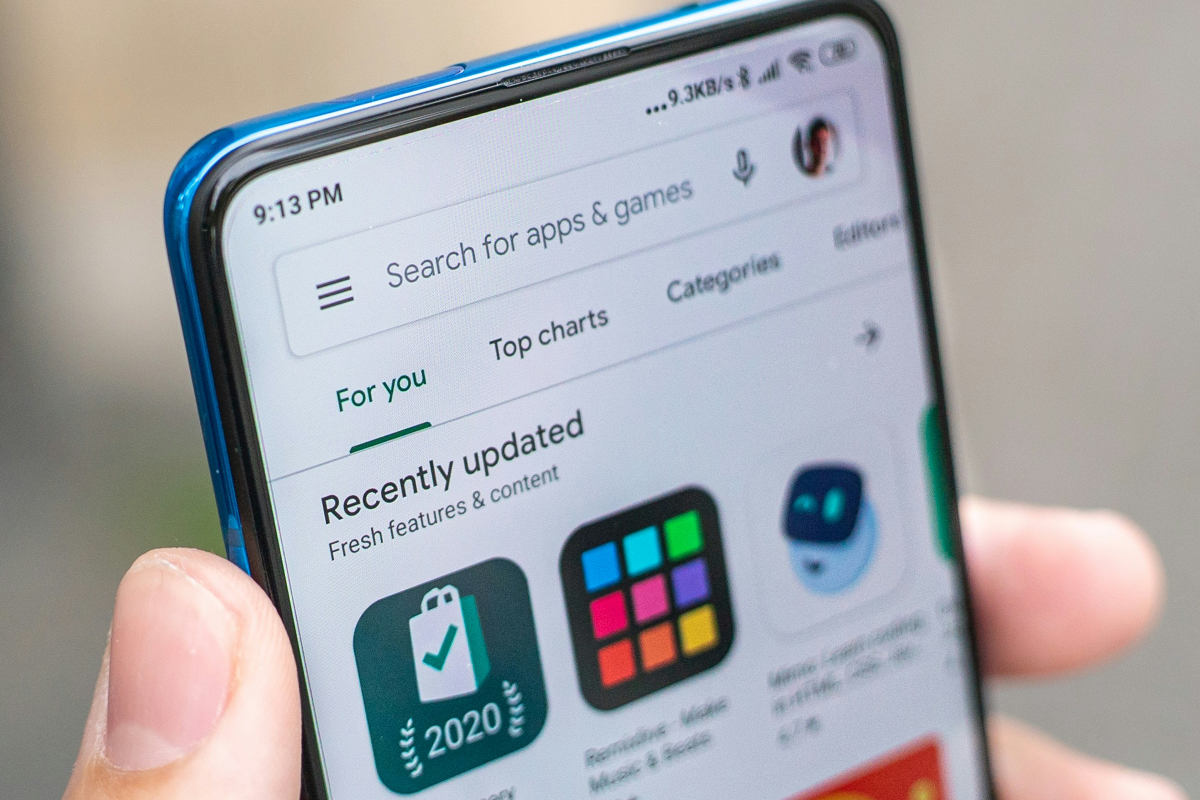
- Google is building walls around its app garden—developers must now undergo verification to publish apps in the Google Play store. I’m torn on this one, as it may help reduce the number of malicious apps. But good free apps could also become harder to find.
- The UK is set to require an ID card or facial scan for social media account creation, as part of legislation that bans those under 16 from having accounts. Age verification is part of a push to protect kids online, but with the side effect of real privacy and security hazards for adults.
Heads-up
- A major security protection for PCs is expiring this month—and your computer could need a manual update. I recommend verifying that your PC’s Secure Boot certifications are up to date.
- Security website Have I Been Pwned just uploaded another 124 million stolen passwords to its database. You can check to see if yours is among them. (And while you’re at it, sign up for the site’s notification service.)
Tip of the week
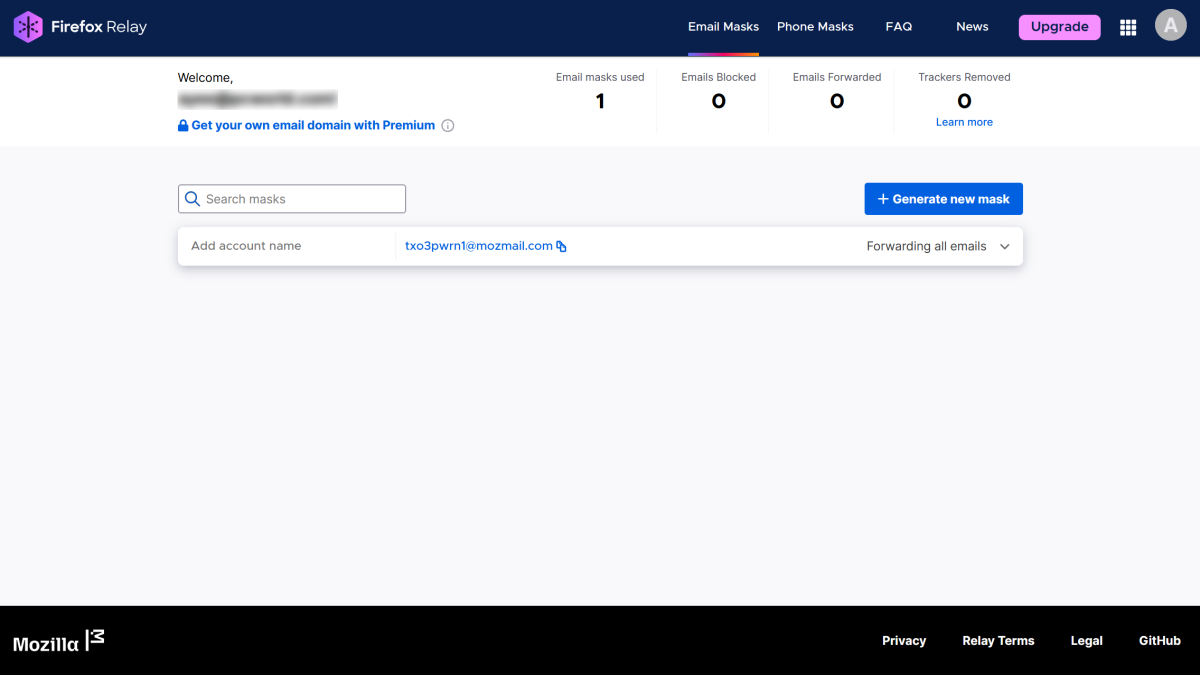
Masked email is a more specific (and automated) take on email aliases.
Mozilla / PCWorld
You don’t have to give your real email address to websites or apps. Instead, try an email mask. These randomized email addresses forward messages to your real email address, and can be easily nuked.
The benefit: You can immediately change to a different email mask if one ends up getting a bunch of spam, like because of a data breach. They also can prevent credential stuffing attacks and being tracked across the web.
I recommend them as a smart privacy and security tool, and you don’t have to pay anything to try them out. Give Mozilla’s Firefox Relay service a shot—it just started allowing free users to create up to 50 masks!


