There’s nothing quite like the anticipation and excitement of setting up a fresh dorm room ahead of a fresh semester. But a laptop on a wobbly desk won’t cut it for an entire year—you’ll want a proper workstation that’s equipped for maximum comfort and productivity.
We’ve curated a mix of tech and desk gear that’ll level up any college desktop. Whether you’re the student who’s shipping off to school or the parent who’s footing the bill for one, these picks will round out a productive setup that fits real college life.
We’re assuming you already have a laptop, so no laptop recommendations in this list. If you’re in need of one, check out PCWorld’s picks for the best laptops for college students.
Anker Nano 13-in-1 Docking Station with Detachable Hub
Mark Hachman / Foundry
A good docking station is worth its weight in gold for any laptop power user. Plug all your peripherals and accessories—keyboard, mouse, external storage, monitors, charging cable, and more—into the docking station, then plug the docking station into your laptop to instantly connect everything at once. Heading out? This dock has a pop-out USB hub that expands your laptop ports while on the go. You’re basically getting two products in one. The one big caveat is that when using it with macOS and multiple monitors, you can only run in mirrored mode.
15.6-inch 1080p Portable Monitor
KYY
Working on a single laptop screen sucks. It’s cramped and kills productivity. That’s why a portable laptop screen is essential these days. This KYY Portable Monitor is a slim-profile 15.6-inch 1080p display that slips into any laptop bag right next to your laptop, providing a second screen via Mini HDMI or USB-C video. The smart cover doubles as a stand for the screen, propping it up wherever you go. Use it to do work at the library, coffee shop, or your dorm desk. And when you aren’t working, use it with your Steam Deck or Nintendo Switch for gaming.
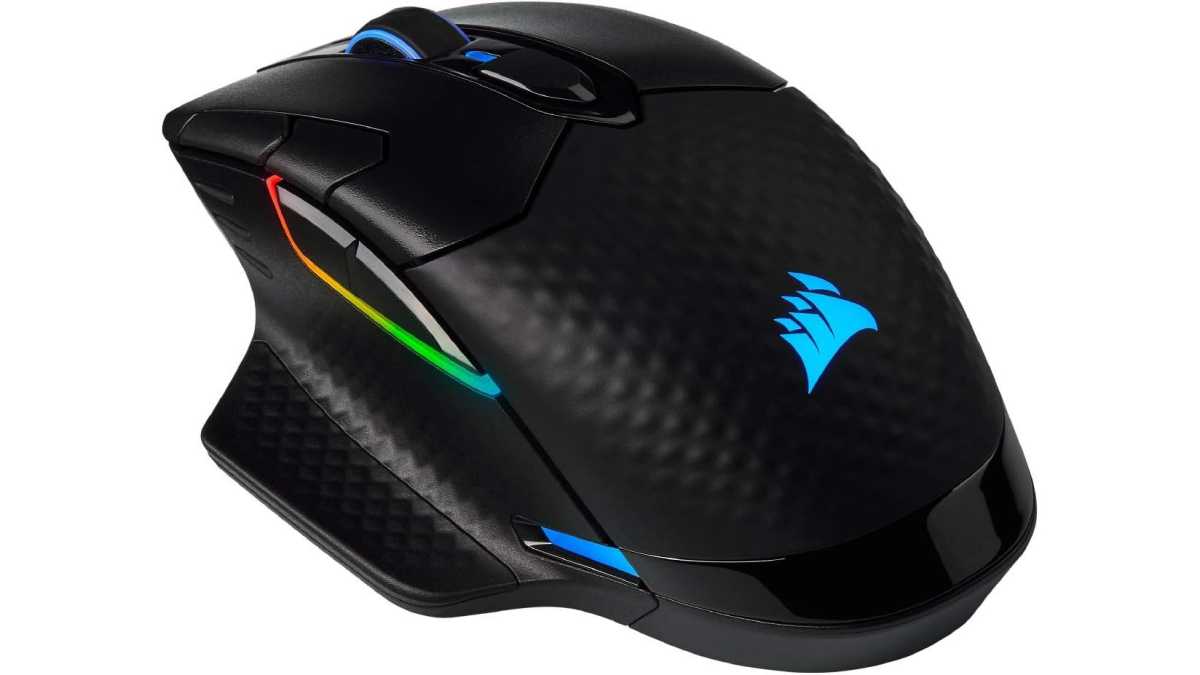
Corsair Dark Core RGB Pro SE Wireless Gaming Mouse
Corsair
You already have a laptop, so now you need a mouse to go with it—especially if you’re going to be playing games. This Corsair Dark Core RGB Pro SE is my preferred pick, as it comes with 8 programmable buttons, cross-platform compatibility, and a sensitive 18,000 DPI sensor. It’s also compatible with wireless charging pads (see next item), so you don’t have to worry about battery. And it connects via three methods: Bluetooth, Slipstream wireless, or USB wired.
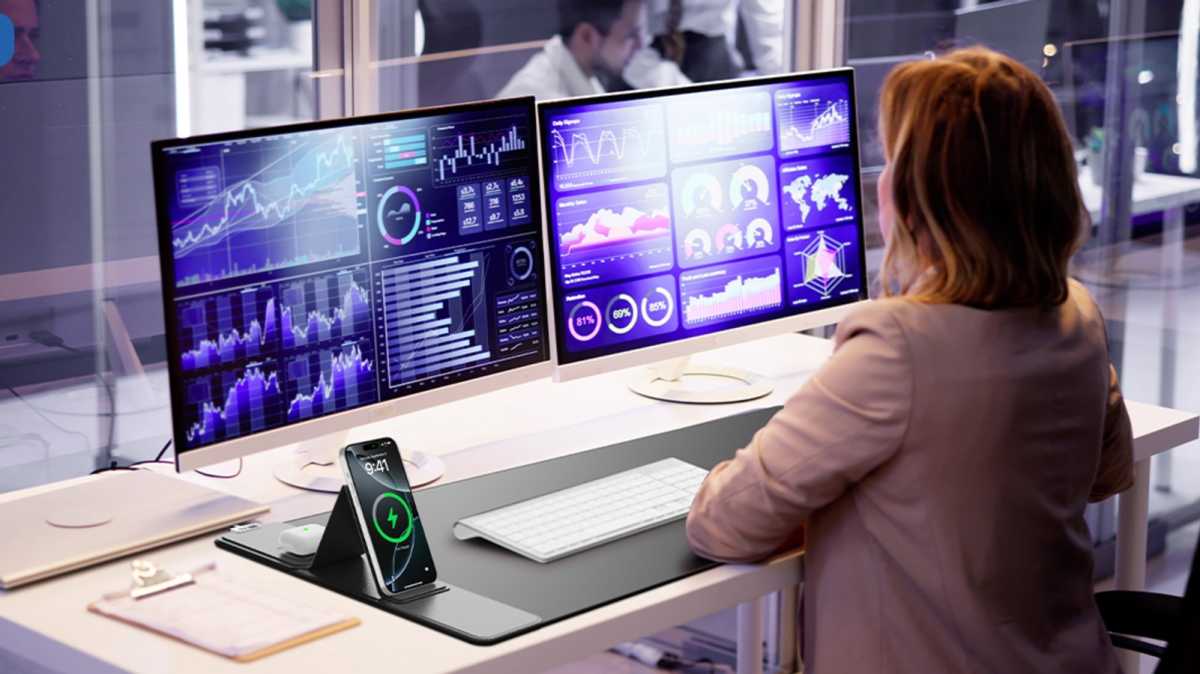
Wireless Charging Mouse Pad
abc.mat store
If you truly want to level up your workspace, get this mouse pad with wireless charging. It measures 31.5 x 15.8 inches, providing more than enough coverage for even large mouse movements. But the kicker? Two wireless charging zones on the left side, allowing you to charge your phone while working, your wireless earbuds, and even your wireless mouse when you step away. The bottom charging pad even props up like a tent, acting as a stand for your phone while it charges.
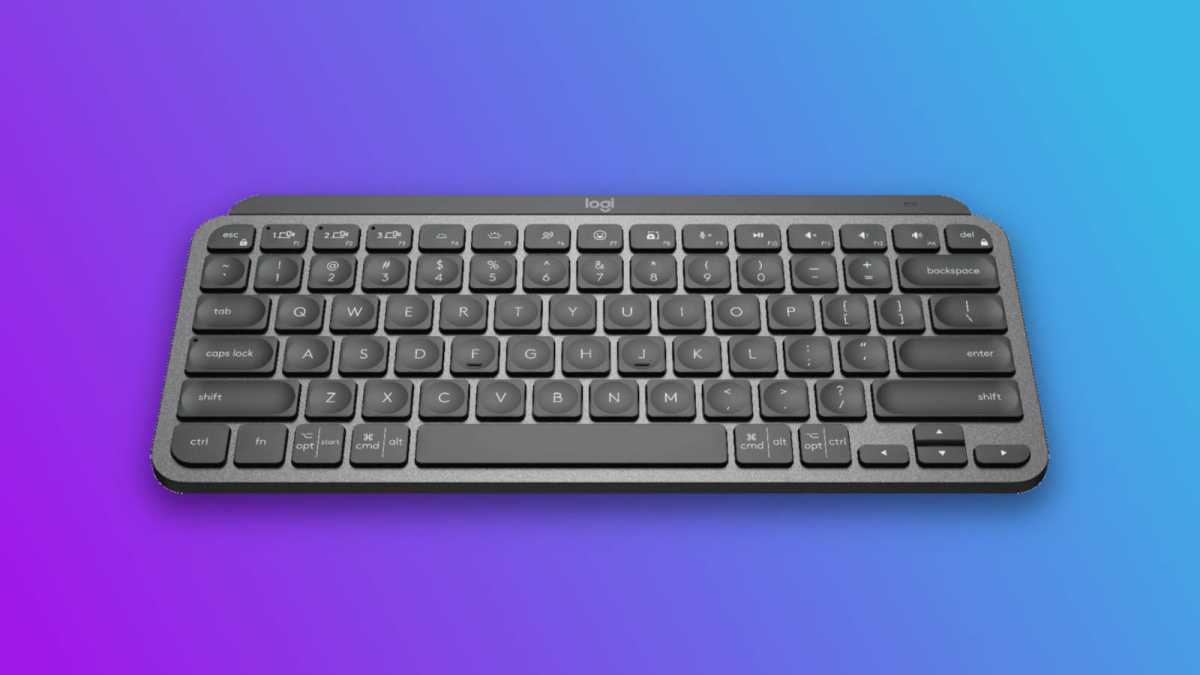
Logitech MX Keys Mini Keyboard
Logitech
No matter how good your laptop’s keyboard is, you’ll need a separate keyboard if you want to maintain proper ergonomics. And for one that’s slim, compact, and silent, you can’t do better than my favorite Logitech MX Keys Mini. With up to 10 days (backlighting enabled) or 5 months (backlighting disabled) of battery life, it’s reliable—and recharges quickly via USB-C. It pairs using Bluetooth LE with up to three different devices, with quick switching via a single key press.
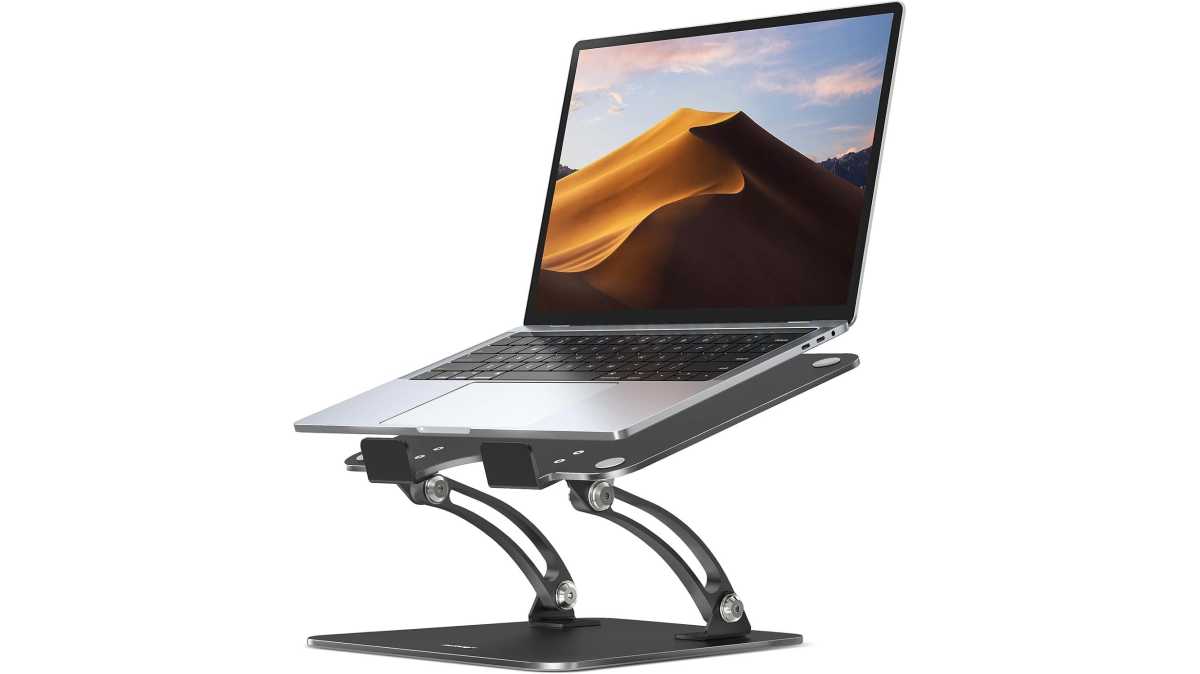
Nulaxy Adjustable Laptop Stand
Nulaxy
I know you’re still young and feel invincible, but poor desk ergonomics will wreck you in the long run. With a laptop, you want to lift it up to eye level (as you’re looking straight ahead) to keep your neck, shoulders, and spine in good alignment. This adjustable laptop stand will get the job done at an affordable price, and it has a vented plate (for keeping cool) and silicone pads (to prevent scratches). It’ll support laptops up to 22 pounds without wobbling. Use it in conjunction with the wireless mouse and keyboard above for best results.
Bose QuietComfort ANC Headphones

Bose
Tired of environmental distractions while you work? Active noise cancellation headphones are a godsend, filtering out all ambient activity and letting you focus 100% on what’s at hand. These Bose QuietComfort Headphones are tried and tested, offering over-ear coverage, excellent audio quality, and wireless connectivity. Expect about 24 hours of battery on a single charge, plus about 2.5 hours to recharge fully. If you’d rather use earphones instead, opt for the Bose QuietComfort Earbuds.
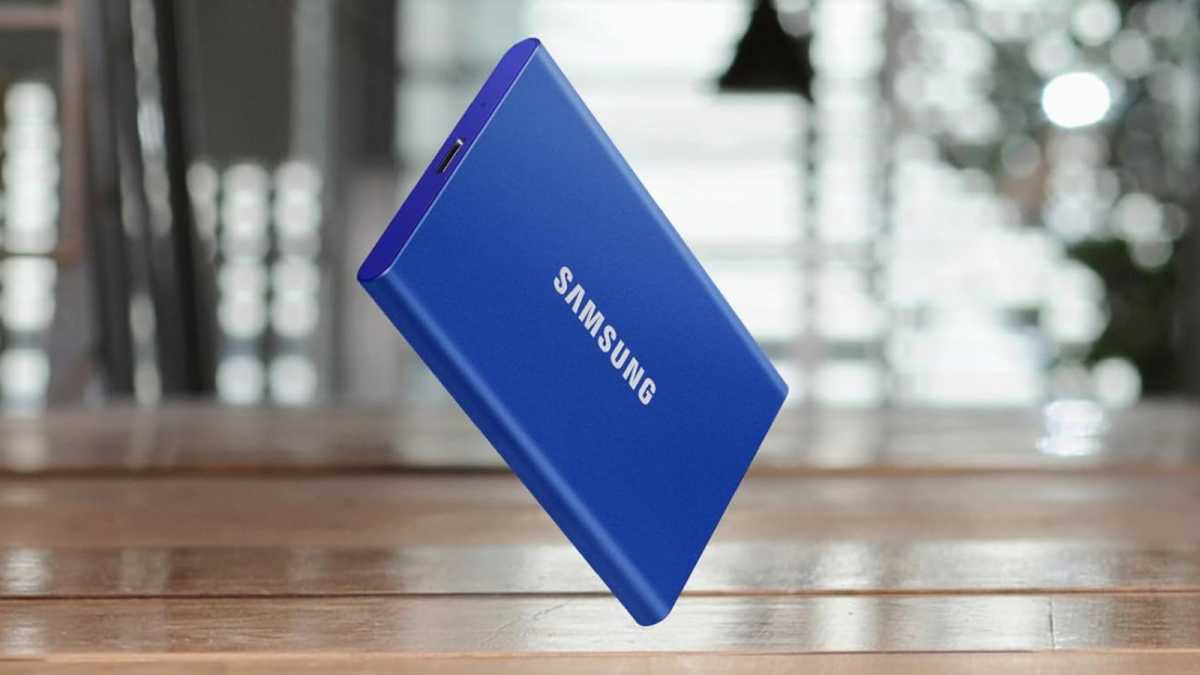
Samsung T7 (1TB) Portable SSD
Samsung
Planning on storing all your files, projects, course notes, and homework directly on your laptop? You’re asking for trouble. If your laptop dies, all your data dies with it. That’s why you should always keep backups elsewhere, like on an external drive (and ideally in a third location, like cloud storage). The Samsung T7 (1TB) is one of the best portable SSDs, with speeds up to 1,050 MB/s for super-fast transfers and a shock-resistant aluminum body. Yeah, it’s a rough time to be buying an SSD due to the global AI-driven storage shortage, but trust me—you don’t want to go through college without a backup drive.
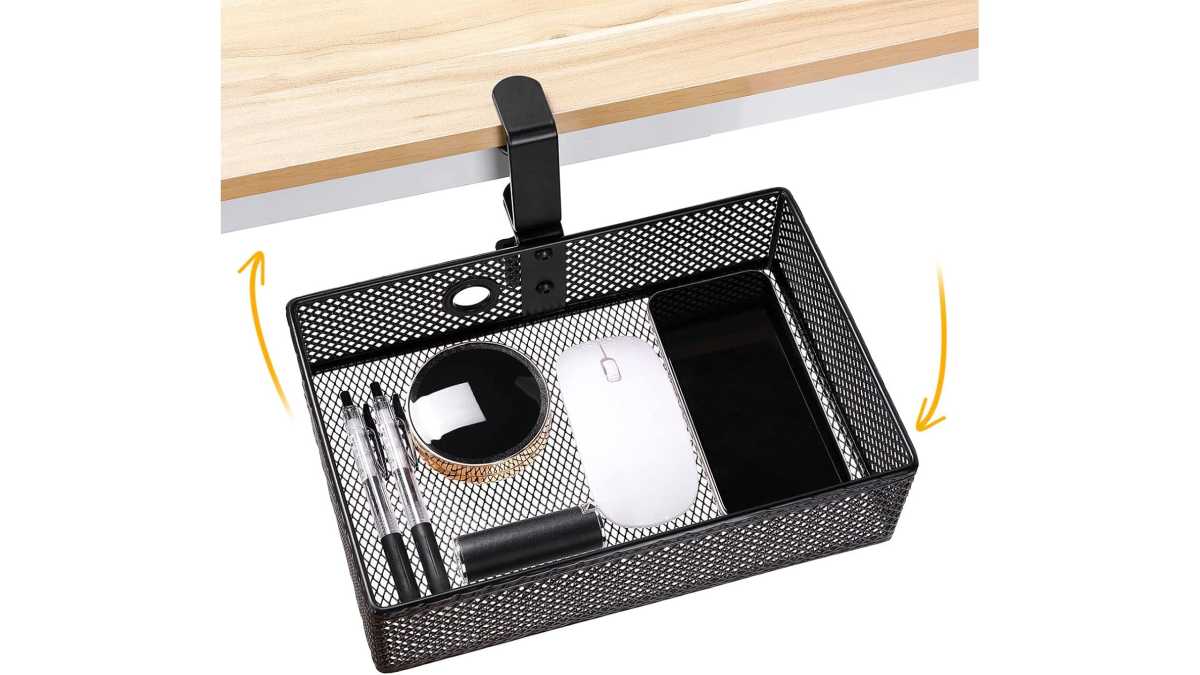
Under-Desk Organizer Tray
Euyona
Physical storage space is at a premium in any dorm room, so every little bit of extra can make a big difference. This under-desk organizer tray attaches to your desk with a C-clamp, and it can swivel under so it doesn’t jut out and get in your way. Measuring 10.62 x 7.08 x 2.75 inches, it’s large enough to fit a phone, power bank, pens, cables, and whatever else you might need on hand at your desk. It’s a clever solution to a real problem that many college students have to deal with.
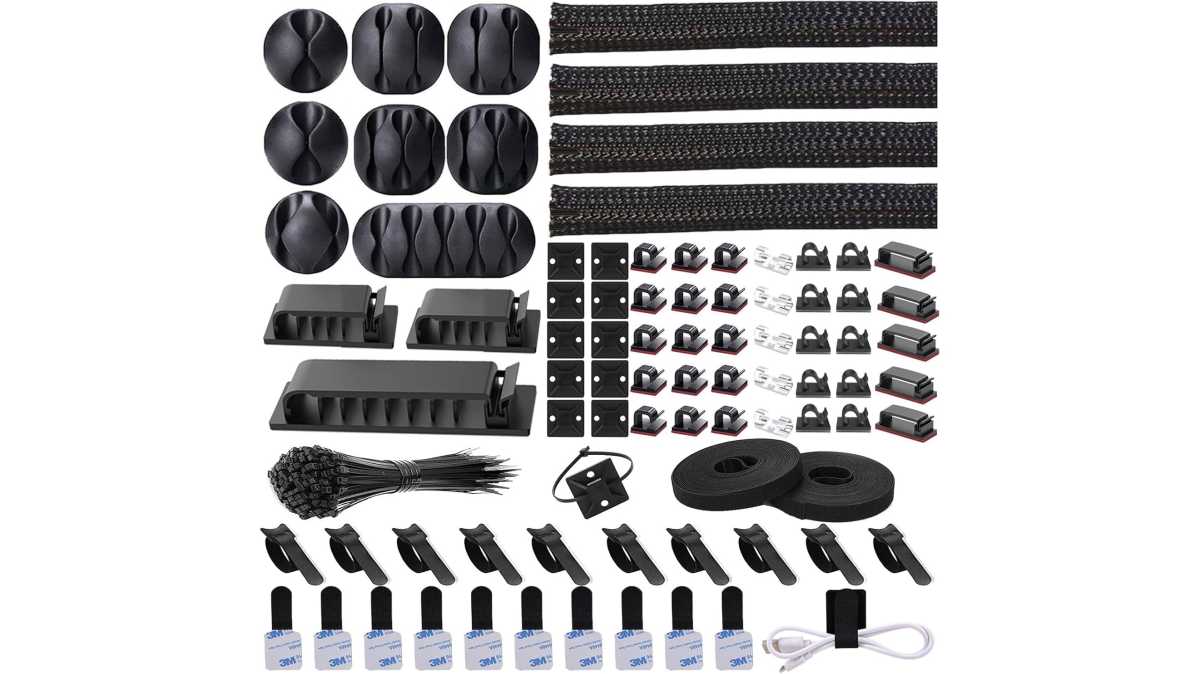
Cable Management Kit
N Norocme
Nothing clutters up a dorm desk faster than messy cables, and there’s no reason for it because decluttering solutions are so inexpensive now. You can grab this 192-piece cable management kit with 11 cable holders, 4 wire organizer sleeves, 35 cord clips, over a hundred fastening ties, and more. It’ll let you route all your cables in clean paths, out of sight and not in the way. No drilling necessary.


