Summary created by Smart Answers AI
In summary:
- Macworld showcases eight gaming accessories that significantly enhance the Mac gaming experience, tested with demanding titles like Cyberpunk 2077 and Assassin’s Creed: Shadows.
- Featured accessories include the $200 Steelseries Apex Pro TKL keyboard with customizable keys, Sony’s $200 DualSense Edge controller with advanced haptics, and Anker’s $270 charging dock addressing MacBook port limitations.
- These accessories demonstrate Mac’s evolution as a premium gaming platform, offering stable performance without complex PC drivers while providing enhanced comfort and functionality.
Gaming is in my blood. I skipped the Game Boy generation entirely and jumped right into Mac first-person shooters at an early age, fighting deathmatches in Marathon before most people knew what they were.
These days, the Mac is much more of a premium gaming platform, in part because more popular games — Minecraft, Assassin’s Creed: Shadows, League of Legends, Cyberpunk 2077 — are all widely available and run as smoothly as butter. Also, gaming accessories work perfectly and are arguably more stable without as many fussy PC drivers. It’s not quite an Alienware 16X Aurora, but it’s getting there.
I’m always looking for accessories that will scratch the Mac gaming itch, and these products are my top picks. I playtested them with both Assassin’s Creed: Shadows and Cyberpunk 2077, pulling a late-nighter more times than I care to admit.
1. CRKD NEO S Classic Clear Edition
CRKD NEO S Classic Clear Edition
John Brandon / Foundry
If you’re into retro gaming on the Mac, the CRKD NEO S is the product you want. At just $40, the controller has a ton of features — two thumbsticks and triggers, mappable buttons, and a charge stand that also serves as a dock. It connects over Bluetooth. I love how CRKD has turned the NEO S Classic Clear Edition into a collector’s item. The True Collection System runs through the CRKD app to give you a rarity rating and unique product number (and some bragging rights).
2. Sony PlayStation DualSense Edge Wireless Controller
Sony PlayStation DualSense Edge Wireless Controller
John Brandon / Foundry
I was today-years-old when I realized the Sony PlayStation controller ($200) would work with my favorite MacBook game, the once-buggy-but-now-amazing Cyberpunk 2077. Sony calls it “advanced haptic feedback,” and it means the controller does more than just rumble. You feel a distinct sensory difference between road surfaces as you drive or the recoil of a gun. The controller is also physically customizable with different stick caps for your thumbs.
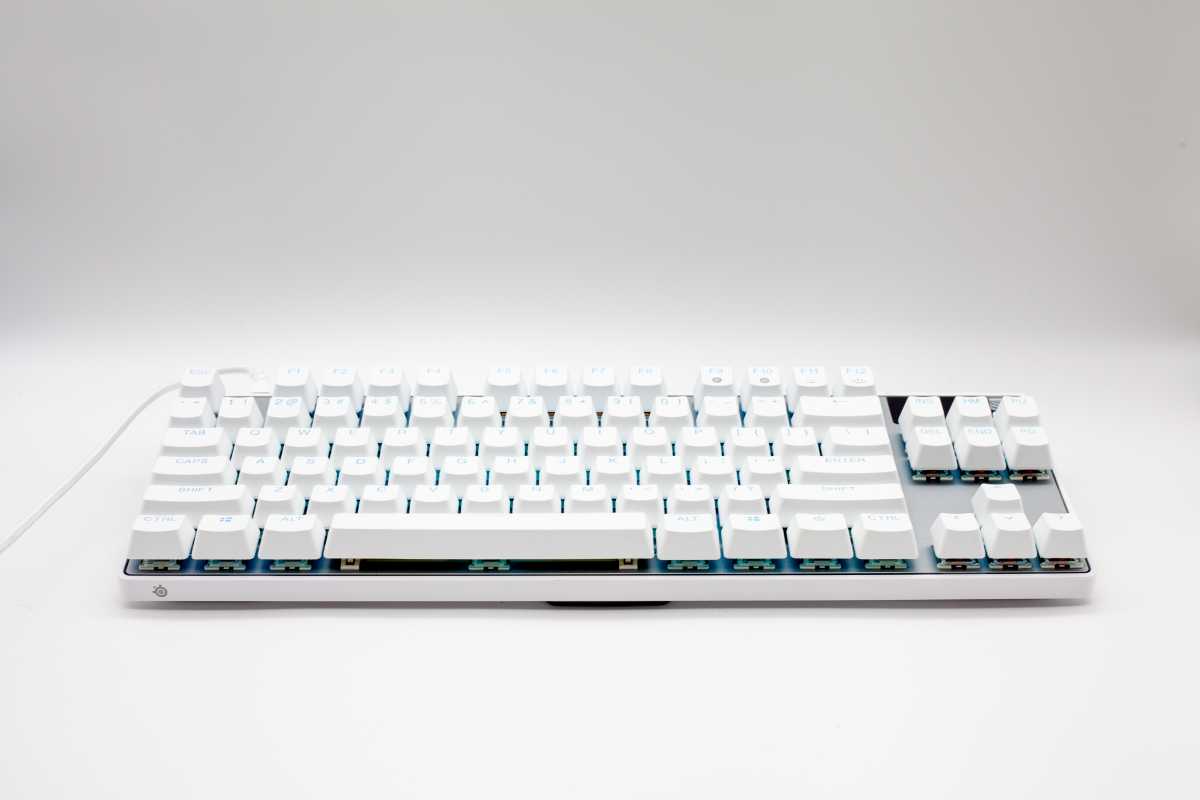
3. Steelseries Apex Pro TKL Gen 3 White
Steelseries Apex Pro TKL Gen 3 White
John Brandon / Foundry
This highly adaptable and customizable keyboard ($200) — also available in a Mac-friendly white for $210 — uses Mac software called Steelseries GG. You can tweak just about everything, including the response time for individual keys and lights on the keyboard. A tiny OLED display even shows stats as you game and who is talking on Discord. Throwing down on Fortnite or aspiring to compete professionally? The Apex Pro is the mechanical keyboard you want.
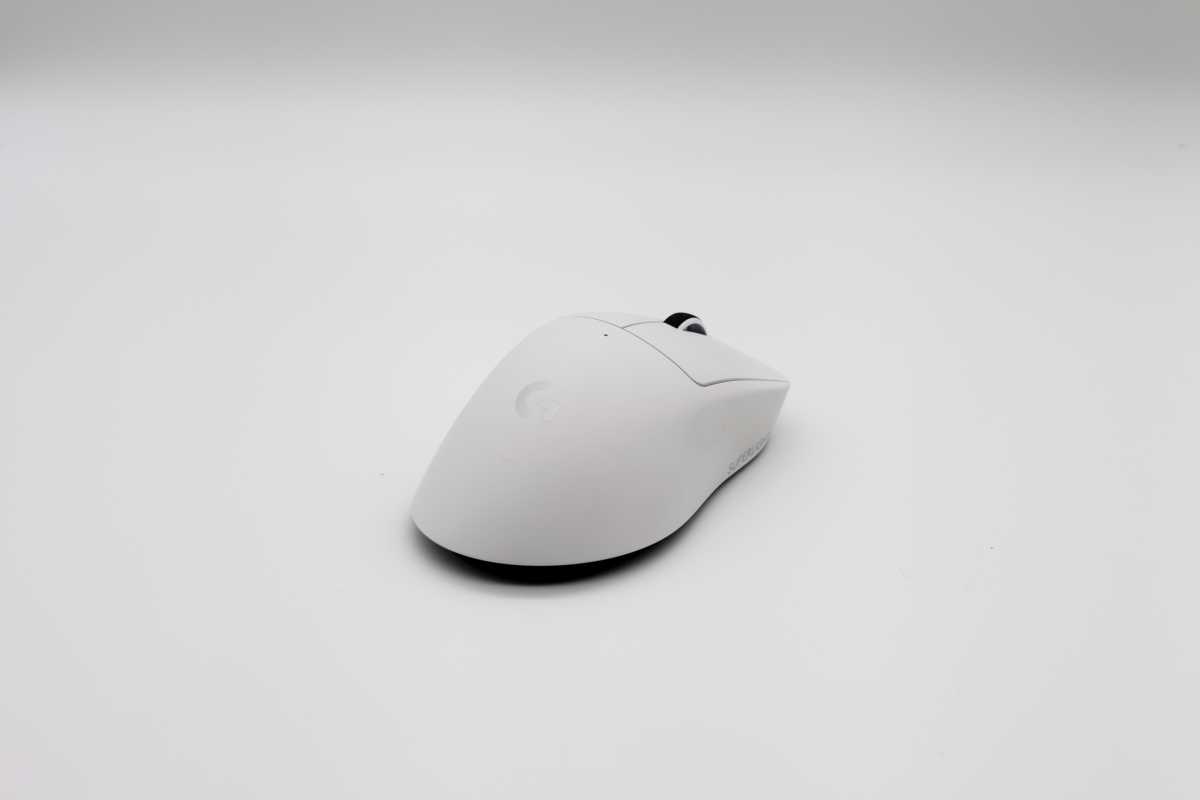
4. Logitech Pro X Superlight 2c
Logitech Pro X Superlight 2c
John Brandon / Foundry
My favorite gaming mouse has one feature that is a bit unusual: at only 1.79 ounces, it’s much lighter than most gaming mice (since some models feel like bricks by comparison). That’s okay with me, since the Superlight provides more precision for quick movements. Logitech says the accuracy level is “sub micron,” and you can feel it in a twitchy game like League of Legends.
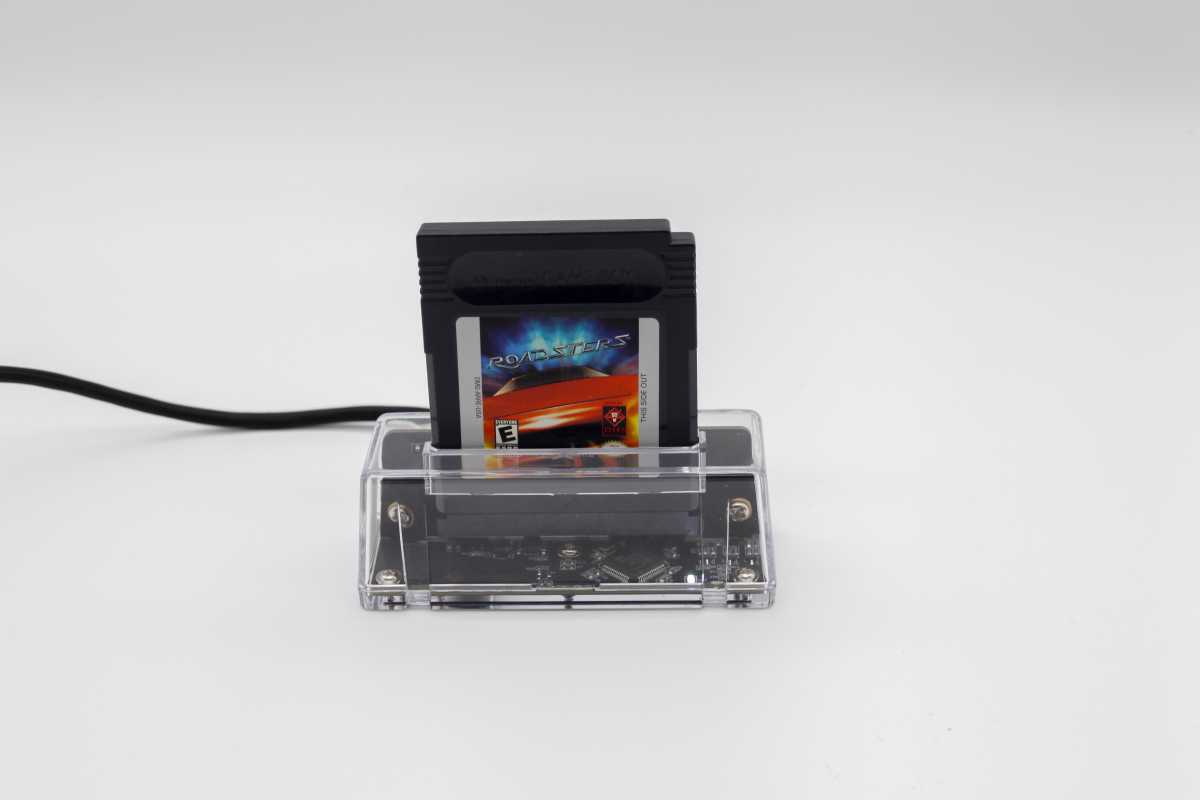
5. Epilogue GB Operator
Epilogue GB Operator
John Brandon / Foundry
Old school gamers will love this. The GB Operator ($50) lets you store, manage, and play Game Boy cartridges (either the original, GB Color, or GB Advance) as though you’ve been magically teleported back to 1995. I fired up the game Roadsters by inserting the cartridge and using the emulator. The GB Studio software even lets you write your own GB code for an original game, then save the game back to a blank Game Boy cartridge.
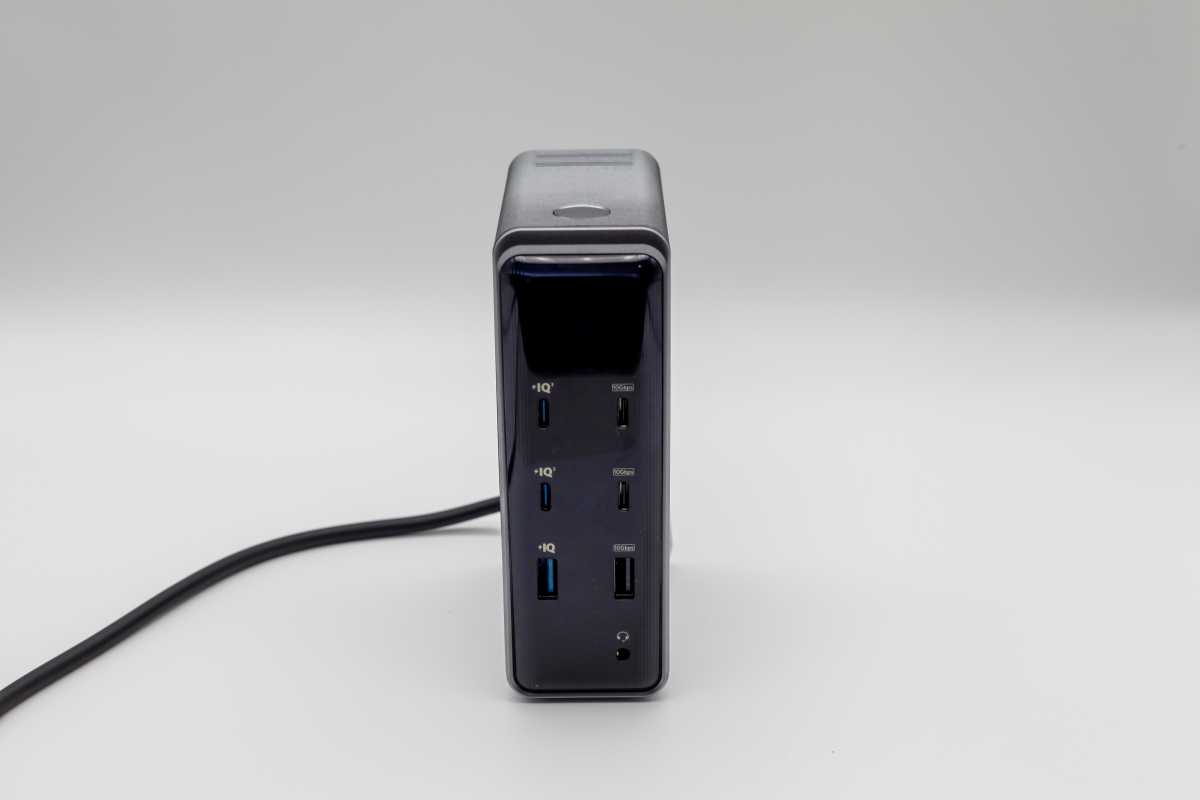
6. Anker Prime Charging Docking Station
Anker Prime Charging Docking Station
John Brandon / Foundry
The one challenge with gaming on a MacBook is that you will soon run out of ports. And by “soon,” I mean almost immediately. Every gamer needs something like the Anker Prime Charging Docking Station ($2270), which has a plethora of USB connections for charging (USB-A and USB-C supported), USB data transfer (at up to 10 Gbps), and it even has an extra headphone jack. I connected a keyboard, a USB dongle for a mouse, an SSD drive, and an HDMI cable for some serious expansion.
7. Shure USB Gaming Microphone MV6
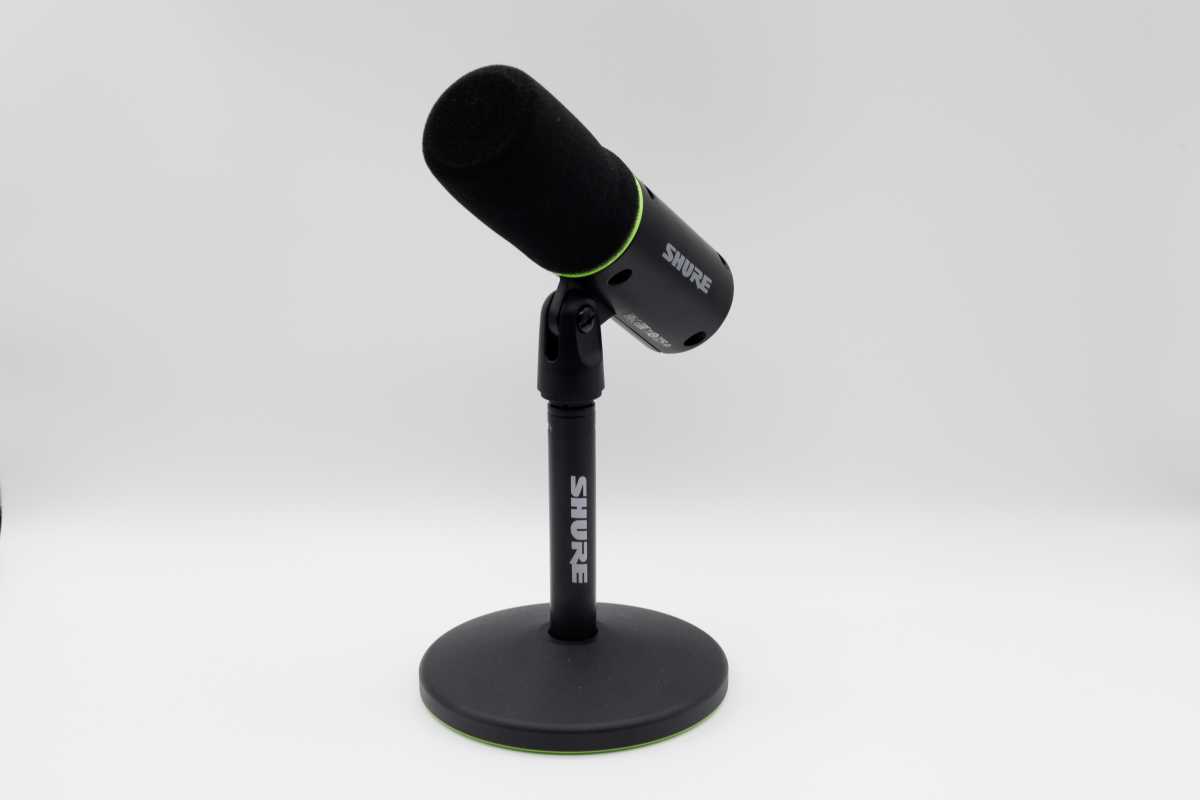
Shure USB Gaming Microphone MV6
John Brandon / Foundry
What I liked most about this Shure gaming microphone for gaming is the simple setup. Plug in the USB-C cable to your Mac, and you can start chatting right away during online matches, record a podcast or a Twitch video, and even annotate that amazing Assassin’s Creed Shadows walkthrough vid (including why it’s one of the best Mac games around). At $149, it’s not as expensive as some mics or headsets. Also, a digital “pop stopper” tech reduces audio pops and ticks.
8. HBADA E3 Pro Ergonomic Office Chair
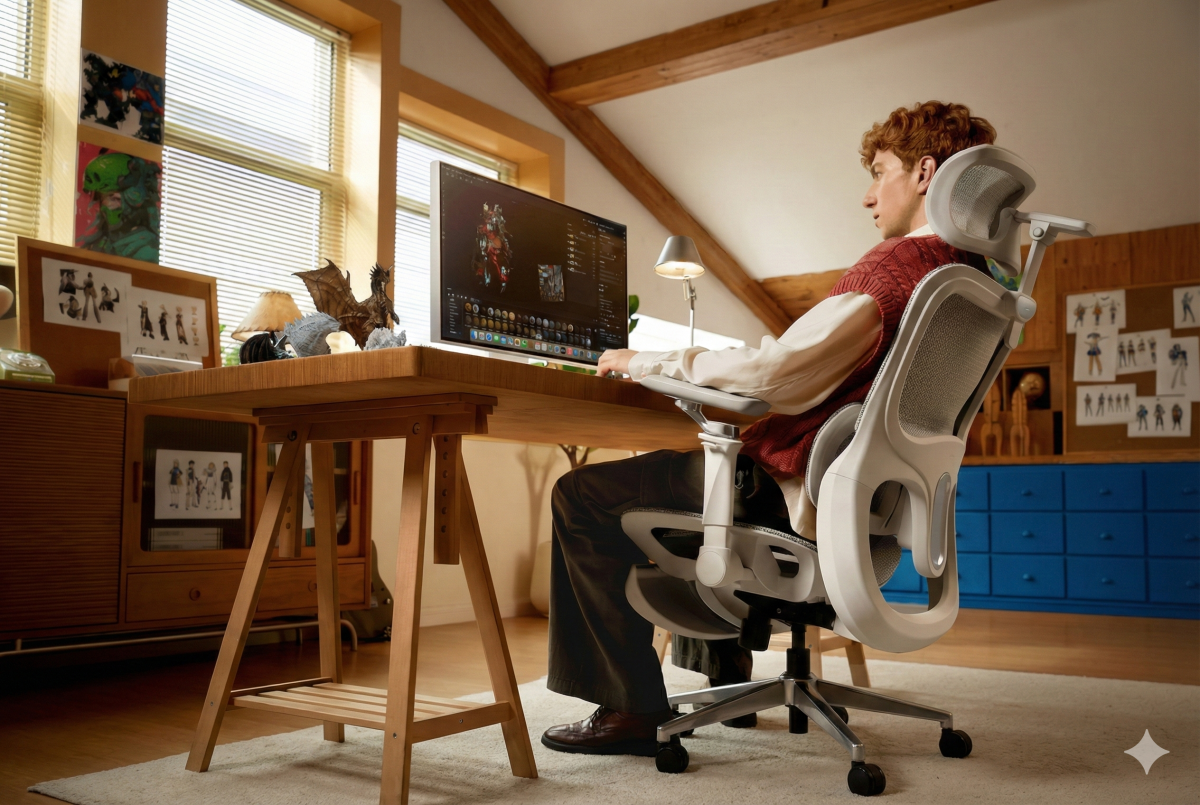
HBADA ergonomic chair
HBADA
My final pick is this ergonomic chair from HBADA, something any gamer can appreciate. The remote control lets you adjust the lumbar support, and it even has a massage. Mostly, the chair fits with the Apple aesthetic — it’s white with chrome accents and is highly customizable. I discovered that the armrests, in particular, are adjustable for just the right gaming position. At $549, it’s not nearly as expensive as other ergonomic office chairs by Herman Miller and others.


