At a glance
Expert’s Rating
Pros
- Seven top-end ports
- Portable
- Solid stand for all iPads
Cons
- Limited angle adjustment
- HDMI capped at 4K/60Hz
- Short built-in cable
Our Verdict
There are enough fast ports to enable you create a desktop setup, and it’s portable enough to slip into your backpack or jacket pocket when you’re on the move.
Price When Reviewed
This value will show the geolocated pricing text for product undefined
Best Pricing Today
Price When Reviewed
$79.99
Best Prices Today: Satechi OntheGo Foldable Stand Hub
$79.99

$79.99

$79.99

$79.99
Unless you always hold your iPad or leave it on your lap, you need a stand for comfortable viewing.
And the tablet is much more than a giant iPhone. Connect it to a monitor and keyboard, add some storage drives and other handy devices and it can match a MacBook for functionality.
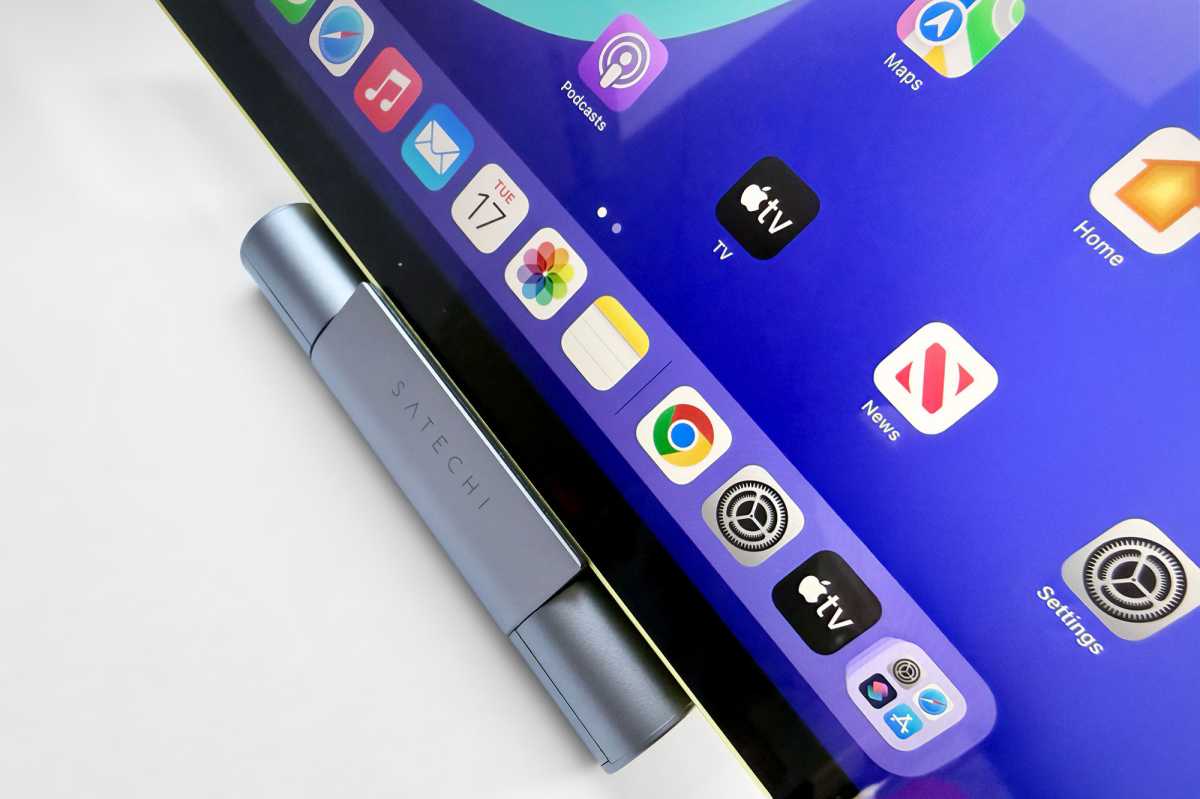
The Satechi OntheGo Foldable Stand Hub will keep your iPad at a secure and comfortable angle, plus provide seven high-end ports.
Satechi
Ports ahoy: What ports do you get, and are they fast enough?
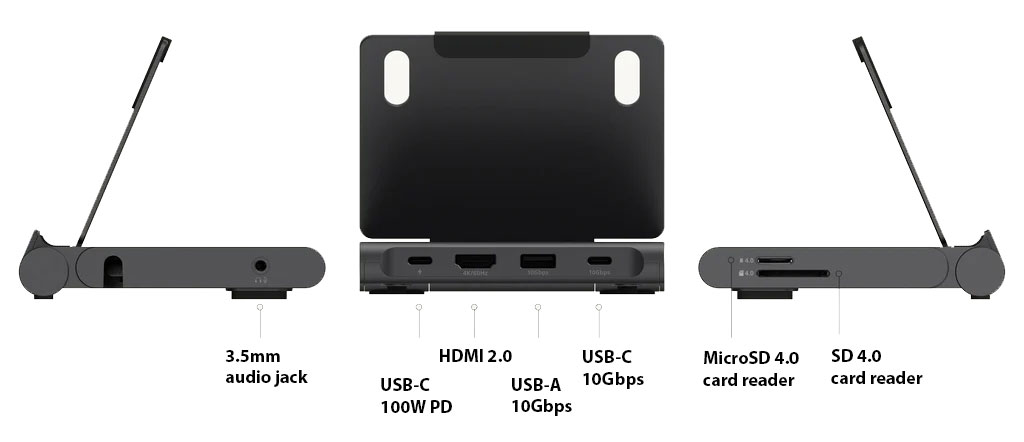
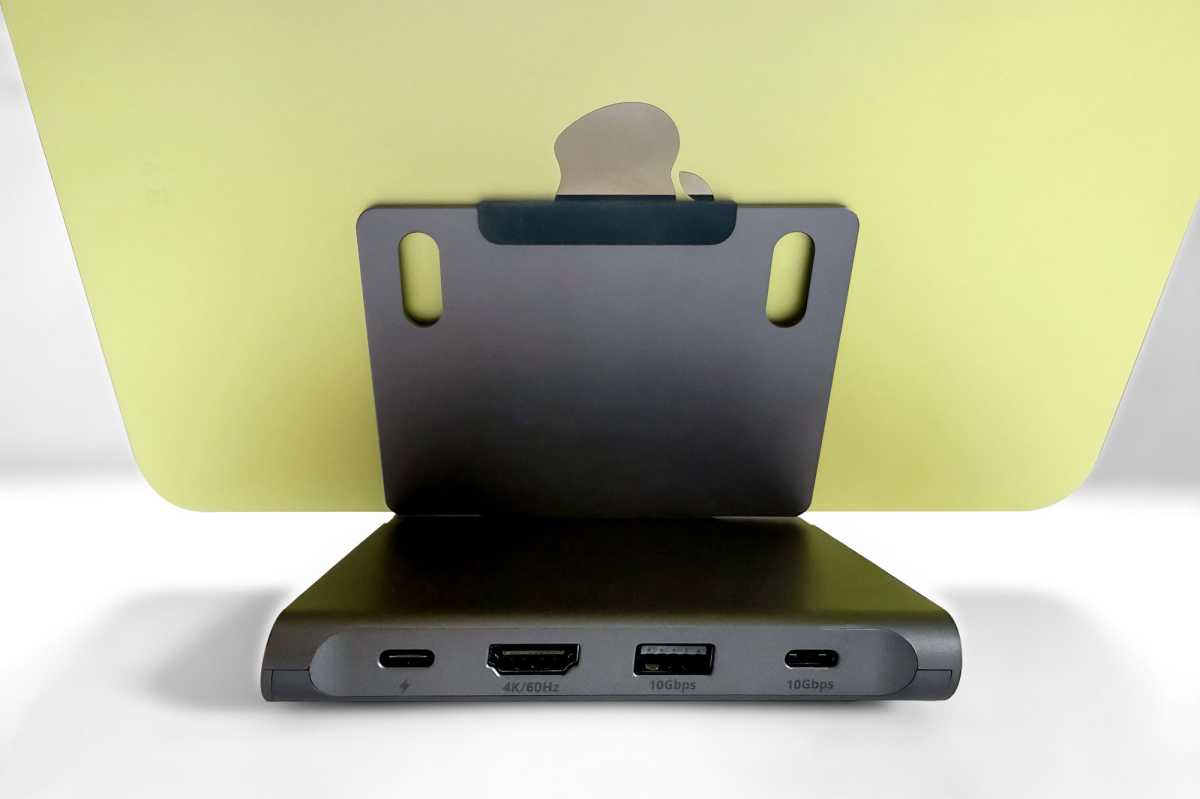
Neatly placed at the back and sides of the Stand Hub are all the ports an iPad user should require. It connects to your iPad with its integrated 6.7-inch (170mm) USB-C cable that’s tucked into its base. It’s compatible with all iPads from 2021 onwards.
The ports are fine matches for the iPad:
- USB-C PD charging port (100W PD)
- USB-C port (10Gbps)
- USB-A port (10Gbps)
- HDMI 2.0 port (support for 4K display at 60Hz)
- SD 4.0 card reader (UHS-II, 312MBps)
- MicroSD 4.0 card reader (UHS-II, 312MBps)
- 3.5mm audio jack (input/output)
100W is plenty for even the top-end iPad Pro, which can be fast-charged with a power adapter of 60W or higher. You’ll need to add your own USB-C charger; we’ve reviewed the best USB-C chargers in case you don’t have one spare. Apple ships the iPad with a 20W power adapter so you’ll fare better with a more powerful charger.
If even a 13-inch iPad’s screen is not enough for you then you can hook it up to a larger monitor via the HDMI 2.0 port. It will support up to a 4K display at 60Hz—not a fast enough refresh rate for hardened gamers but fine for the rest of us.
Simon Jary
You can create quite a desktop setup by using the USB ports to add storage drives and other devices. The 10Gbps data-transfer rate might not match the iPad Pro’s 40Gbps Thunderbolt but matches the iPad Air and iPad mini’s USB port. The entry-level iPad sadly will remain stuck at its slow USB 2.0 speed of 480Mbps.
The USB-A port is also rated at 10Gbps and is great for memory sticks or a wired keyboard or mouse.
Some iPads have as little as 128GB of storage, and an easy and affordable way to boost this is via a super-portable SD or MicroSD card. Storage prices are volatile but at the time of writing you could buy a 256GB MicroSD card for under $40. You can’t install larger drives in your iPad, and at the point of purchase Apple charges an extra $200 to that add that same amount of storage.
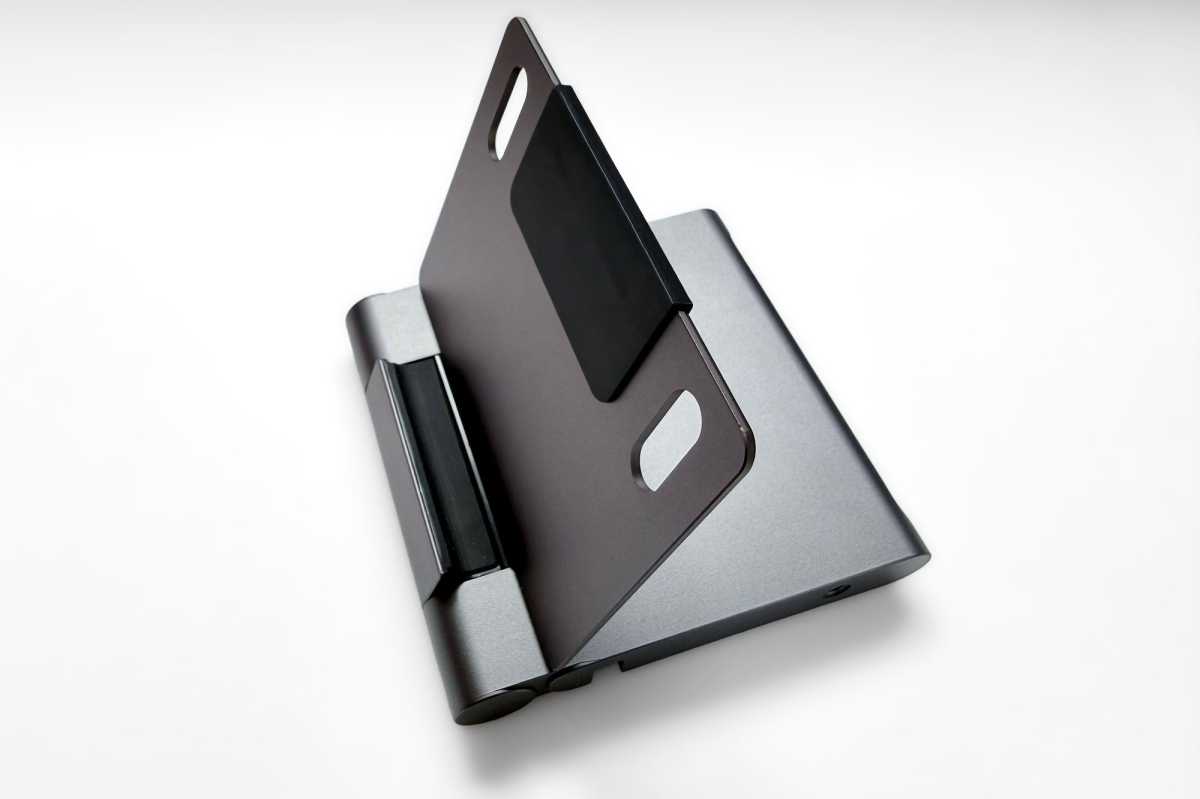
The Satechi OntheGo Foldable Stand Hub comes with both SD and MicroSD card readers on one side, and both are rated at fast 312 MBps UHS-II.
Simon Jary
Portable design: How portable is the stand in real use?
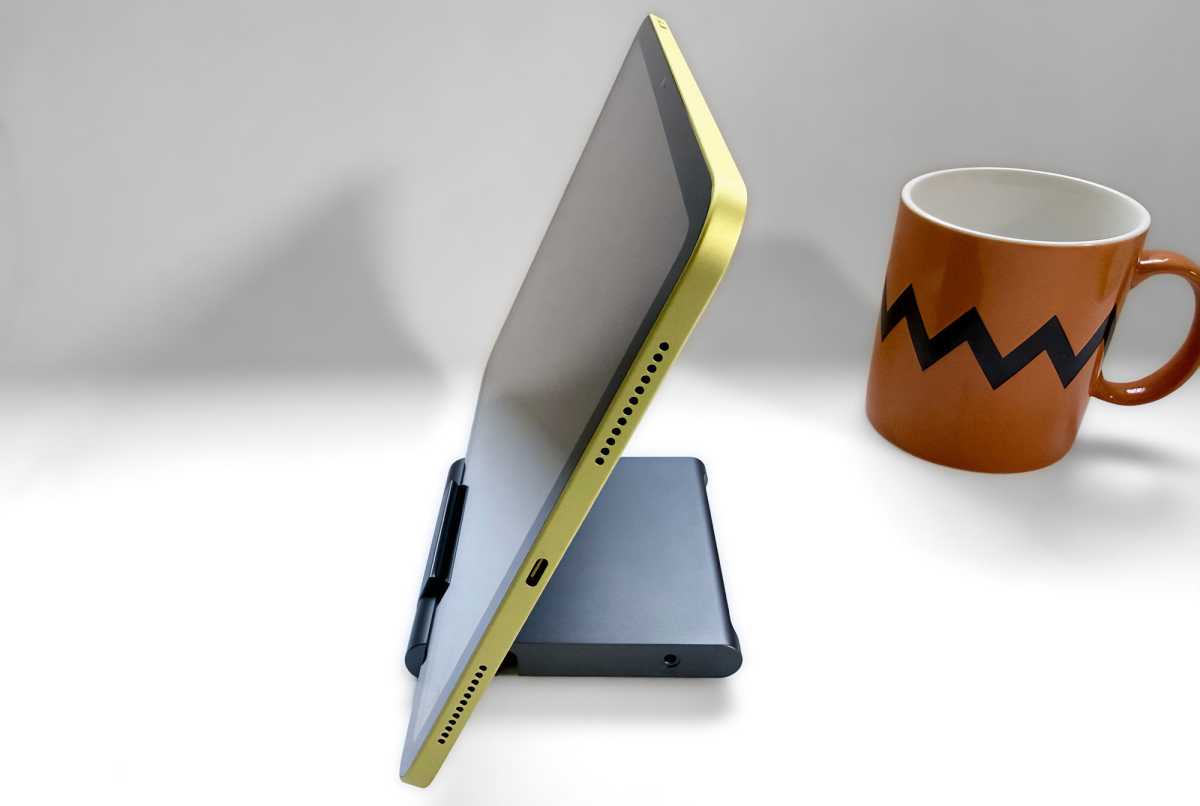
Just as the iPad is super portable, you can easily pocket the Hub Stand, although you’d need very large pockets to include the wall charger, keyboard and 27-inch monitor.
It measures 4.3 x 4.3 x 0.75 inches (110 x 110 x 19mm) and weighs 6.6oz (187.5g).
Simon Jary
Price: Is it worth $79.99 compared to separate stand + hub?
The Satechi OntheGo Foldable Stand Hub is priced at $79.99, and €84.99.
For alternatives, read our reviews of the best iPad stands and best iPad hubs. With the Foldable Stand Hub you get both in one.
Simon Jary
Should you buy the Satechi OntheGo Foldable Stand Hub?
Every iPad deserves a stand, and rather you deserve one for viewing comfort and ergonomic comfort. There are enough fast ports on the Satechi OntheGo Foldable Stand Hub to enable you to create a desktop setup, and it’s portable enough to slip into your backpack or jacket pocket when you’re on the move.


