Summary created by Smart Answers AI
In summary:
- Macworld explores how Apple CarPlay transforms the driving experience by seamlessly integrating iPhone functionality into vehicle infotainment systems with a familiar iOS interface.
- CarPlay prioritizes safety through voice-first interactions, disabling keyboards while driving and using Siri for texting, calling, and navigation commands.
- Key features include automatic parking pin drops, SharePlay music control for passengers, and upcoming enhancements like Apple TV app integration and AI chatbot support.
From air-vent phone mounts to AUX cables and Bluetooth connections, drivers have long relied on a bewildering array of tech solutions in order to access navigation apps, stream music, and take calls on the road. Apple decided this was all too complicated. CarPlay, which was introduced back in 2014, streamlined the in-car experience by projecting a familiar iOS interface on to compatible displays.
It’s taken me a while, but I’ve finally joined the party. Earlier this month, I bought my first CarPlay-enabled vehicle: a 2026 Kia Picanto. Within hours, I realised that I’ll never be able to go back. Much like an Apple TV 4K, CarPlay transforms unintuitive infotainment systems into fluid extensions of the iPhone, presenting your apps and data through a UI you already know. Switching to anything else would be a downgrade.
Firing up CarPlay
Like most Apple setup flows, getting started with CarPlay requires just a few taps. Once I confirmed the pairing, my compatible iPhone apps instantly appeared on the Picanto’s display, automatically logging me into all of my accounts. From this point on, CarPlay launches whenever I start my car and disconnects in a similar fashion. It’s convenient and doesn’t require me to manually initiate anything before each ride.
CarPlay offers the right balance between simplicity and functionality. For instance, I can reorder my apps and widgets, but I’m limited to a few first-party wallpaper options—presumably to minimize distractions. Likewise, the Settings app on CarPlay offers some basic customizations but doesn’t give me full control over the look or experience. In general, built-in and third-party CarPlay apps revolve around driving-related tools and leave out the rest of their feature sets.
Beyond touchscreen controls, CarPlay primarily relies on Siri commands and speech-to-text input to help drivers stay focused on the road. The software keyboard deactivates when my car is moving, limiting me to the Dictation feature.
Mahmoud Itani / Foundry
Native navigation
As a road trip enthusiast, I often depend on navigation apps to reach areas I haven’t been to before. This can mean mounting my iPhone precariously on the dashboard or windscreen, and awkwardly trying to follow maps on its small screen. CarPlay offers a far better approach, displaying real-time routes on my Picanto’s larger screen. It also audibly alerts me about upcoming turns I need to make, and other important updates.
While many cars come with built-in maps, CarPlay is a step above because it has access to my personal Apple and Google Maps data, such as the location of my home. This spares me from having to adapt to a new navigation app or feed it relevant information about my commute habits and frequent destinations. Besides, I like the way both Apple and Google Maps automatically drop a pin when I park, making it easy to find my car using my iPhone later on.
Mahmoud Itani / Foundry
Dashboard DJ
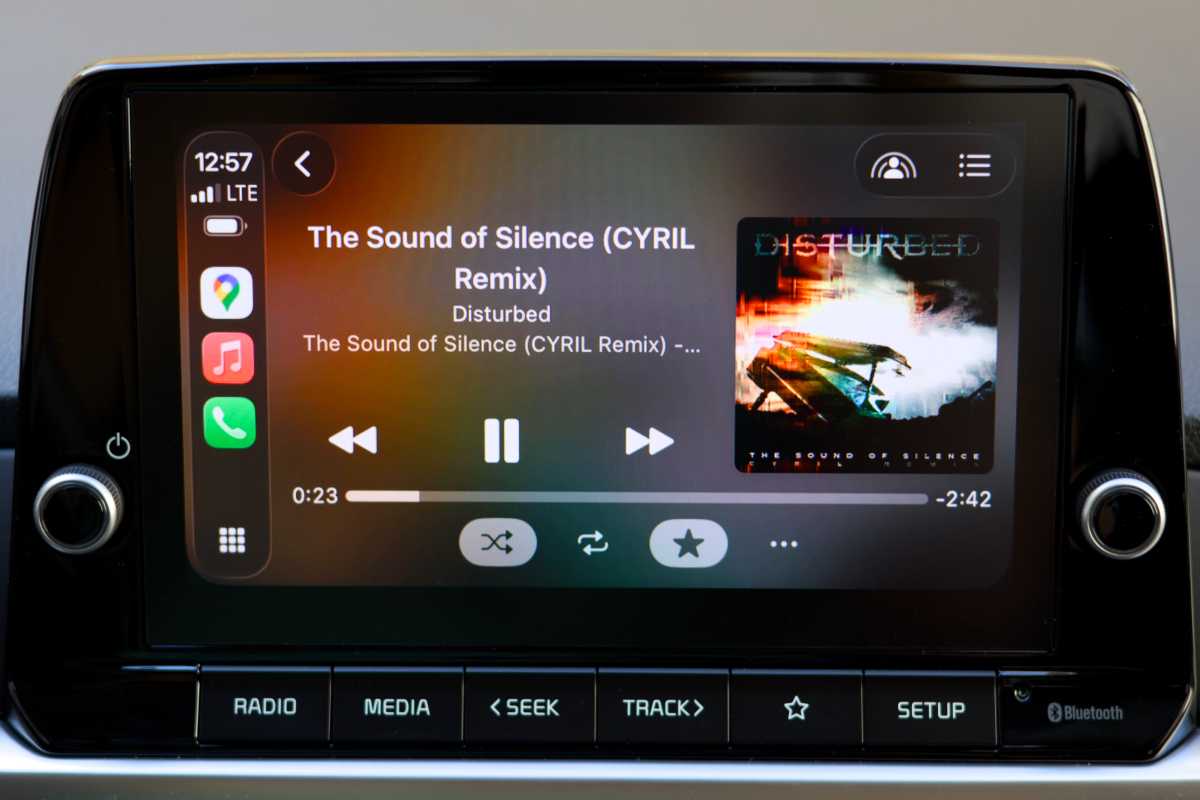
Apple Music is my second most used CarPlay app, letting me stream my favorite playlists when driving. While you could always connect your iPhone to a car’s audio system via Bluetooth or AUX, the native Music app comes with exclusive perks. Most notably, it allows other passengers to initiate a SharePlay session by scanning a QR code. This enables them to take over the queue using their own smartphones instead of having to be handed the driver’s unlocked iPhone.
Those who prefer to listen to podcasts, audiobooks, or narrated news articles will also appreciate the dedicated CarPlay apps from Apple, which include all of their bookmarks and relevant data.
Mahmoud Itani / Foundry
Dial and drive
Texting and driving is illegal in most countries for obvious reasons. CarPlay takes laws and users’ safety into account, while still offering a comprehensive communication experience.
Instant messaging apps like Apple Messages and Meta’s WhatsApp, for example, are designed to read texts out loud instead of displaying the actual messages. I can then optionally reply by dictating my response. Similarly, users won’t be able to check their emails using CarPlay, as Apple’s guidelines ban developers from displaying long-form text or distracting elements.
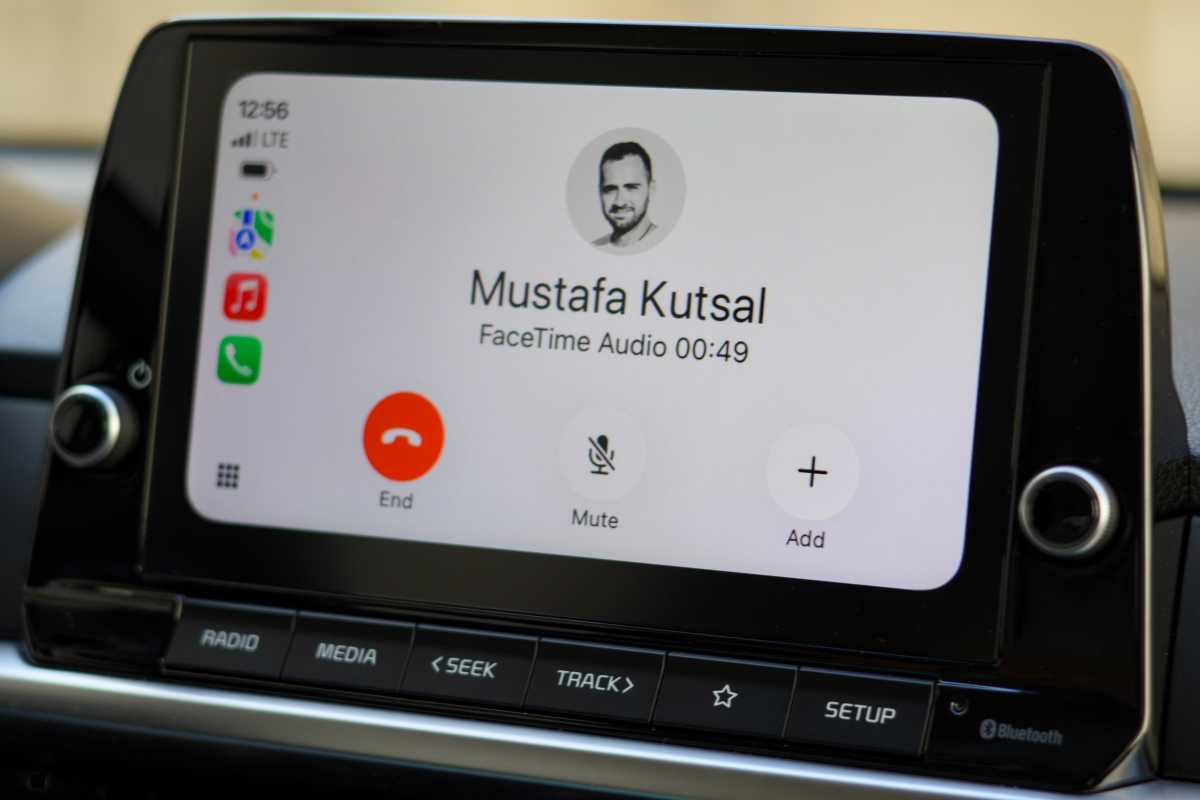
Besides IM apps, CarPlay supports regular phone calls, in addition to audio calls via FaceTime, WhatsApp, and other third-party VoIP apps. This allows me to easily call any of my contacts using a specific app in a hands-free manner. While Siri generally struggles to execute complex tasks on iOS, it’s typically reliable for basic CarPlay commands, such as sending texts and calling contacts.
Mahmoud Itani / Foundry
More under the hood
Now that Apple’s car project has reportedly been axed, the company has been working to improve the CarPlay experience in third-party vehicles. CarPlay now supports AI chatbot apps, such as ChatGPT. It’s safe to assume that Apple will require app developers to implement a voice-first interface and limit the use of text. This would help us get urgent answers on the road without needing to park and take our iPhones out.
Additionally, Apple will seemingly bring the Apple TV app to CarPlay, as well as AirPlay casting support, which began testing during the iOS 26.4 beta cycle but has yet to appear. Once active, these perks will let users watch videos on the built-in screens when their vehicles are parked. It’s a neat addition that would help to kill time when we’re waiting for someone.


