We’ve been hearing about Google’s push to unite Android and ChromeOS into a new laptop operating system rumored to be called “Aluminum” for a while now. A week before this year’s Google I/O conference, the company is ready to talk about it. And to the surprise of absolutely friggin’ no one, these seem more interested in Gemini “AI” than the actual product.
The newly-minted “Googlebooks” are not laptops, at least not in my mind. They are laptop-shaped amalgamations of electronics, designed as a platter for serving you Gemini. It may be possible to browse the web in Chrome and run Android apps on a Googlebook. But the only thing Google really wants you to do is activate Gemini at every single opportunity, up to and including in the cursor.
Yup, that’s what a laptop looks like.
I’m not even being hyperbolic. In a pre-I/O press briefing the new Googlebook system was described as “evolving from an operating system to an intelligence system that learns and works for you.”
Is Googlebook’s Aluminum a full operating system?
Yes. From the outset, the Googlebook interface — which again, is running on Android — looks like a weird mix of ChromeOS and a phone, complete with a status bar and clock up top. There’s a big “G” button on the left side of the bottom navigation bar with a familiar-looking search bar, and you’ll have quick access to files and apps. If you’ve used a desktop or laptop, you won’t be completely lost.
Apps will come from the Google Play Store, the same place they do on Android. Chromebooks already have access to the Play Store (similar to how MacOS can install iPhone and iPad apps). And it’s…not great. This will require a lot of work from Google and partners to make it look like anything except a laptop running phone apps.
One genuinely cool thing that Googlebooks have is deep, deep integration with Android phones. In addition to the usual sharing of notifications, you can open apps across devices, and even browse the storage contents of your phone right from your Googlebook. How will this look if, say, you’re browsing from separate networks? What about if you’re offline on your laptop, or your phone’s in Airplane Mode? We don’t know yet.
What software does a Googlebook run?
Android. And Android apps. It is, in Google’s words, “Optimized for the Android ecosystem.” While it looks like you’ll get a full (or nearly full) version of the Chrome browser, the rest of the tools will be either phone-style Android apps, or Android apps with a bit of extra flair to take advantage of the laptop-style form factor. This will be especially true for Google apps like Google Photos, YouTube, et cetera.
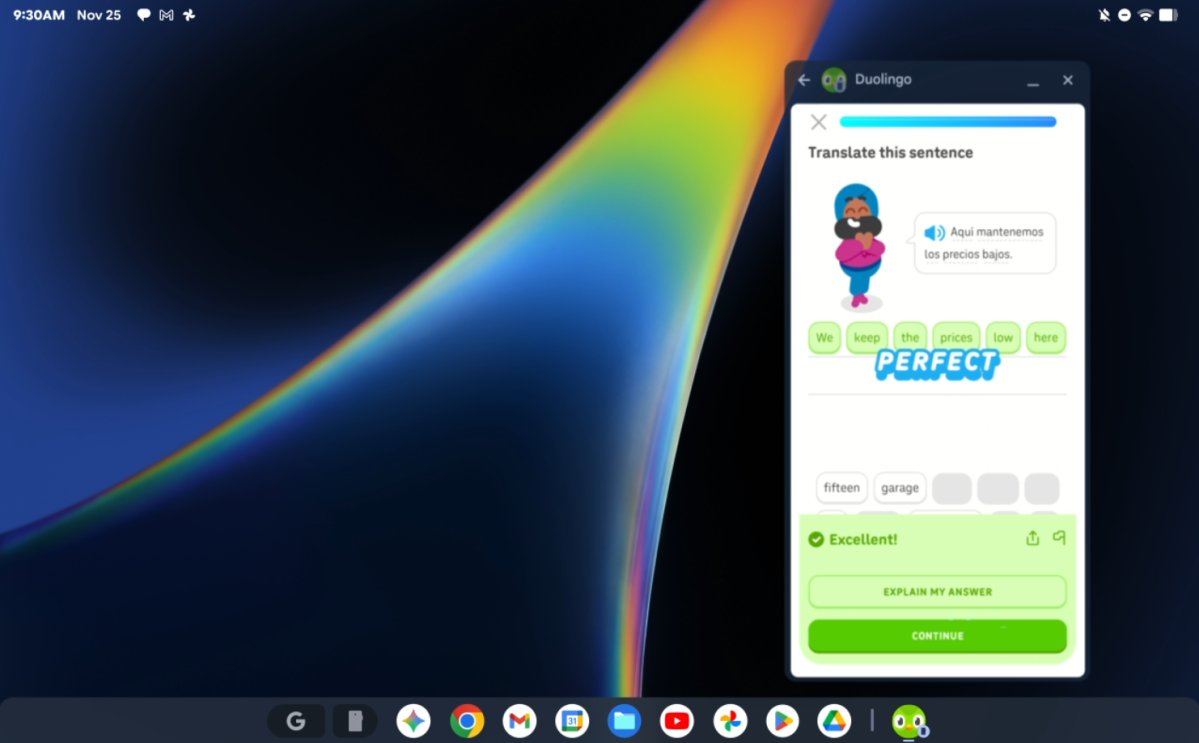
Googlebooks can run Android apps remotely from a connected Android phone, like Duolingo seen above.
Apps can be “casted” from your phone onto a Googlebook screen. This has been seen before in various ways — at least some Windows devices can even do it via Phone Link. While I can see this being useful in some senses, especially for apps that require the phone interface specifically, it hardly seems like a massive differentiator.
It’s possible that a Googlebook could run Linux apps. Android and Chromebooks can do that, though it isn’t easy or particularly practical. But given how much control Google wants to exert over both Chrome and Android at the moment, I wouldn’t bet on that being an option.
What about games?
With access to the Google Play Store, it seems likely that most Android games will at least be possible to launch on Googlebooks. Minecraft (notably a Microsoft-published game!) and Roblox were the only ones seen in the initial promo materials, and even then, only as an app or link in the Googlebook equivalent of the Start menu. It’s not clear whether these games would run from the phone, or locally on a Googlebook.
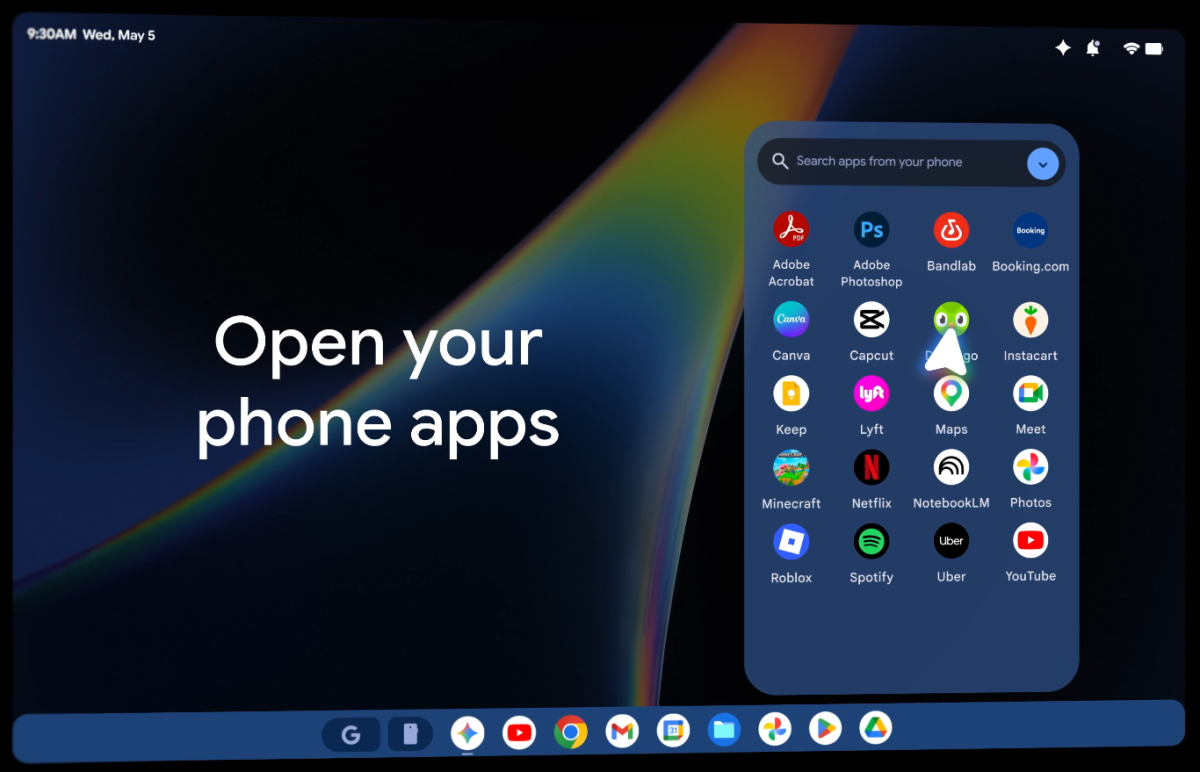
Android is, arguably, one of the top gaming platforms on the planet, even if that’s only secondary to its function as an OS. (Hey, if Windows gets it, why not?) Google has tried to parlay that position into laptops before, with a push for Android games on Chromebooks. It’s also tried to get people interested in “gaming” Chromebooks and Steam on ChromeOS, both of which were met with a big shrug from the market.
You can, presumably, play the Android version of Minecraft on a Googlebook. You can probably play Angry Birds and Balatro and maybe an old Game Boy Color emulator — all of them are right there in the Play Store. Beyond that, Google doesn’t seem too interested in games at launch.
What’s all this stuff about AI?
As I said, the entire point of Googlebooks seems more to deliver a hardware platform for Google’s Gemini “AI” than to actually compete with Windows, Mac, and Linux as laptop platforms. Every element of the OS is absolutely dripping with Gemini. Google has created an “AI”-focused operating system from the ground up…something I bet a few people on Microsoft’s Copilot team are feeling envious of right now.
What can you do with Gemini in there? Pretty much everything you can do with Gemini on a phone or laptop, plus some extra tricks. You can “create your own widgets” (though they look a lot like phone widgets to me!) for the desktop. You can “AI”-edit or generate photos. You can organize a bunch of information from disparate apps like Gmail, Calendar, Contacts, yadda yadda. You can wiggle your cursor and Gemini will activate, attempting to determine from context what you’re trying to do. It’s like a more powerful version of Circle to Search.
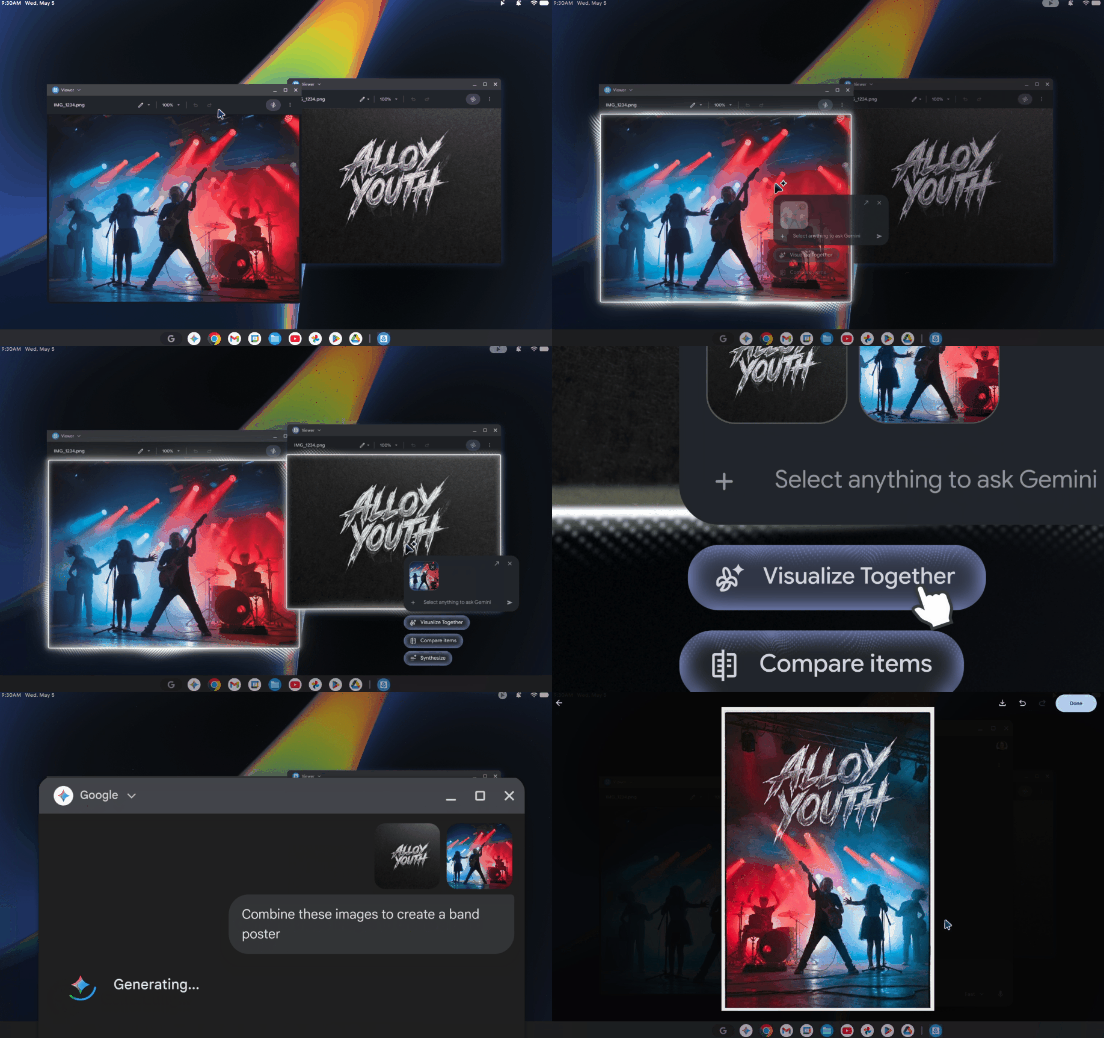
I haven’t been able to try it directly, but from what I saw in the demo and promotional materials, it looks very gimmicky to me…and others on the PCWorld team have expressed similar opinions. If you’ve spent the last couple of years trying to avoid Copilot or Apple AI, I get the feeling that a Googlebook might be your personal nightmare.
Will Google make its own laptops again?
No, at least not at first. Google made laptops running ChromeOS in various form factors, but never seemed to crack the consumer code. For Googlebooks, Google will once again be partnering with conventional laptop manufacturers: HP, Dell, Asus, Acer, and Lenovo were mentioned by name.
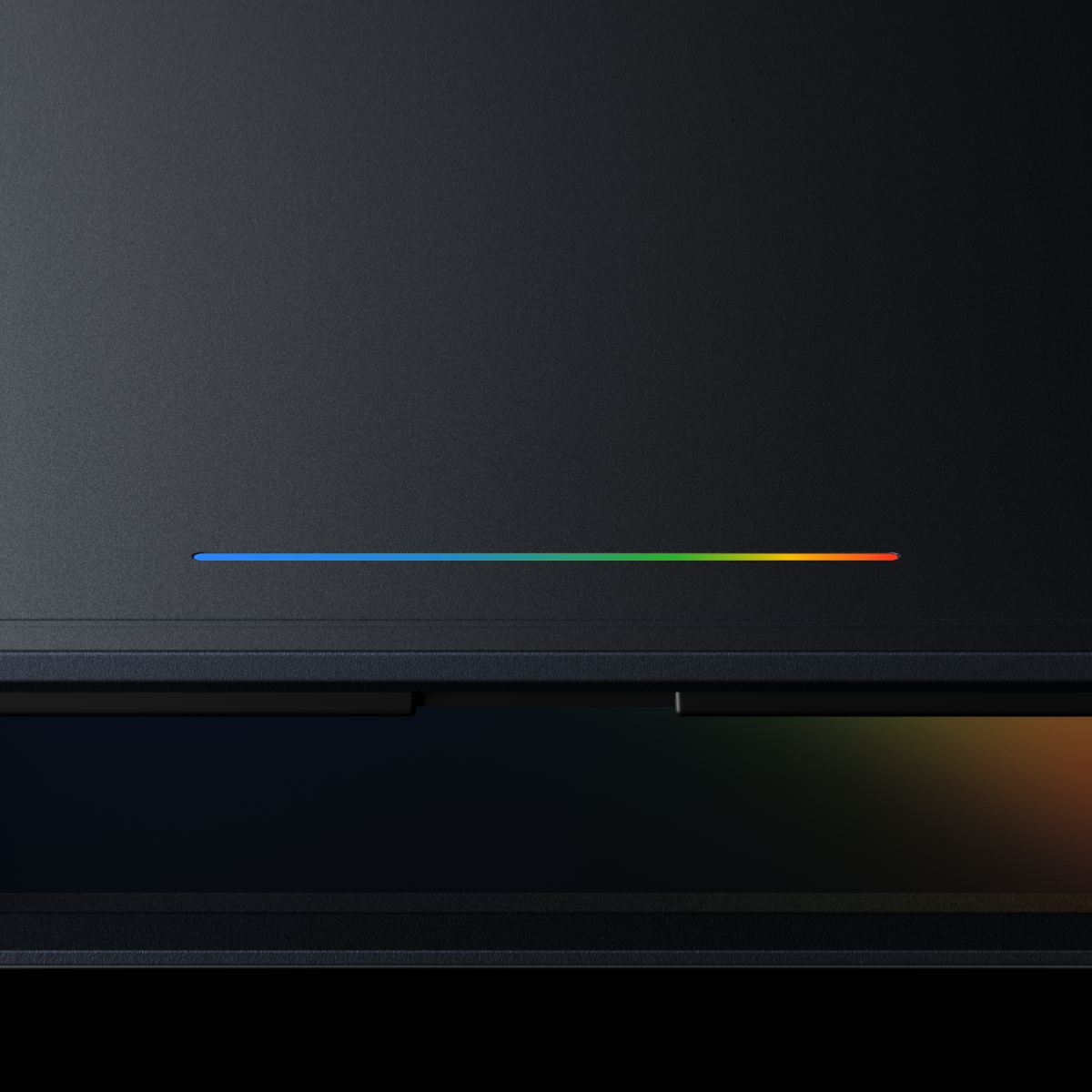
There is one very cool design element, though: the “Glowbar,” last seen on hardware like the Pixel C tablet. Presumably it’ll be used to communicate status like battery charge or other info, though its utility (on the outside of the laptop lid in the demonstration) is limited, and more of a flair than anything else.
When will Googlebooks arrive? How much will they cost?
“This fall,” and we don’t know. Google says that “every Googelbook will be built with premium craftsmanship and materials, coming in a variety of shapes and sizes.” That certainly sounds like it’ll be a cut above the typical budget-focused Chromebook, though exactly what hardware is inside — presumably running on the same Arm-based chips as Android phones, or souped-up versions of them — wasn’t shared.
Speaking of Chromebooks…
What happens to Chromebooks?
Google didn’t have much to say about ChromeOS or Chromebooks in its initial media presentation, except that they’re still both a thing. Chromium and ChromeOS are still being developed — Chrome especially, it’s still the number one browser on the planet.
Chromebooks will continue to get their software support, up to ten years from the point of sale for some of the newest models. I wanted to ask if any current Chromebook models will be updated to Googlebooks, or Google OS, or Android for laptops, or whatever they’re calling them, but technical issues kept me from asking. That seems like a long shot anyway.
Mattias Inghe
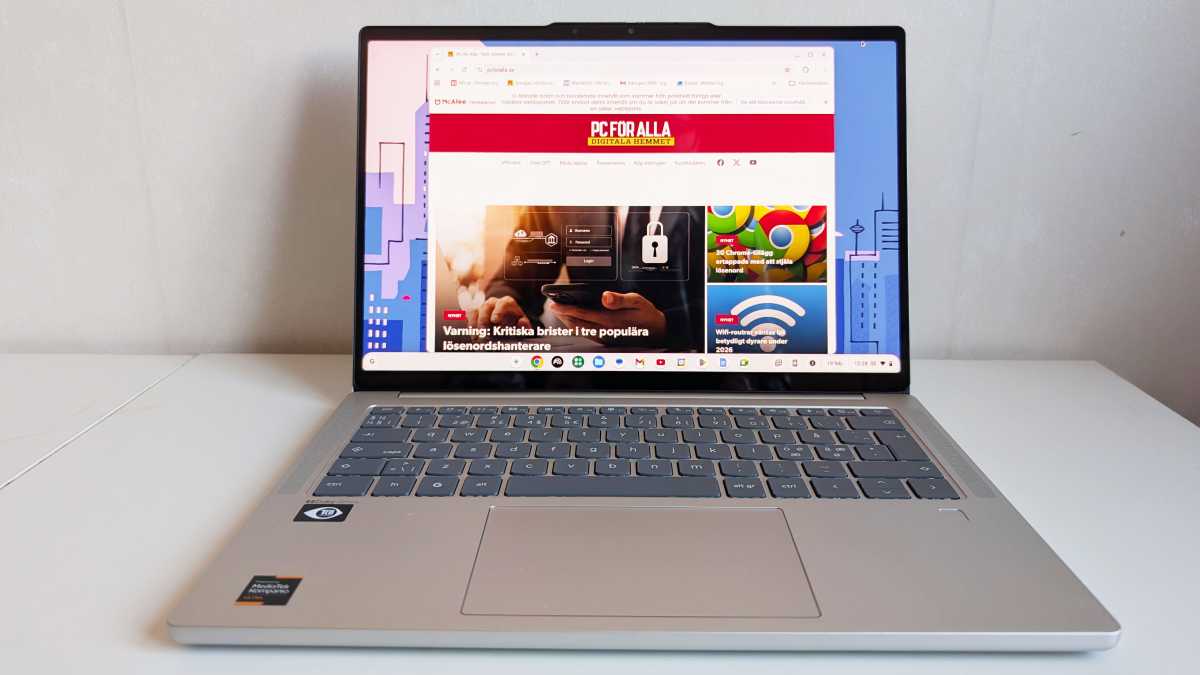
ChromeOS has been around for over fifteen years, and it certainly has its place…but I think it’s safe to say that it’s never quite broken into the consumer market. According to Statcounter it’s sitting at 1.5 percent of laptops and desktops right now, down from an all-time high of 4.1 percent in early 2024.
The education market is the strongest point for Chromebooks, where large fleets of cheap, easy-to-maintain machines are a huge asset. And Google seems to want to maintain that, at least for the moment. I imagine that new or gently updated Chromebooks will continue to be released for the time being — Google and its partners have invested too much to just drop them.
We’ve been here before
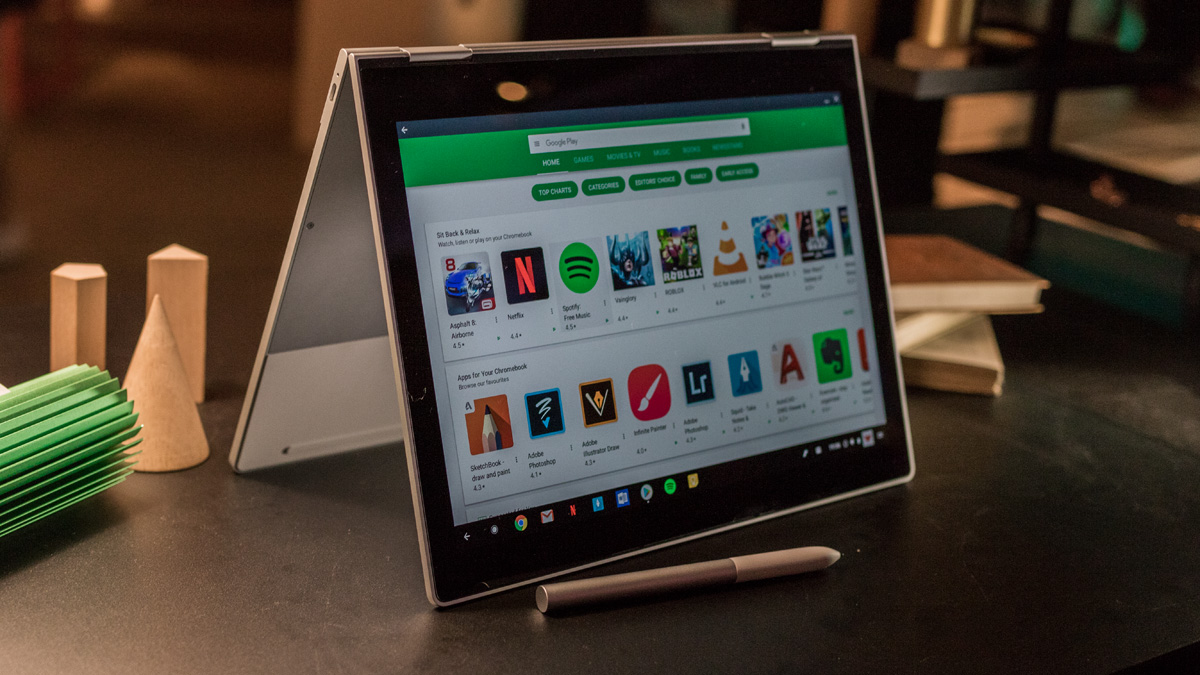
But all that being said, I get the impression that Google wants Googlebooks to be a hit. It put its name on them, after all. Though we’ve been here before, with the Chromebook Pixel, Pixelbook, Pixel C, Pixel Slate, Pixelbook Go…wow, that’s a lot of laptops and laptop-ish devices, all of them ranging from well-received novelties to outright flops.
Dominik Tomaszewski / Foundry
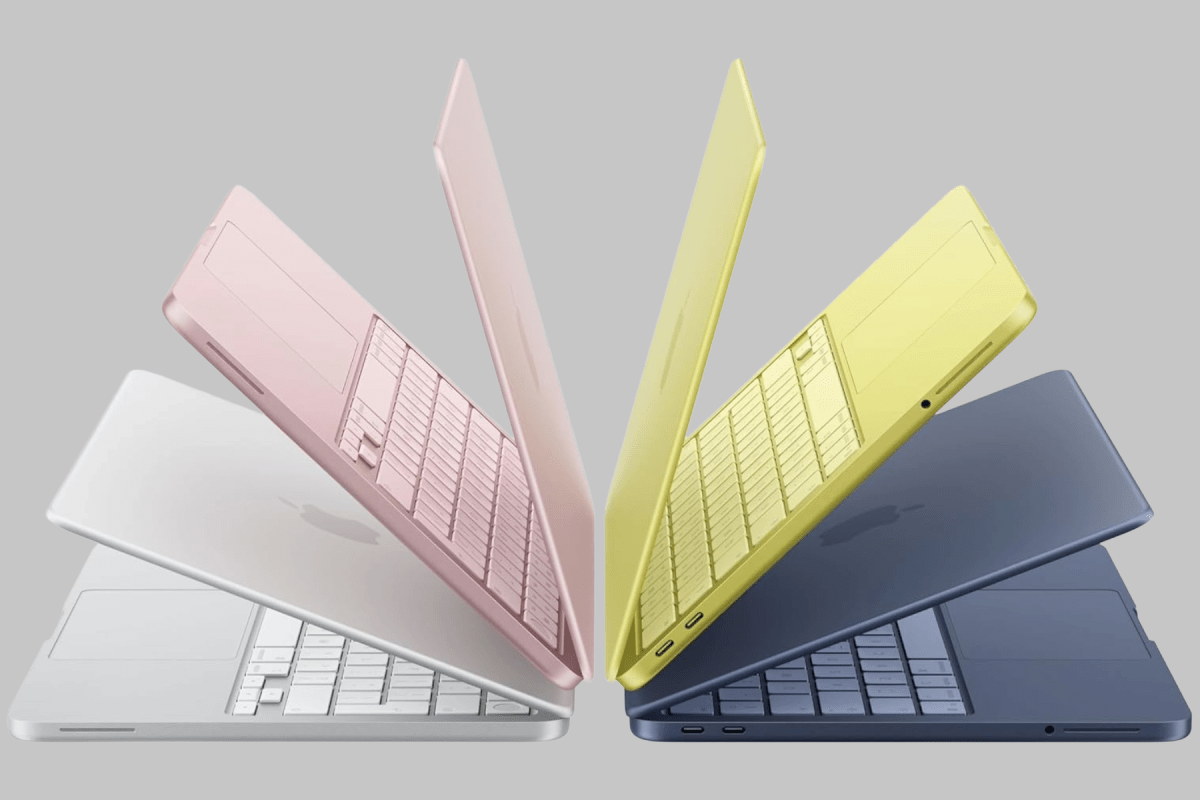
Again, Google isn’t making these laptops itself. Like Chromebooks it’s leaning on relationships with the big PC manufacturers. And we have the wildcard of the RAM crisis. Whatever Google says about premium materials, I get the feeling that at least some people are looking at laptops running a flavor of Android as a means of making them more cheaply. (Apple’s smash hit MacBook Neo essentially runs on iPhone hardware, remember!) Pricing, as always, will be crucial.
Apple Inc
The big question is whether consumers will be on board, especially with how hard Google is pushing Gemini and other “AI” features. For all its pomp and circumstance about an “agentic” OS, I don’t see anything here that couldn’t be done with a regular laptop, and many things that said laptop can do that won’t be available (or at least, won’t be as easy) on a Googlebook.
I was enthused when I heard that Google was pushing for a unified Android and ChromeOS. Consider my enthusiasm extremely curbed.


