At a glance
Expert’s Rating
Pros
- Affordable dual-display hub
- No extra software required
- 8x USB-C ports, inc 3x USB4
Cons
- Passthrough power only 77W
Our Verdict
This compact 10Gbps 8-port hub boasts USB4 for unmatched dual-display support with no extra software installation required.
Price When Reviewed
This value will show the geolocated pricing text for product undefined
Best Pricing Today
Price When Reviewed
$149.99
Best Prices Today: EZQuest USB 4 Dual Display 8-in-1 Hub (Pro Series)
$119.99
This lightweight, compact hub bristles with USB-C ports and uses the latest Intel tech to offer dual-display support without the need for DisplayLink or any other third-party software install.
The alternative for users seeking dual-display support on Mac without software dependency is usually a Thunderbolt dock, which cost over twice the price of this portable hub.
No-nonsense USB-C
To properly expand your pro Mac system you need ports—a lot of ports, and there simply aren’t enough of them on any Mac.
The Mac Studio has 12 top-end ports, the Mac mini 8, and MacBook Pro 6. At the other end of the Mac scale, the MacBook Neo has just two and one of them is for charging only.
You can add more ports by connecting your Mac to a hub or docking station. A hub usually has just one or two types of port (usually USB), while a dock should be packed with all sorts—the iVanky FusionDock Ultra has 26 ports including USB, Thunderbolt, card readers, 10Gb Ethernet, audio and video ports.
USB-C is such a strong connection because it can handle just about everything, if its ports are up to scratch. Too many hubs look like they have a lot to offer but fall down on weak charging power output and slow data transfer.
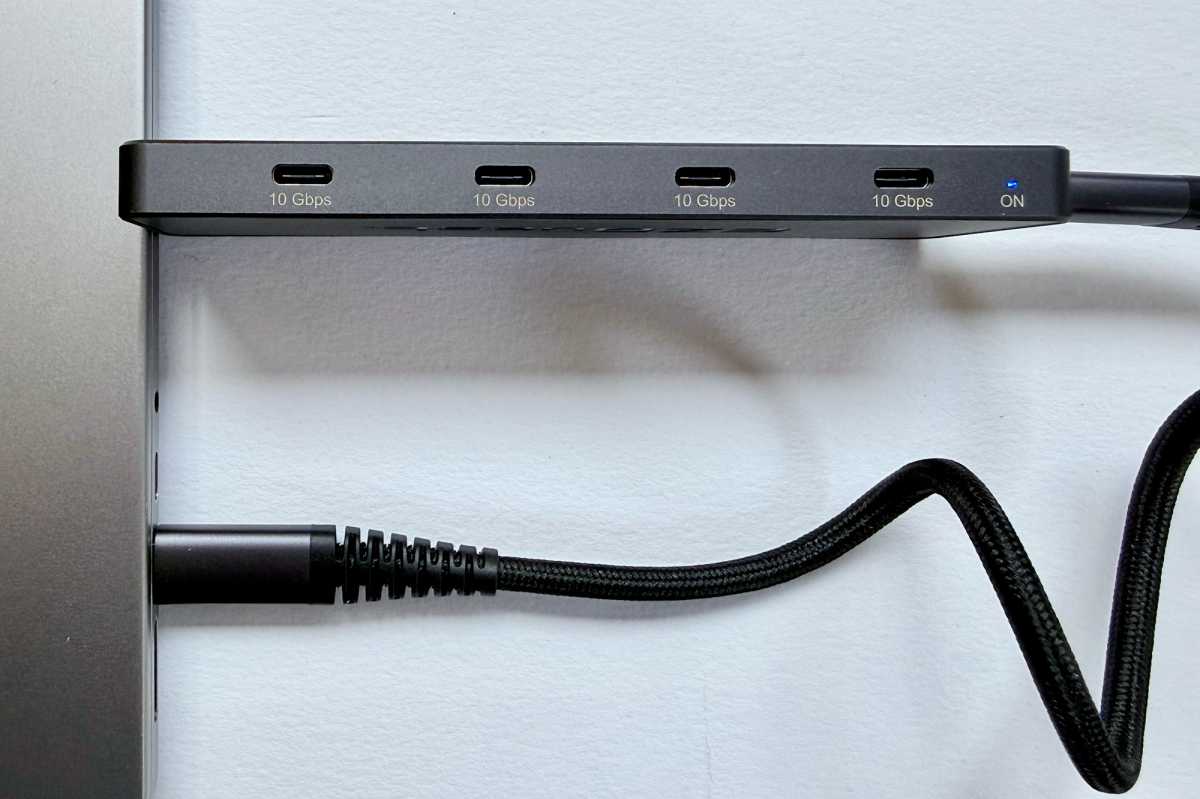
The EZQuest USB 4 Dual Display 8-in-1 Hub (Pro Series) cares not a jot for card readers, networking or audio ports. Instead, it has nearly every edge covered in Type-C connectors. These can be used to connect up to two 4K monitors or multiple devices and adapters—so can easily (at a cost) be turned into fast Ethernet or portable storage connections as you wish.
Simon Jary
Specs in full
- 10Gbps USB-C to host (77W to laptop)
- 4x USB-C (10Gbps, 7.5W)
- 1x USB-C (100W passthrough)
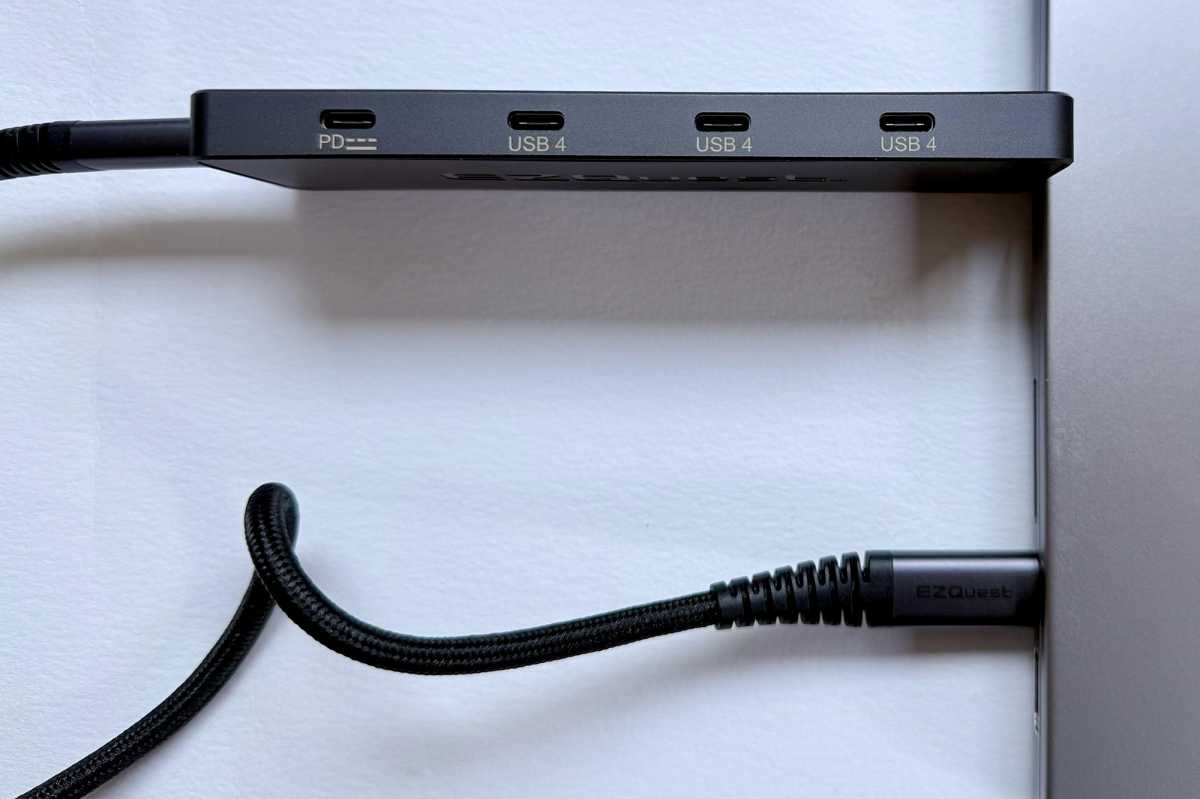
- 3x USB4 (10Gbps, 15W)
Seven Type-C ports offer a lot of expansion to a MacBook with just two or three Thunderbolt ports. The MacBook Neo has just the one operational USB-C port for data—connect the EZQuest 8-in-1 Hub, and your system is immediately and massively upgraded.
The MacBook Air has two Thunderbolt 4 ports, and the MacBook Pro three Thunderbolt 4 or 5, depending on the model.
On the desktop side: the iMac has two or four Thunderbolt ports, the Mac mini has two USB-C and three Thunderbolt, and the Mac Studio has six USB-C/Thunderbolt available.
Six sounds a lot but Studio users are professionals who are likely to demand further expansion possibilities.
Simon Jary
USB4 beats USB-C for display support
These use the same Type-C connector but have different abilities.
USB4 is more functional and can support bandwidths of up to 40Gbps, but is also found at 10Gbps and 20Gbps. The implementation here is limited to 10Gbps, which is the same speed as the connection between the hub and the computer. There would be little point having 40Gbps ports if the data is then throttled between the hub and the host.
When designing this product, EZQuest prioritized dual-display performance and 8K single-display capability over full 40Gbps data throughput, with the goal to deliver pro display functionality at a competitive price point.
The benefit of USB4 in this hub is its ability to pass video data from the computer to one or two displays connected to the hub. Many variants of USB-C don’t support video streams.
Each of the three USB4 ports can handle up to an 8K display at a 30Hz refresh rate, although only one at a time. A more likely scenario is for the hub to be linked to 4K screens at 60Hz. Many hubs include an HDMI port for this purpose, but EZQuest’s solution is USB4 that supports a DisplayLink connection but using a Type-C cable.
We’ve tested the best USB-C hubs, and the EZQuest 8-in-1 Pro Hub is the only non-40Gbps unit to support two displays without needing an extra software installation.
If your model of Mac supports it, this hub can connect two 4K/60Hz displays using two of the three USB4 ports. Only the MacBook Neo and MacBooks based on the older base M1 and M2 chips are limited to one display—to get around that limitation you do need to use a special DisplayLink dock.
Using the hub, direct connections are possible using USB-C but monitors without that connection will require USB-C to HDMI or DisplayPort adapters. Make sure you connect using a video-capable USB-C cable: we’ve rounded up the best USB-C cables for you to choose from.
Simon Jary
Power outputs
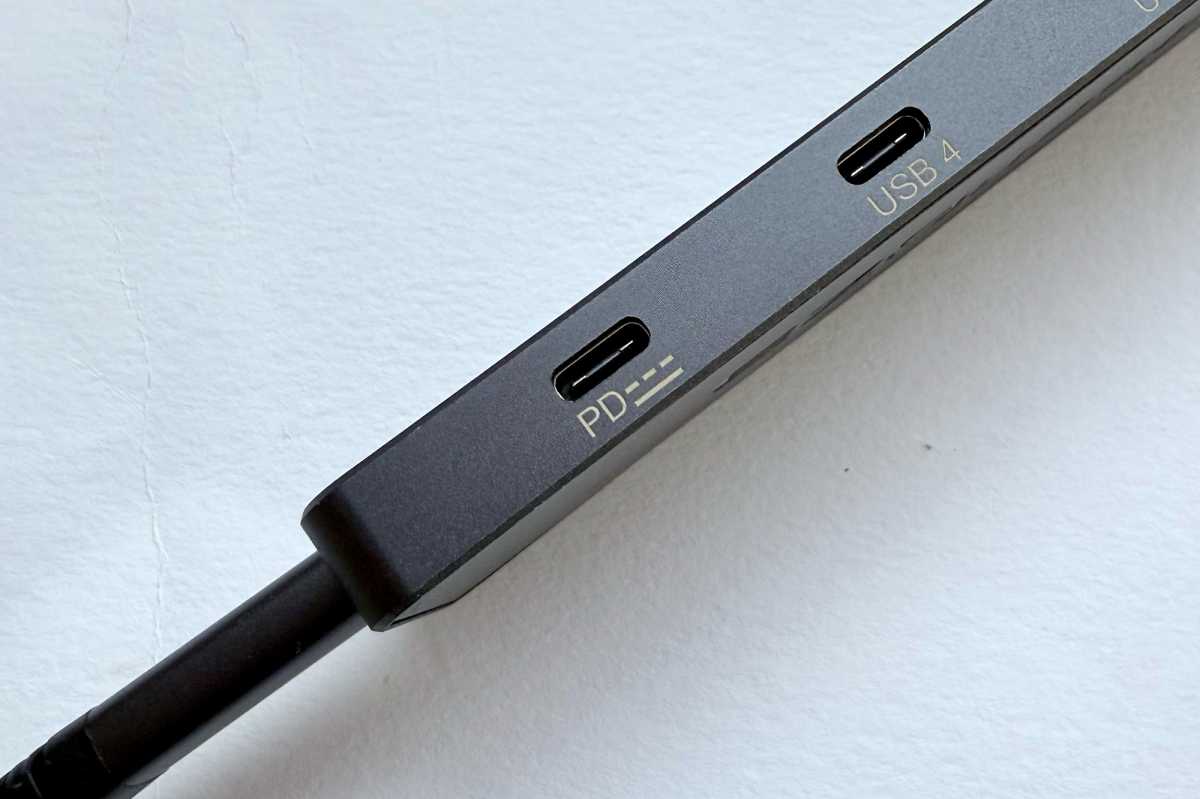
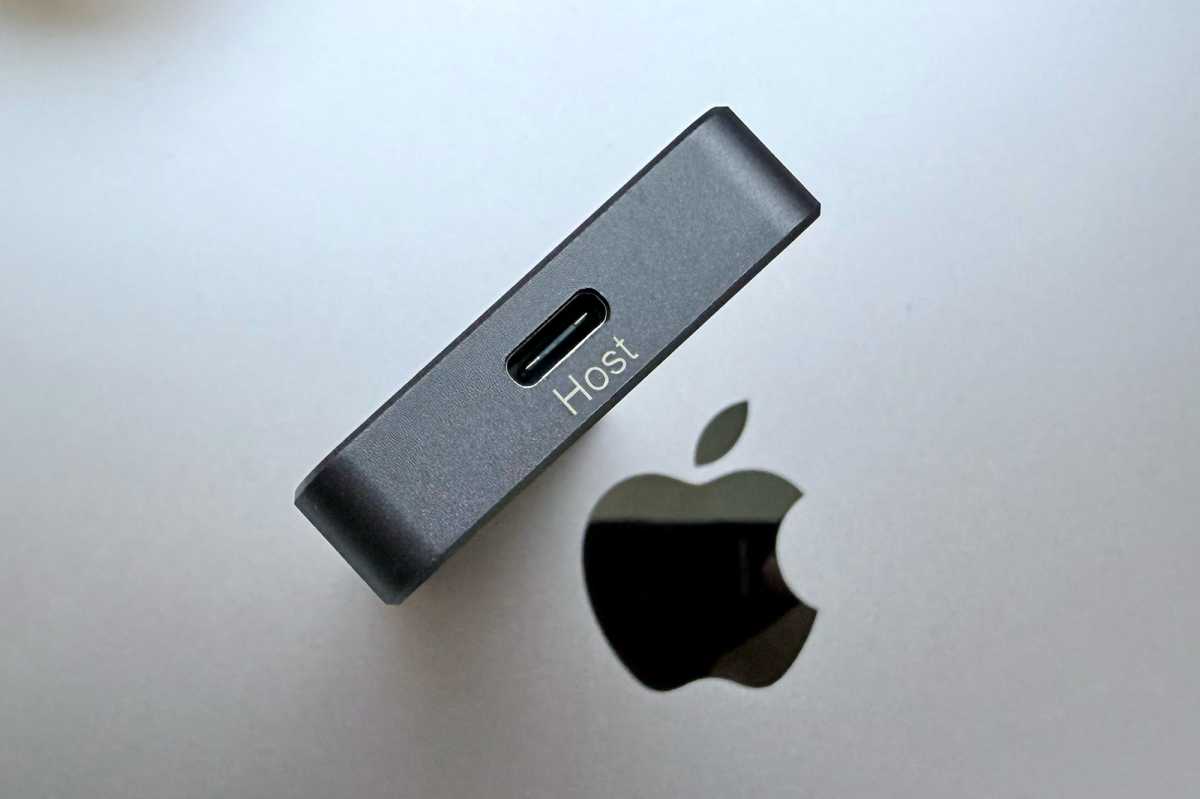
There are six USB-C ports, with one being the upstream connection to the computer and one linking with a charger to passthrough power to the laptop and devices.
The hub can take in 100W of power and then offers up to 77W for the connected MacBook and 23W to be shared among the devices plugged into the hub’s ports. Each of the four downstream USB-C ports has the potential to output 7.5W of power, and each of the three USB4 ports support 15W, but the maximum port output is a shared 23W.
External SSD drives, for example, require only a minimal 1W when idle but high-performance NVMe drives might demand up to 11W during heavy read/write. 23W therefore should be ample to keep a couple of SSDs operating at full pelt.
77W to the laptop is light compared to some other hubs, such as Plugable’s 10-in-1 USB-C Hub (USBC-10IN1E) that supports 140W in and 125W to the connected laptop. That hub is, however, more limited to device charging with their USB-C ports pegged back at 7.5W compared the EZQuest hub’s 15W USB4 ports. It’s also a one-display solution via HDMI.
77W is enough to keep any MacBook charged unless it’s running at full processing capacity. More power means faster charging.
23W is not enough to charge a second MacBook and 15W is not at the level to fast-charge an iPhone or iPad. For such charging requirements, we recommend you use a direct USB-C charger. If connecting the hub to a MacBook we recommend a 100W charger, although an Air or Neo would be fine with 65W or even 45W at a push.
Elsewhere, we’ve reviewed the best USB-C chargers for MacBook and best chargers for iPhone.
That said, an iPhone or iPad will certainly charge at 15W, just mot as quickly as it would with more power coming in.
Simon Jary
Design
A docking station with its own power supply can be cumbersome. The EZQuest 8-in-1 Hub is much more portable, although you’ll need to bring your own wall charger.
It is a little smaller than a standard USB-C hub, measuring 5.5 x 1.7 x 0.4 inches (140 x 43 x 11mm). At 2.36 oz (67g) it’s incredibly light.
The ports are clearly labelled, which is a help when they are all exactly the same shape!
The hub comes with a chunky 20-inch (50cm) detachable USB4 cable.
Hub rivals
An alternative would be the $75 Plugable 10-in-1 USB-C Hub (USBC-10IN1E) that puts 10 pro ports on a longer hub body with built-in cable, including more powerful 125W passthrough charging. This is more of a hub/dock mix with specialist ports, including a fast 2.5Gb Ethernet port, dedicated HDMI port and card readers.
The EZQuest Hub’s USB4 ports are more capable in terms of video, with the support for dual monitors, lacking from the Plugable’s single HDMI port—although that hub can reach a 144Hz refresh rate if the connected Mac has at least an M3, Pro or Max chip.
While the 8-in-1 Hub lacks card readers and Ethernet, you can add adapters to the ports that will enable this, although these will of course cost you extra.
You can buy Thunderbolt hubs that support software-free dual-display support—for example the CalDigit Thunderbolt 5 Element Hub, but at $249 it costs an extra $100 on the EZQuest. Drop to Thunderbolt 4, and the $179 CalDigit Thunderbolt 4 Element Hub is closer in price and boasts three downstream TB4 ports and four USB-A. Its 60W power to the laptop is even less than the EZQuest hub, though, and we think four USB-A is overkill these days in the world of USB-C.
For more options read our reviews of the best USB-C hubs for Mac or consider a fuller set of connection and charging options with one of the best Thunderbolt docking stations.
Price
The EZQuest USB 4 Dual Display 8-in-1 Hub (Pro Series) is priced at $149.99. That looks pricey for a hub but remember it offers a single 8K or driverless dual 4K monitor support that is lacking at anything near this price and portability.
If you want the very top-end of the port business you must go full-in with a docking station, but these are rarely portable and often costs hundreds.
Should you buy the EZQuest USB 4 Dual Display 8-in-1 Hub (Pro Series)?
With eight 10Gbps USB-C ports offering software-free dual-display video and passthrough charging, this super-portable hub is focused on connection flexibility rather than being a half-dock that decides for you what it thinks is the best solution.


