Summary created by Smart Answers AI
In summary:
- Macworld reports iOS 26.4 delivers major updates across Apple’s ecosystem, including AI-powered playlist creation in Apple Music and improved keyboard accuracy addressing previous user complaints.
- The update introduces age verification systems in multiple countries, individual payment methods for Family Sharing members, and enhanced accessibility features like “Reduce Bright Effects.”
- Key improvements include offline Shazam recognition, adaptive video streaming for Apple Podcasts, and Creator Studio integration with Freeform’s new Content Hub.
Apple has officially released iOS 26.4 to the public, and unlike the previous update, this one brings a more noticeable set of new features.
While the long-awaited AI-powered Siri is still nowhere to be seen, iOS 26.4 brings several new features and improvements to Apple Music, Podcasts, and Reminders, as well as overall system enhancements and new emoji.
Read on as we break down all the major new features and changes coming with iOS 26.4.
Apple Music
With iOS 26.4, Apple Music subscribers are getting an important new feature called Playlist Playground. Essentially, it lets users quickly create playlists using AI.
Users can simply describe what they want to listen to, whether it’s specific songs, artists, or genres, and Apple’s AI will create a playlist based on that prompt. The feature can also edit existing playlists. It’s worth noting that this feature is available only in the U.S. and works on any iOS 26.4 iPhone, even ones that don’t support Apple Intelligence.
Apple Music has new full-screen artwork in iOS 26.4.
Foundry
Apple Music is also getting a new Concerts feature, which helps users discover nearby shows from artists in their library, while also recommending live shows from new artists based on listening habits.
Another notable addition is Offline Music Recognition, now available through Control Center. This lets users identify songs with Shazam even without an internet connection. The result shows up as soon as the device is back online.
Rounding out the Apple Music changes, iOS 26.4 introduces an Ambient Music widget for quick access to curated playlists focused on Sleep, Chill, Productivity, and Wellbeing, as well as full-screen backgrounds for album and playlist pages, making the interface more immersive.
Podcasts
In addition to Apple Music, Apple Podcasts is also getting some improvements with iOS 26.4. More specifically, Apple has revamped the experience for video podcasts.
The update introduces support for Apple’s HTTP Live Streaming (HLS) technology, which automatically adjusts the video bitrate during playback. This means the app will always choose the best quality based on your internet connection without you having to change any settings. Thanks to this technology, users can also seamlessly switch between audio and video while playing a podcast.
iOS 26.4 includes several new Accessiblity settings.
Foundry
Accessibility
Updating to iOS 26.4 also brings some welcome accessibility improvements. For instance, the system now includes a new “Reduce Bright Effects” toggle that minimizes intense flashes when interacting with certain interface elements. Apple has also made it easier to access and customize subtitles and captions directly from the media player interface.
Moreover, the “Reduce Motion” setting has been improved to more consistently limit animations across the system, particularly with the Liquid Glass interface.
Emoji
For emoji fans, iOS 26.4 adds eight new characters to the keyboard. As previously announced, they include an orca, a trombone, a landslide, a ballet dancer, and a distorted face emoji.
Keep in mind that only people who have also updated their devices will see the new emojis in conversations or social media posts.
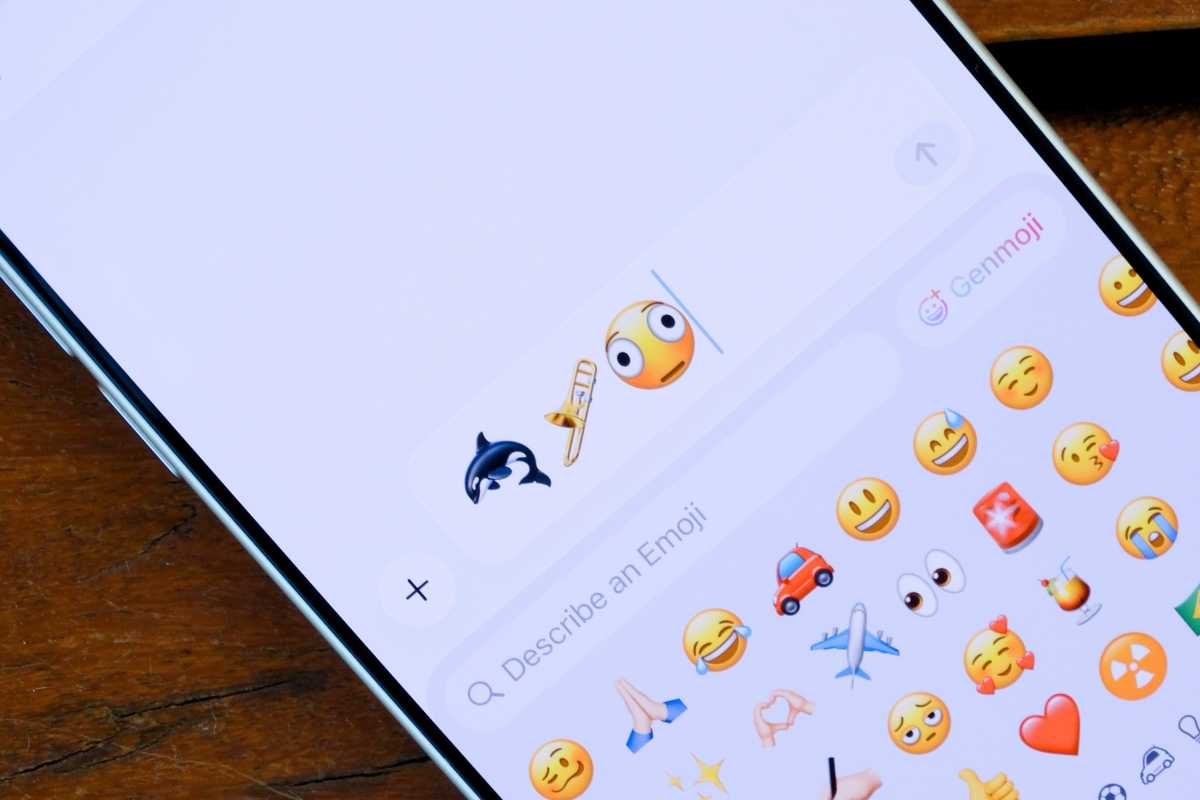
You can use several new emojis once you update to iOS 26.4.
Foundry
Freeform
When Apple announced the Creator Studio subscription, the company revealed that the Freeform app would also gain certain features exclusive to subscribers. These features are now available with iOS 26.4.
Creator Studio subscribers can now access the Content Hub right from Freeform, which offers a wide variety of photos, illustrations, and graphics that can be used royalty-free.
Users will also notice a new icon for the Freeform app that matches the style of other Creator Studio apps.
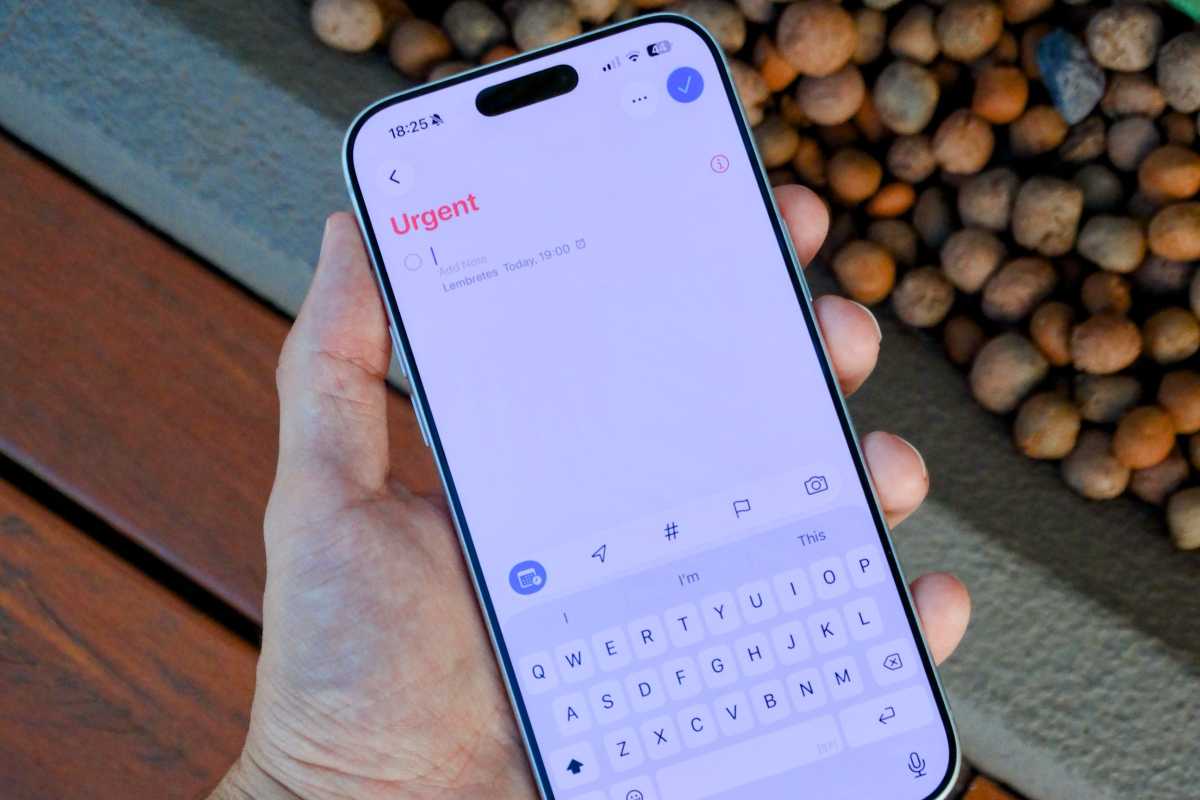
Urgent reminders are getting an upgrade in iOS 26.4.
Foundry
Urgent reminders
With iOS 26.2, Apple introduced a new option for creating urgent reminders, which show up as full-screen alerts at the scheduled date and time. Now, iOS 26.4 makes it easier to mark a reminder as urgent.
Users can mark tasks as urgent in the Reminders app right from the Quick Toolbar or with a long press. Urgent reminders can also be filtered using Smart Lists.
Family Sharing
Apple is also making a major change for users who rely on Family Sharing. While the entire family currently relies on a single payment method, iOS 26.4 will allow each family member to pay for their own online purchases.
“Purchase Sharing lets adult members in Family Sharing groups use their own payment method when making purchases, without relying on the family organizer,” Apple explained in the release notes.
This is certainly great news for those who use Family Sharing to share their iCloud and App Store purchases.
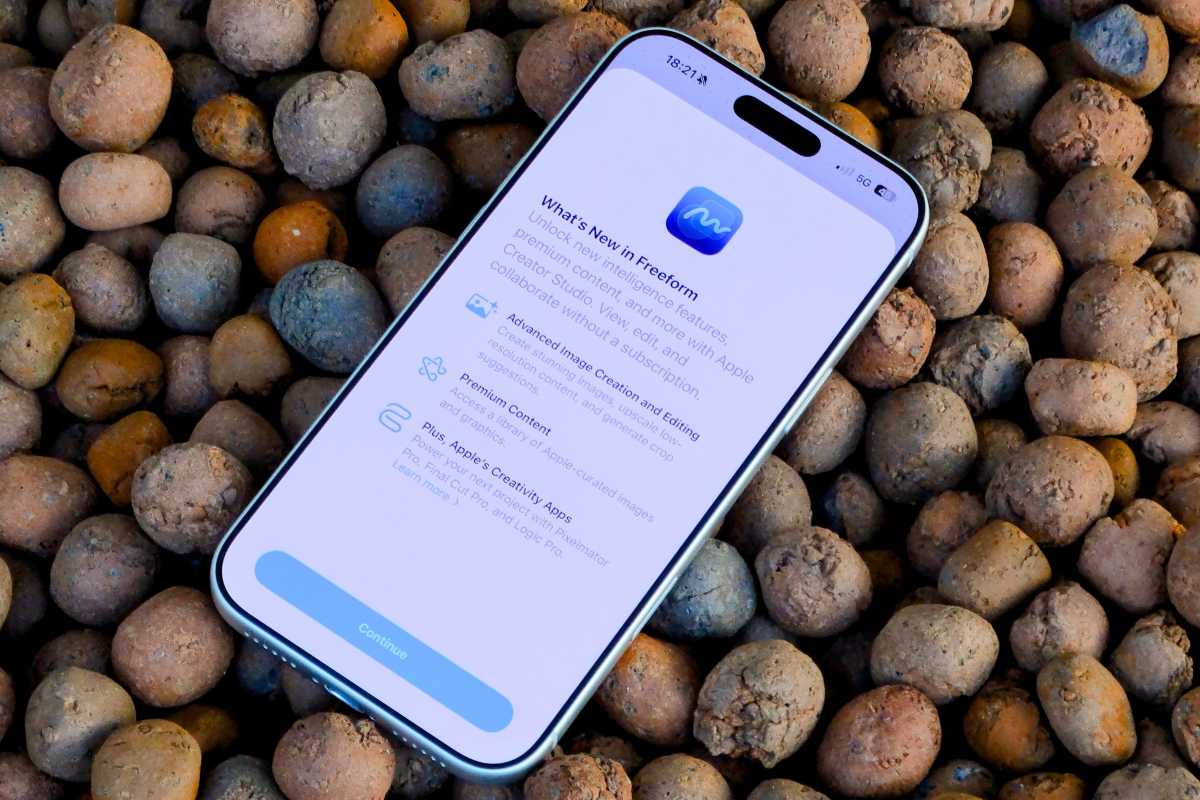
The Freeform app got its Creator Studio update in iOS 26.4.
Foundry
Keyboard accuracy
As we reported last year, many iPhone users had been complaining that iOS 26 had reduced the accuracy of the on-screen keyboard, resulting in more typos. Although Apple never acknowledged the issue at the time, it has made changes to the iOS 26.4 keyboard that essentially admit there was a problem.
The iOS 26.4 release notes mention “improved keyboard accuracy when typing quickly” as part of the changes included in the update. It’s unclear exactly what Apple changed to improve the virtual keyboard, but users will certainly be pleased that Apple is working on the issue.
Age verification
One of the most notable changes in iOS 26.4 is related to compliance with local laws.
The update introduces age verification requirements in multiple regions, including Australia, Brazil, Singapore, and specific U.S. states such as Utah and Louisiana. These measures are tied to regional legislation and are designed to ensure that users meet minimum age requirements for certain features and services.
In these locations, Apple may require additional information about the user to verify their age. This includes details such as how long the Apple Account has been active or credit card information.
The company has also created a new API that will anonymously inform apps whether a user meets the minimum age requirements without sharing their age, date of birth, or any other personal information.
Update your iPhone now
In addition to all these new features, iOS 26.4 also includes bug fixes, performance improvements, and enhanced security. That’s why it’s always important to keep your devices updated with the latest software.
You can install iOS 26.4 by going to Settings > General > Software Update and tapping Update Now. The update is available for the iPhone 11 and later.


