Summary created by Smart Answers AI
In summary:
- Macworld explains why iPhone users should upgrade from iOS 18 to iOS 26, emphasizing critical security patches and new features.
- Apple now ties security updates to the latest iOS versions, leaving older systems vulnerable to hackers and exploitation.
- Key improvements include Siri 2.0 with Google Gemini integration, customizable Liquid Glass UI, and enhanced communication tools in the upcoming iOS 26.4 update.
iOS 26 has been a controversial release, primarily due to the Liquid Glass UI spread across the entire system. While Apple has yet to share official figures, third-party reports suggest adoption is significantly lower than usual.
If you’ve been avoiding iOS 26, you may want to reconsider. The OS has already received multiple updates that address early bugs, improve battery life, and give users more control over the Liquid Glass aesthetic. More importantly, it includes critical security fixes that you otherwise can’t apply.
Flexible Liquid Glass
People generally tend to be averse to change, especially when it impacts their everyday devices. While, arguably, there’s nothing fundamentally wrong with how Liquid Glass looks and behaves, there’s no denying that it can be a jarring experience at first. Fortunately, your eyes eventually adapt, and it should become your new norm in no time.
If you find Liquid Glass too transparent, you can adjust its opacity by heading to Settings > Display & Brightness > Liquid Glass. You’ve got the default Clear look that emphasizes the new design language and an alternative Tinted option that adds more contrast to improve readability.
Liquid Glass isn’t as bad as you’ve heard, but if you hate it, you can basically turn it off.
Foundry
Picking the Tinted option won’t completely kill the system’s Liquid Glassiness, however. To further increase the opacity and contrast, you can go to Settings > Accessibility > Display & Text Size, and toggle Increase Contrast. This will give the glassy elements a more solid look that, to an extent, resembles iOS 18.
Stable performance and battery life
It is widely believed that new iOS versions cause iPhone battery drain and slowdowns. While that can be true at first, it doesn’t tell the whole story. When you install a major release, your iPhone reindexes data and runs relevant processes in the background that consume battery power. However, these tasks typically conclude within a few days, after which your battery life will return to normal. So, while you may experience some atypical battery drain right after updating, it’s rarely irreversible.
If you’re concerned about battery life when upgrading to iOS 26, fear not.
Foundry
That’s not to mention that certain people use their iPhones more than usual after a feature update to explore all of the fresh additions and tools. This also contributes to the power drain and perception of a shorter battery life.
As for the performance, it shouldn’t see a significant, long-term hit, either. Apple restricts power-hungry features that require fast processors to newer iPhones. This minimizes lags and ensures that older models running the latest OS version still perform fluidly.
Fresh features
While Liquid Glass is iOS 26’s most prominent introduction, the OS update adds plenty of other non-cosmetic features that elevate the mobile computing experience. You’ve got tools that pick up the phone on your behalf, get answers from callers, translate live speech, and filter out spam. Messaging has also been upgraded with conversation backgrounds, polls, inline translations, and more.
Beyond communication, you’ve got preferred routes in Apple Maps, an all-new Games app that makes discovering new titles and in-app events easier, lyric translations and the AI-powered AutoMix transitions in Apple Music, and much more. By staying on iOS 18, you’re missing out on a ton of smart features that are only increasing with each new update.
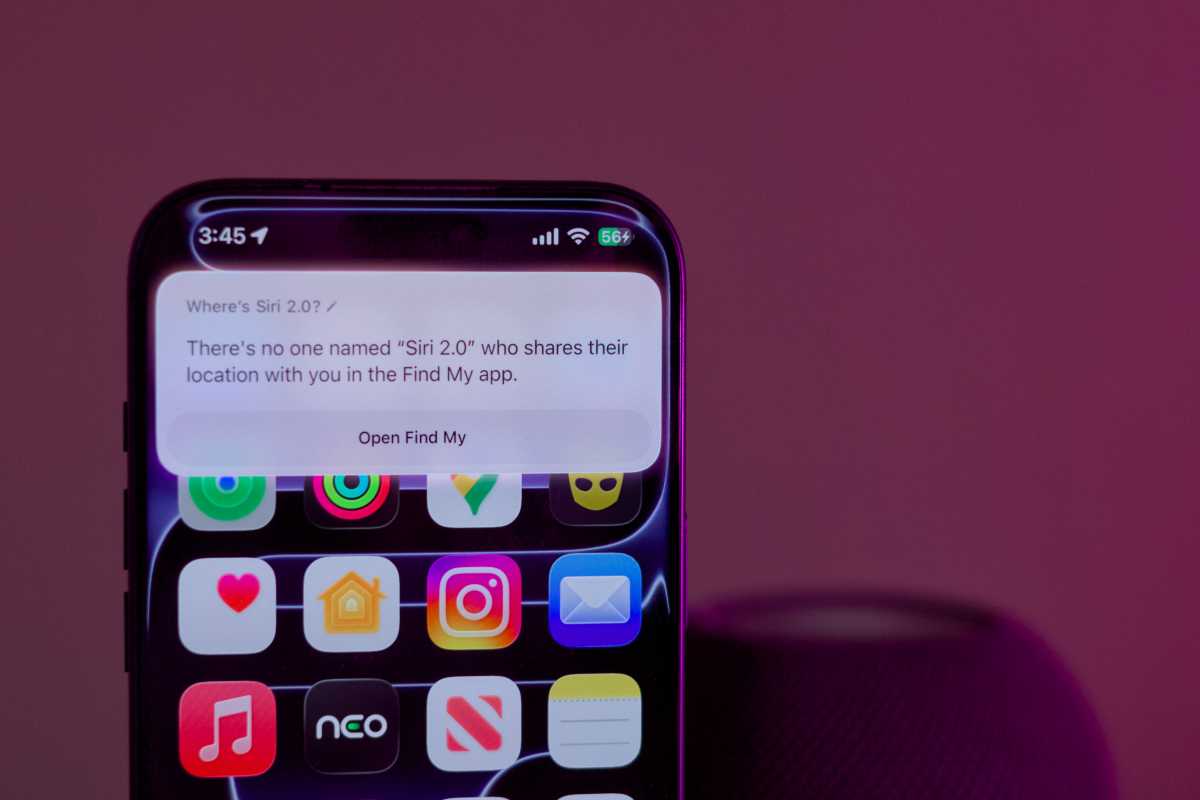
Siri is finally getting its Apple Intelligence upgrade—but you’ll only get it with iOS 26.
Foundry
Upcoming AI perks
If those upgrades don’t mean much to you, this one might. With the upcoming iOS 26.4 update, Apple will reportedly finally introduce Siri 2.0. The virtual assistant will utilize Google Gemini’s superior infrastructure to deliver detailed information and perform tasks more reliably. It will also allow you to control supported first- and third-party apps using your voice and effortlessly pull data from old conversations. Given that the present Siri constantly struggles to process basic commands, you won’t want to skip its most remarkable upgrade later this year.
Security patches
Beyond the user-facing changes, iOS updates tend to patch security vulnerabilities that prevent hackers from accessing or monitoring your iPhone’s data. Historically, Apple would issue security fixes to all users, including those sticking to an older OS release. That’s no longer the case, however.
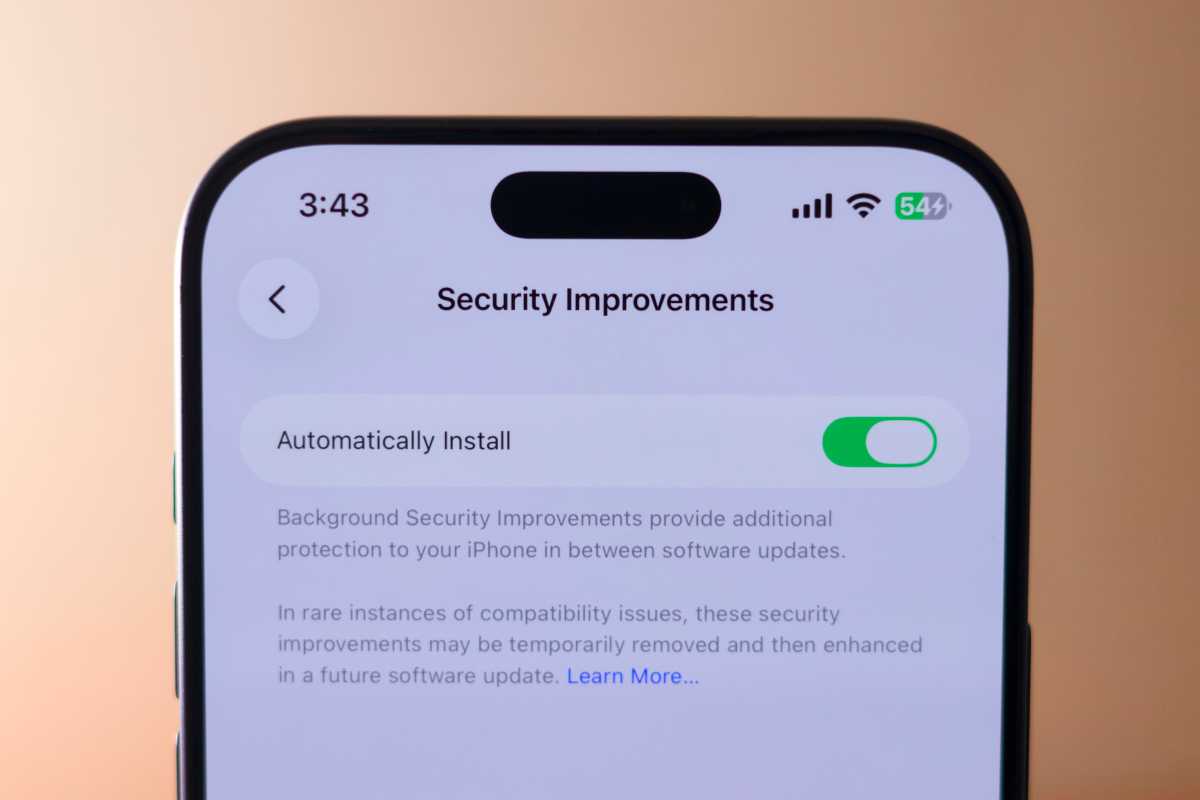
New features are nice, but security updates are the real reason to upgrade to iOS 26.
Foundry
For example, iOS 18.7.3 launched exclusively on the iPhone XR, XS, and XS Max, as they’re the only models to support iOS 18 but not iOS 26. Users with newer iPhone models won’t be able to get their hands on the crucial security patches unless they install iOS 26.2. Keeping your iPhone on iOS 18 will prevent it from receiving some timely security updates, making it more susceptible to exploitation.
To update your iPhone to iOS 26, go to Settings > General > Software Update, and hit the Update Now button. Agree to the terms of service after reading them and ensure that your iPhone is connected to a power source until the installation concludes.


