Summary created by Smart Answers AI
In summary:
- Macworld explores a journalist’s switch from Adobe Creative Cloud to Apple Creator Studio, driven by Adobe’s high subscription costs of $69.99/month versus Apple’s $12.99/month pricing.
- The transition involved replacing Photoshop with Pixelmator Pro and Lightroom with Photomator, finding Apple’s apps provided essential features without unnecessary complexity for independent creators.
- Final Cut Pro outperformed Adobe Premiere Pro with faster rendering on macOS and an intuitive magnetic timeline, demonstrating significant cost savings and workflow improvements for Mac users.
For years, Adobe Creative Cloud has been an essential part of my workflow. While I’m always writing as a journalist, I’m also constantly editing photos and videos, and Photoshop, Premiere, Lightroom, and other apps have been essential to my work. But like many freelance creators, I started to wonder if paying such a high price for Adobe apps was really worth it.
Even before Apple Creator Studio became a reality, I had already decided to switch from Adobe to Apple and Pixelmator apps (which now belong to Apple). If you’re also wondering whether the switch is worth it, read on as I detail how this decision impacted my workflow and which suite is better.
Adobe made sense, until it didn’t
I’m not here to disparage Adobe apps. There’s a reason why Adobe dominates the industry when it comes to creativity apps. Creative Cloud offers powerful tools that work seamlessly with each other and are widely used in professional environments.
Few things are easier than starting to edit a photo in Lightroom and retouching it in Photoshop with just a few clicks. Plus, if you work in a team, at an agency, or in a corporate environment, Adobe is usually the standard. It’s hard to be the only one using different software when you need to collaborate with others.
But as a solo creator, I started to realize that I wasn’t actually using most of what I was paying for.
Adobe’s Creative Cloud apps are incredibly powerful, but are also very expensive.
Foundry
I’ve been an independent journalist for years, and I also work from home. And as a Mac user, I started to notice that Adobe apps aren’t really optimized to take advantage of all the newer features in Apple hardware and software. All of Adobe’s apps run natively on Apple silicon, of course, but Adobe doesn’t keep up with the latest advancements in hardware or software as Apple does.
And yet, I was locked into a subscription that kept getting more expensive and harder to cancel. Annual plans, cancellation fees, and constant subscription renewals created a sense that I was renting my tools indefinitely, whether I wanted them or not.
Pixelmator Pro replaced Photoshop more easily than expected
There’s no denying that Photoshop is the most powerful image editor on the market. There’s no denying that. But I also realized that I didn’t need all that power most days.
My main use for Photoshop was to create artwork and crop images for my articles, or make templates for social media posts. I’m not a novice user, but I also didn’t really need all of Photoshop’s advanced tools.
Pixelmator Pro is a worthy alternative to Photoshop.
Foundry
I gave other apps such as Affinity Photo a try and ended up choosing Pixelmator Pro as my new image editor. At the time, Apple hadn’t yet acquired the app, and it was only available for Mac, which wasn’t a problem since I prefer working on my Mac anyway.
With Pixelmator Pro, you can work with multiple layers, add shapes, text, and masks, remove backgrounds, adjust colors, apply effects, and more. But one of my favorite features is Super Resolution, which uses AI to restore low-resolution images.
Pixelmator Pro doesn’t have as many tools as Photoshop, but it gets the job done and covers everything I need for retouching, compositing, cropping, and easy exporting to the web and social media. The interface is much cleaner and easier to use than Photoshop’s, which is great for beginners.
And Pixelmator Pro is a great Mac app. It’s built with the latest technologies and runs extremely smoothly on Apple silicon Macs. It became clear to me that I no longer needed Photoshop in my life. It started to feel like overkill.
Photomator is the perfect Lightroom alternative
In order to dump Adobe, I also needed a replacement for Lightroom. Since I was already using Pixelmator Pro, Photomator felt like the best and most natural choice. From the same developers as Pixelmator Pro and now also owned by Apple, Photomator is the perfect app for batch editing photos.
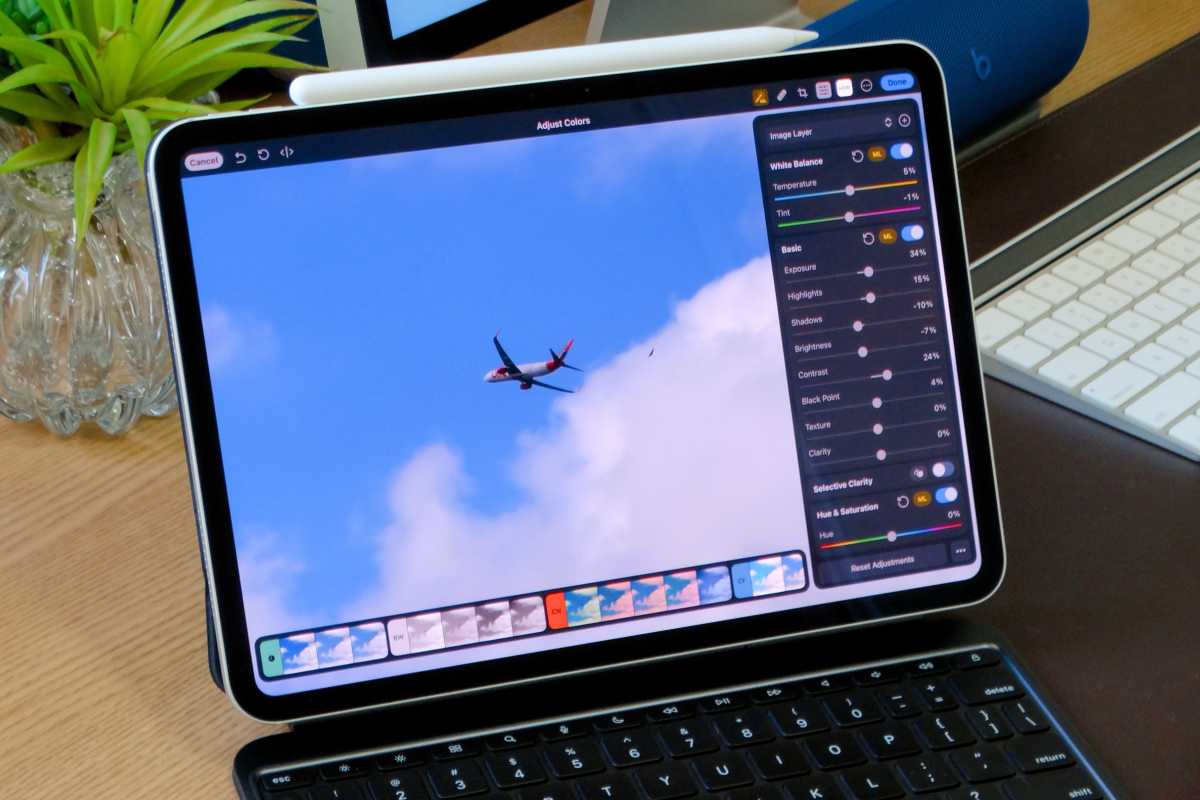
Photomator is an underrated tool for touching up photos.
Foundry
It has all the essential tools for editing photos with color and texture correction, LUT support, automatic subject and background selection, and compatibility with multiple RAW formats. It’s also super easy to use and integrates with the iCloud Photos library, which is a huge plus for me.
Like Pixelmator Pro, Photomator also has some interesting AI-based features, such as Super Resolution, Smart Deband to remove color banding artifacts, Denoise to remove camera noise, and Repair to remove imperfections or entire objects from a photo.
I also find that Photomator runs noticeably faster and smoother on my Mac than Lightroom. Plus, Photomator is available on iPhone and iPad, so I can edit photos right from my phone or retouch them with Apple Pencil on my iPad.
Final Cut Pro is a real upgrade over Premiere
When it comes to video editing, both Final Cut Pro and Premiere Pro offer advanced tools and are widely used in the industry. But for me, Final Cut is much easier to use.
Despite having professional tools for color grading, LUTs, transitions, and effects, Apple designed Final Cut Pro with an interface that makes it look like iMovie. Even if you’ve never edited a video before, you’ll learn how to use it in no time.
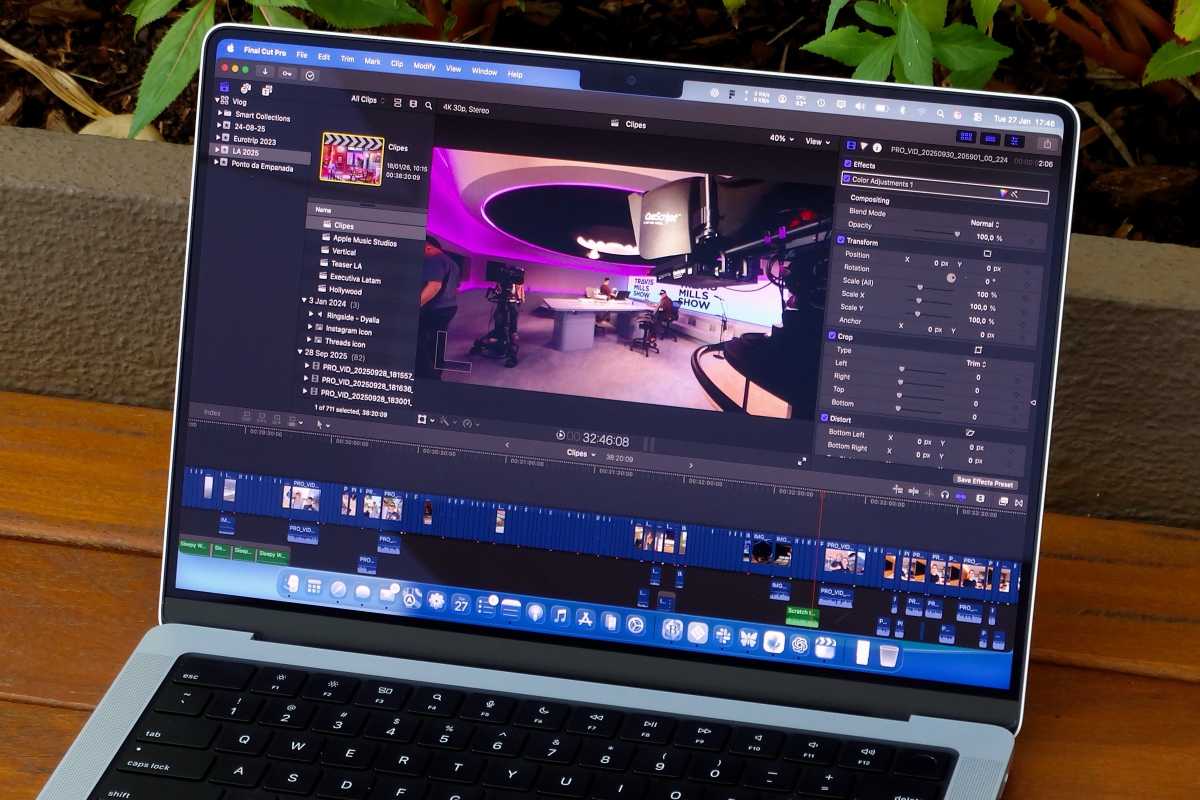
Final Cut Pro is superior in many ways to Premiere.
Foundry
Of course, if you’re coming from Adobe Premiere, there’s definitely a learning curve. You have to relearn the interface, menus, keyboard shortcuts, and adjust your workflow. But once you do, you’ll master Final Cut and enjoy some excellent new tools.
My favorite thing about Final Cut Pro over Premiere is the magnetic timeline. You can easily drag and drop videos, images, and audio files onto the timeline to rearrange them as you like, while Premiere is still track-based and much more complex to compose your videos.
Once again, performance is also a key aspect of Final Cut Pro. It runs infinitely better than Adobe Premiere on macOS, and rendering time is also much faster. This really helps speed up my workflow.
How the iPad fits
I switched from Adobe to Apple because I’m more of a Mac person. Still, I have an iPad Pro that helps me work on the go.
Both Apple Creator Studio and Adobe Creative Cloud offer versions of their apps for the iPad, but there are a few things to keep in mind. iPad apps, whether from Apple or Adobe, lack some of the features found in their desktop versions.
With my Adobe subscription, I had access to iPad versions of Photoshop, Lightroom, and even Premiere. They were far from being desktop apps, but still quite useful when my Mac wasn’t around.
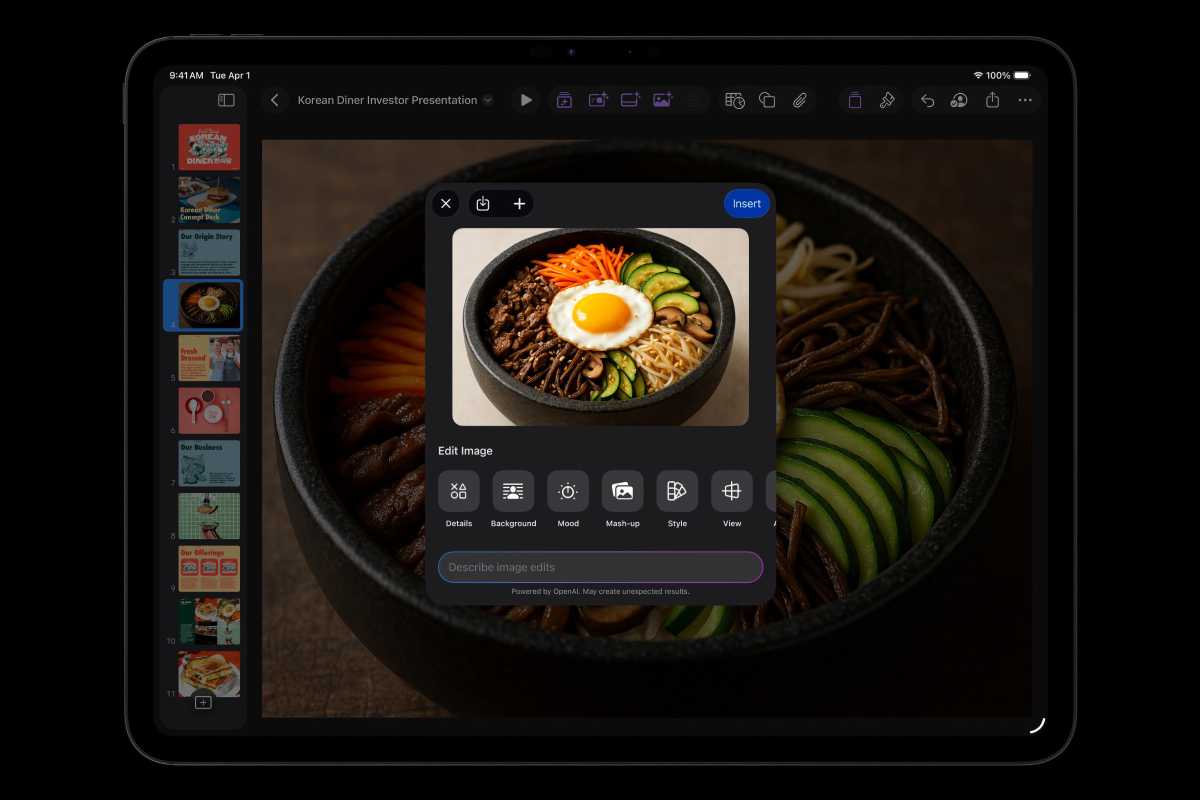
Apple Creator Studio is just a few months old and already has some excellent features for the price.
Apple
When it comes to Creator Studio, you’ll find both Final Cut Pro and Pixelmator Pro on the iPad. However, while I love Final Cut Pro on the Mac, the iPad version still feels too basic. The mobile version of Premiere offers more tools (such as using AI to enhance audio) and is even available on the iPhone. I miss that, and it feels like a missed opportunity for Apple.
Pixelmator Pro on iPad has pretty much the same tools available on the Mac, but with some limitations. You can’t open files with a huge number of layers, for example. Meanwhile, Photomator for iPad is also an excellent app, but here’s the thing: It’s not part of Creator Studio, which means you have to buy it separately ($119 or $30/year). Even worse, buying the Mac version doesn’t give you access to the iPad version, so you essentially need to buy it twice.
So if you want to focus on creating on the iPad, Adobe is probably still be the best option. As I previously wrote here on Macworld, Apple hasn’t fully figured out Pro apps for the iPad yet.
The price difference is a no-brainer
Adobe Creative Cloud is powerful, but it’s expensive, especially if you need more than one app. Even the Photography plan with Photoshop and Lightroom adds up over time, and the full Creative Cloud subscription can feel heavy if you’re working independently.
Apple, on the other hand, has a much more appealing deal with Creator Studio. For $12.99 per month or $129 per year, you get access to Final Cut Pro, Pixelmator Pro, Logic Pro, and many other apps. The only downside is that Photomator is not included in the bundle (a lifetime license costs $119).
Adobe, on the other hand, charges $19.99 per month for its Photography plan with only two apps. If you want the full suite, it will cost you $69.99 per month if you commit to a full year or $104.99 on a per-month basis, and canceling incurs hefty fees. For independent creators, the price difference matters a lot—especially when you consider that two months is more than a full year of Creator Studio.
Foundry
Why I don’t regret switching
When I first switched over to Creator Studio, I was afraid of losing important features by ditching Adobe apps. But in reality, Apple apps offer pretty much everything I need and are much more affordable. Final Cut Pro feels faster and more enjoyable to use on a Mac. Pixelmator Pro and Photomator cover everything I need for images without overwhelming me with features I’ll never touch.
Are Adobe apps more advanced in many areas? Absolutely. But for an independent creator working primarily within the Apple ecosystem, they’re not always necessary. I can still do my job, and I no longer pay a fortune for tools I wasn’t fully using.
If that’s the case for you (especially if you have a Mac), you should definitely give switching from Adobe to Apple apps a try.


