$100 Off The Premium ASUS ROG Azoth 96 Gaming Keyboard
Now just $259.99, down from $359.99 this Black Friday
(function () {
document.querySelector(“#sticky-promo-block a”).addEventListener(“click”, function(e) {
const debug = document.location.host.search(/lndo.site|go-vip.net/) !== -1;
const text = this.closest(“#sticky-promo-block”).querySelector(“p.promo-title”).textContent;
const data = {
event: “stickyConversionUnitClick”,
eventCategory: “Sticky Conversion”,
eventAction: “Click”,
eventLabel: text
};
if(debug)console.log(“Sticky Conversion CLick – pushing to dataLayer: “, data);
dataLayer.push(data);
return true;
});
})();
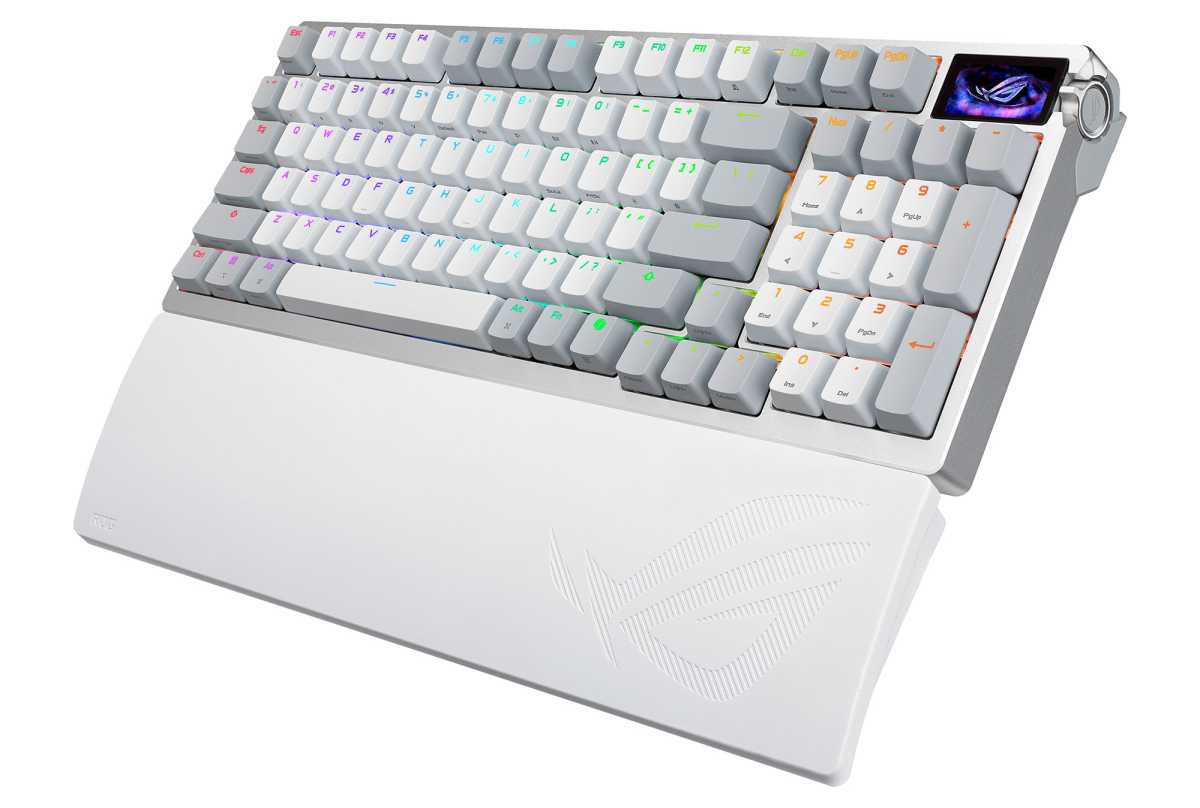
Buying for a gamer, a student or someone who works from home, or as a top treat for yourself? The ASUS ROG Azoth 96 HE combines adjustable magnetic switches with a number pad, wireless connectivity, and a cushioned typing feel. Here’s what it does, who it suits and why there’s never been a better time to buy.
Holiday deal at Best Buy: $259.99, down from $359.99 MSRP – a $100 saving, November 19–30, and at Amazon, see below.
ASUS
What should a keyboard upgrade do?
Most people want games to feel more responsive and typing to feel more comfortable, without juggling cables or software. Cheaper keyboards usually compromise on one; the Azoth 96 HE is designed to do both, at a premium price.
How do Hall effect switches differ from mechanical ones?
A standard mechanical switch registers a press at a fixed depth. The Azoth’s ROG HFX V2 switches are magnetic: a Hall sensor measures how far each key has travelled, so you choose where it registers—anywhere from 0.1mm to 3.5mm, in 0.01mm steps.
ASUS
A gamer can set movement keys to respond to a light touch. Someone who rests their fingers heavily while typing can set a deeper point to reduce accidental presses. You can adjust every key at once or keys individually, using the control knob or the Gear Link software.
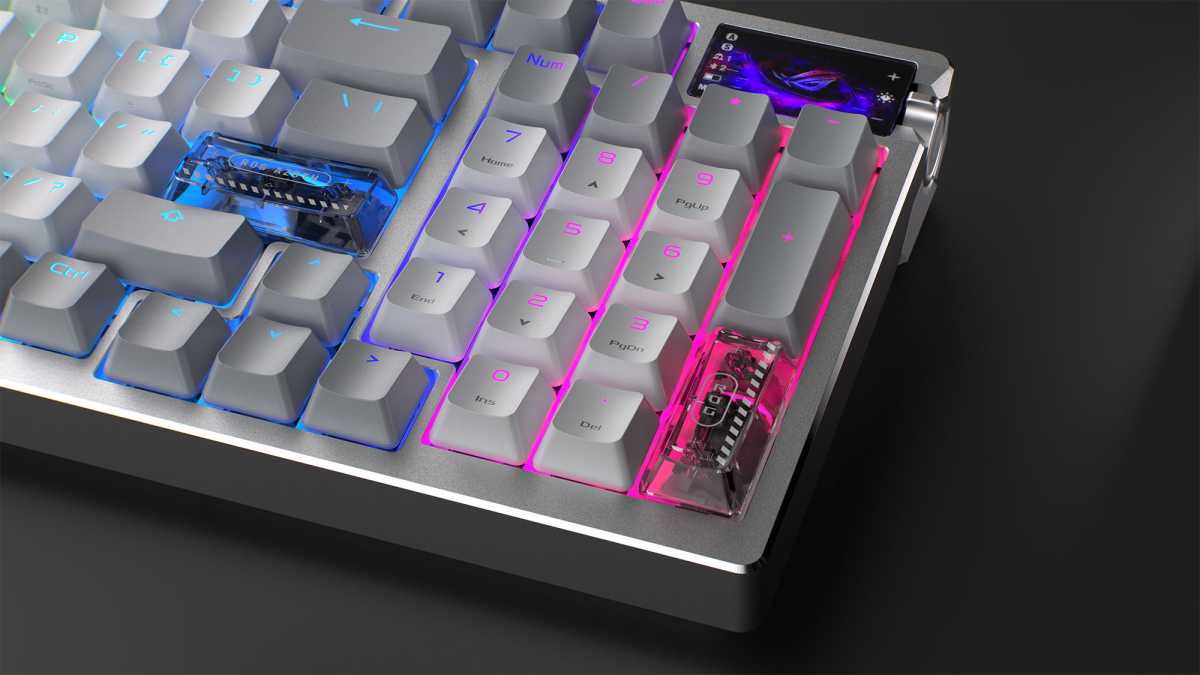
The switches are linear (smooth, with no bump or click), pre-lubricated and rated for 100 million presses. They’re hot-swappable, so a single switch can be pulled and replaced without soldering.
What do Rapid Trigger and Speed Tap do?
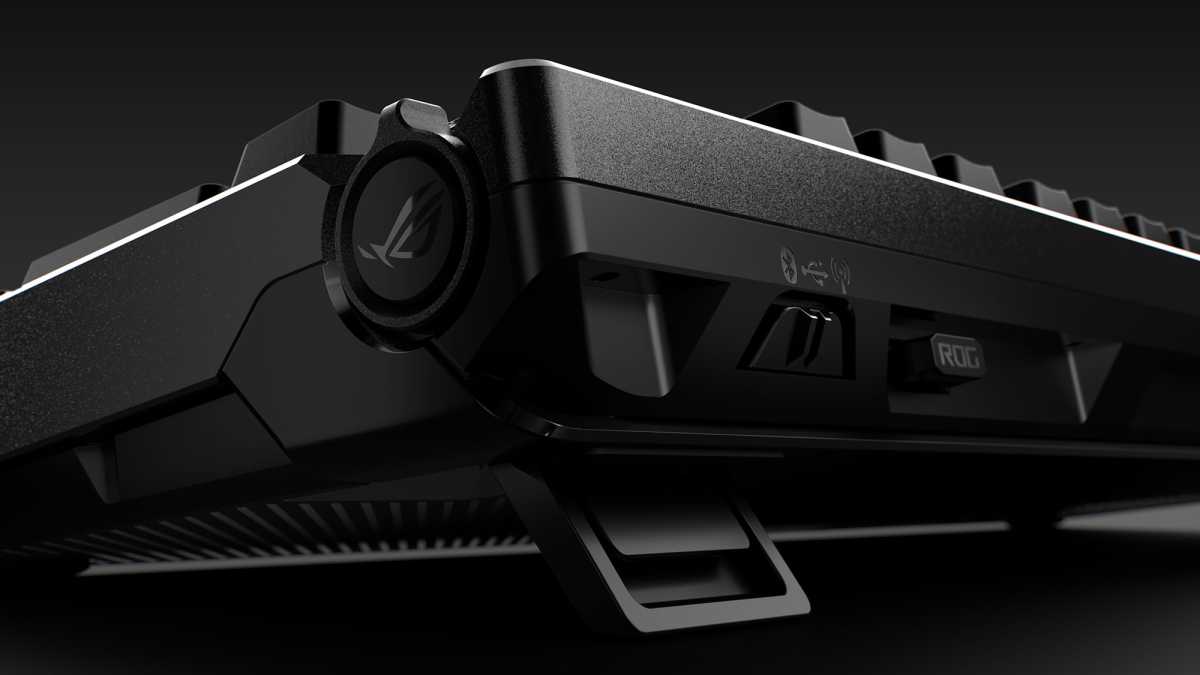
On a mechanical keyboard, a key has to rise past a reset point before it can register again. Rapid Trigger resets the key as soon as it starts moving up, so quick repeated taps and stops register sooner. When switched on, it covers W, A, S and D by default; other keys can be added in Gear Link.
Speed Tap handles opposing keys. Press D while still holding A and the keyboard registers the newer key and releases the older one, so your character changes direction instead of stopping. Hold Fn + Caps Lock for one second to toggle it; it applies to A and D by default.
ASUS
What makes the build feel premium?
A metal top cover extends down to wrap around the bottom case. The bigger difference to how it feels to type on is inside, where six layers of dampening material sit beneath the keys: four layers of PORON cushioning foam; an IXPE pad, a thin, dense foam layer; and a silicone pad. The keyboard’s dampening design ensures every keystroke feels soft and stable.
Together they absorb vibration and the metallic ping some switches make. That’s worth knowing if you type in a shared room, on calls or late at night.
The layers sit on a gasket mount. Instead of being screwed rigidly to the case, the internal assembly rests on soft gaskets, which gives each keystroke a slight cushion. If you’d like a softer or firmer feel, you can swap out the underlying dampening foam. Keys take 32–49g of force to press.
The double-shot PBT keycaps have legends formed from a second layer of plastic rather than printed on. A silicone wrist rest is included.
ASUS
What are the OLED touchscreen and knob for?
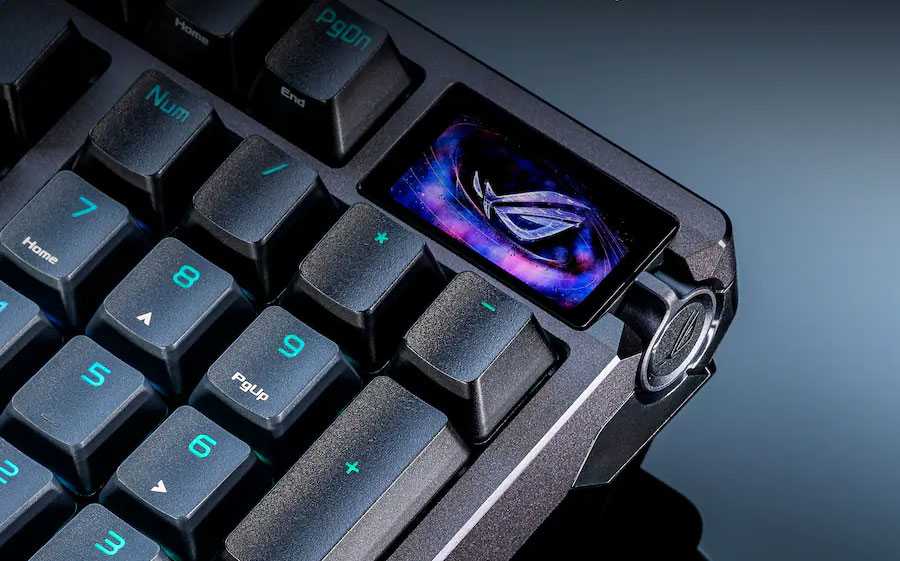
A 1.47-inch colour touchscreen shows battery level, connection mode and Caps Lock status at a glance. Through Gear Link it can also display CPU temperature, the date and time, keystrokes per second or your own GIF. Beside it, a three-way knob and side button adjust volume, media playback, lighting and screen brightness without opening any software. The knob is fully programmable.
ASUS
Do you need to install software?
No. Gear Link runs in a web browser, with nothing to download. It’s where you remap keys, record macros, set lighting, change polling rates and power-saving options, and recalibrate switches after replacing them. That helps if you’d rather not, or can’t, install apps – on a school or work laptop, for example.
Will it work across your computers?
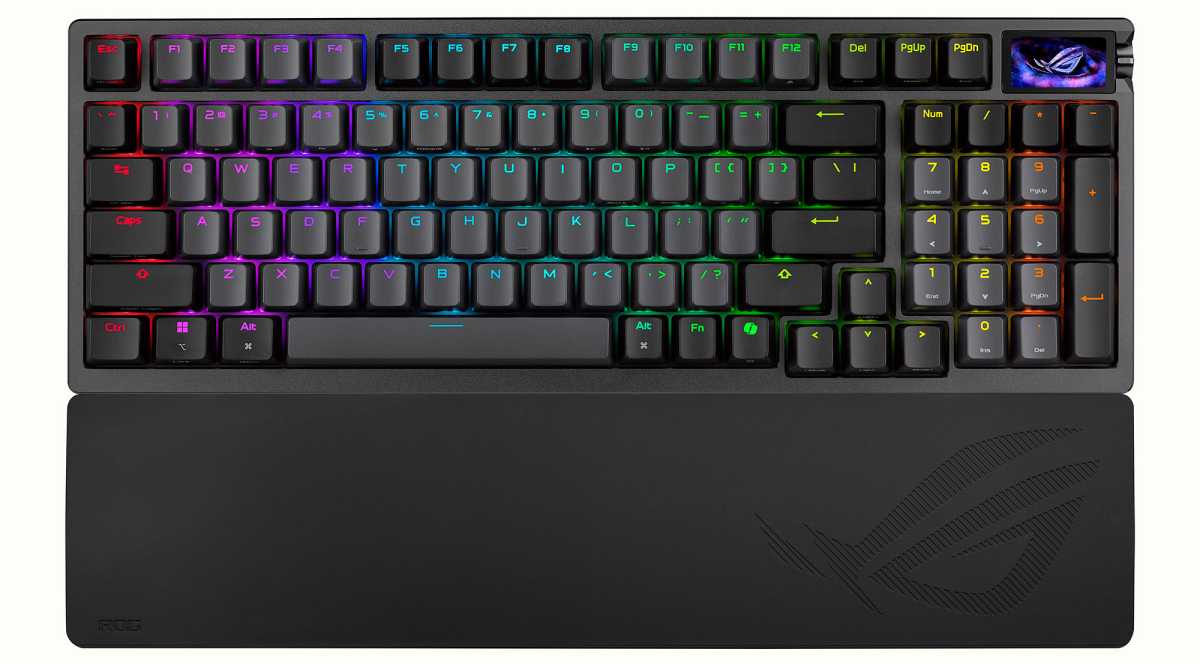
It connects by 2.4GHz wireless dongle, Bluetooth or USB cable, and pairs with up to five Windows or Mac devices. Polling rate (how often it reports key presses) reaches 8,000Hz; Zone Mode boosts ten common gaming keys, including WASD, to 8,000Hz and turns the lighting off. The 96% layout is about 1cm wider than a tenkeyless board but keeps a number pad, Home, End and Print Screen.
ASUS
Black Friday & Cyber Monday deal
Holiday deal at Best Buy: $259.99, down from $359.99 MSRP – a $100 saving, November 19–30. Discounts also available at Amazon.
ASUS


